

Professional Smart Cabinet Lock Manufacturer & OEM Supplier from China !
YonAnn manufactures smart cabinet locks for commercial lockers, furniture, drawers, wardrobes and storage cabinets. Our solutions include RFID/NFC, fingerprint, keypad, Bluetooth APP and hidden cabinet locks, available with standalone, software-managed and cloud-connected systems. OEM/ODM services are available for cabinet manufacturers, brands and project buyers.
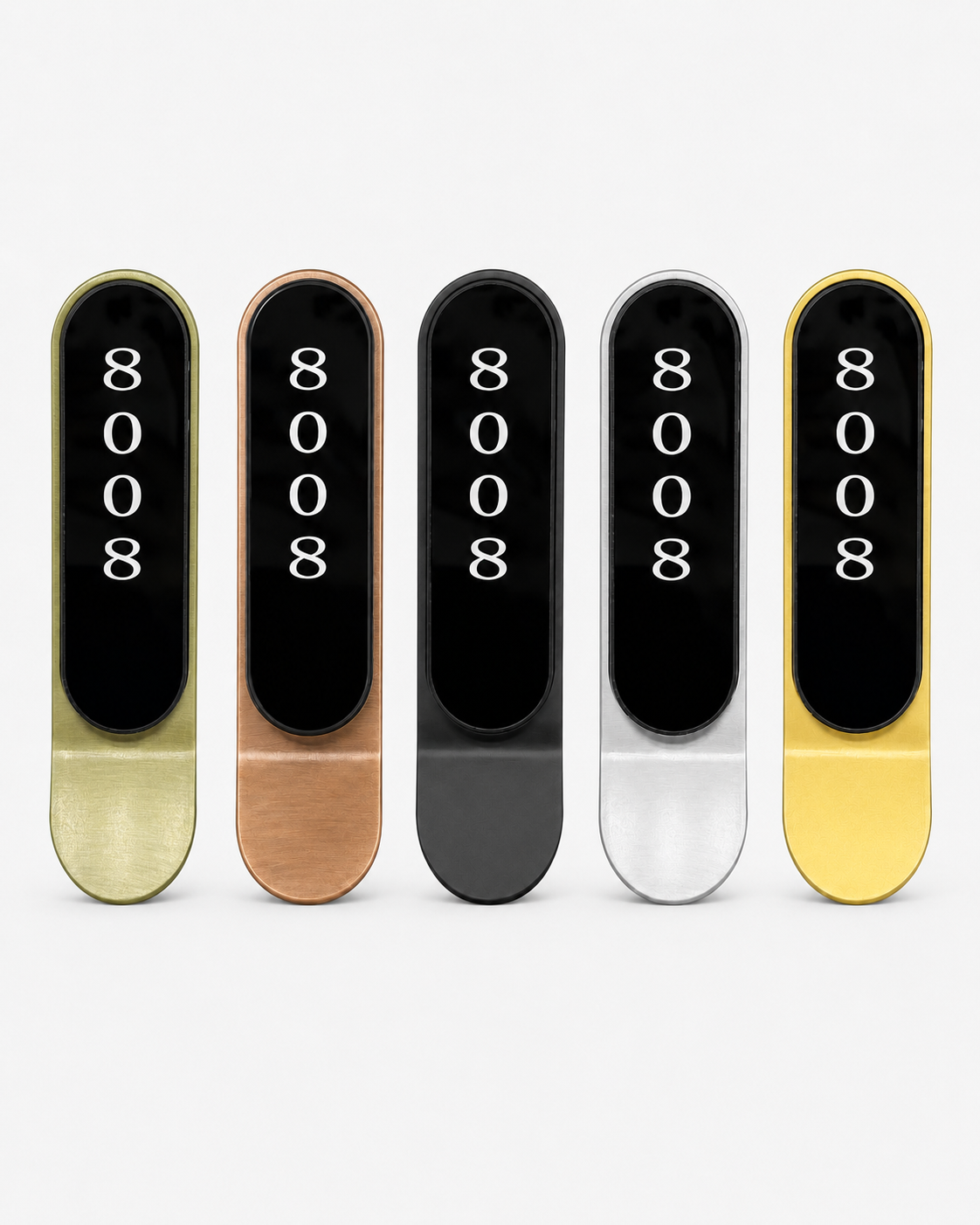
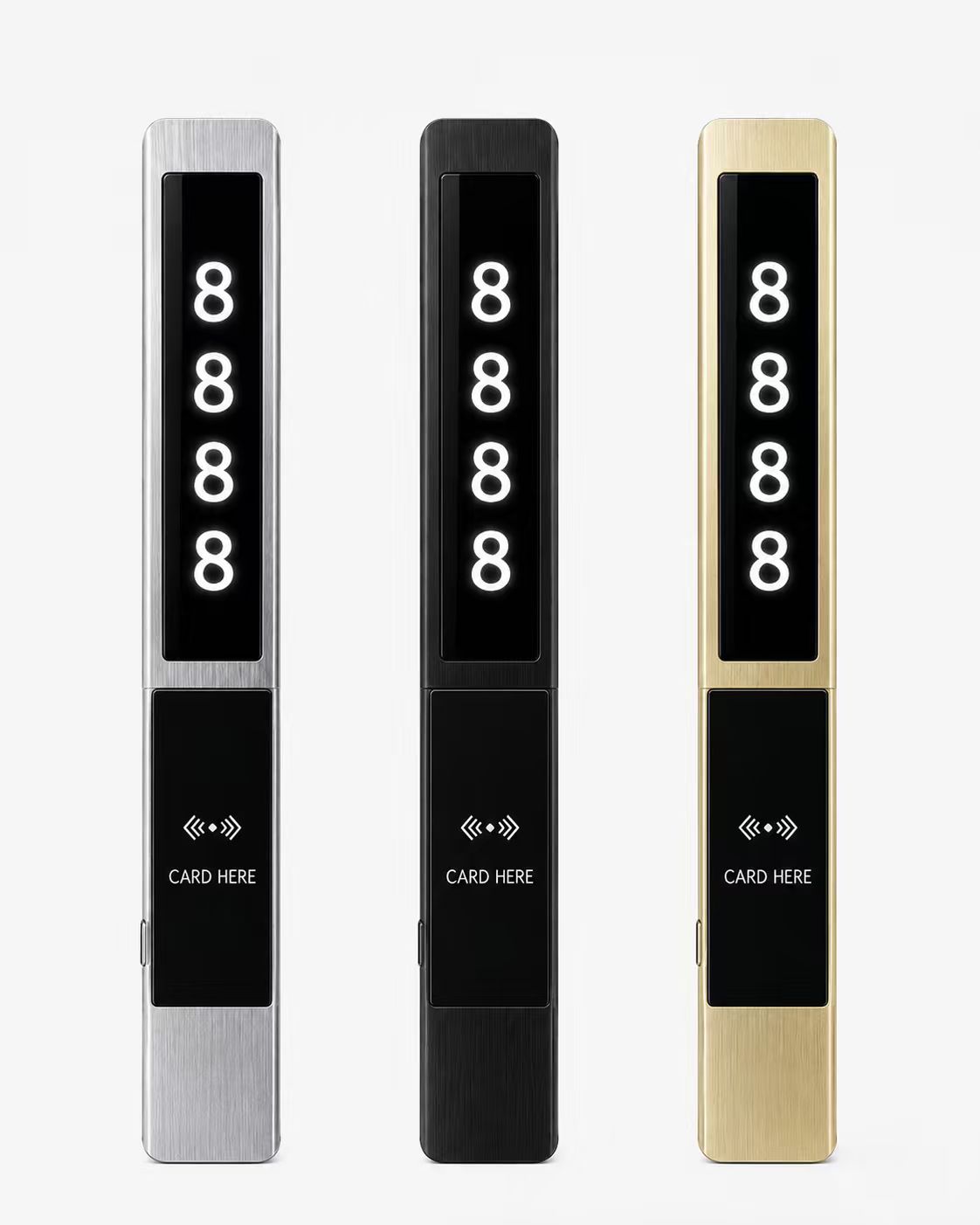
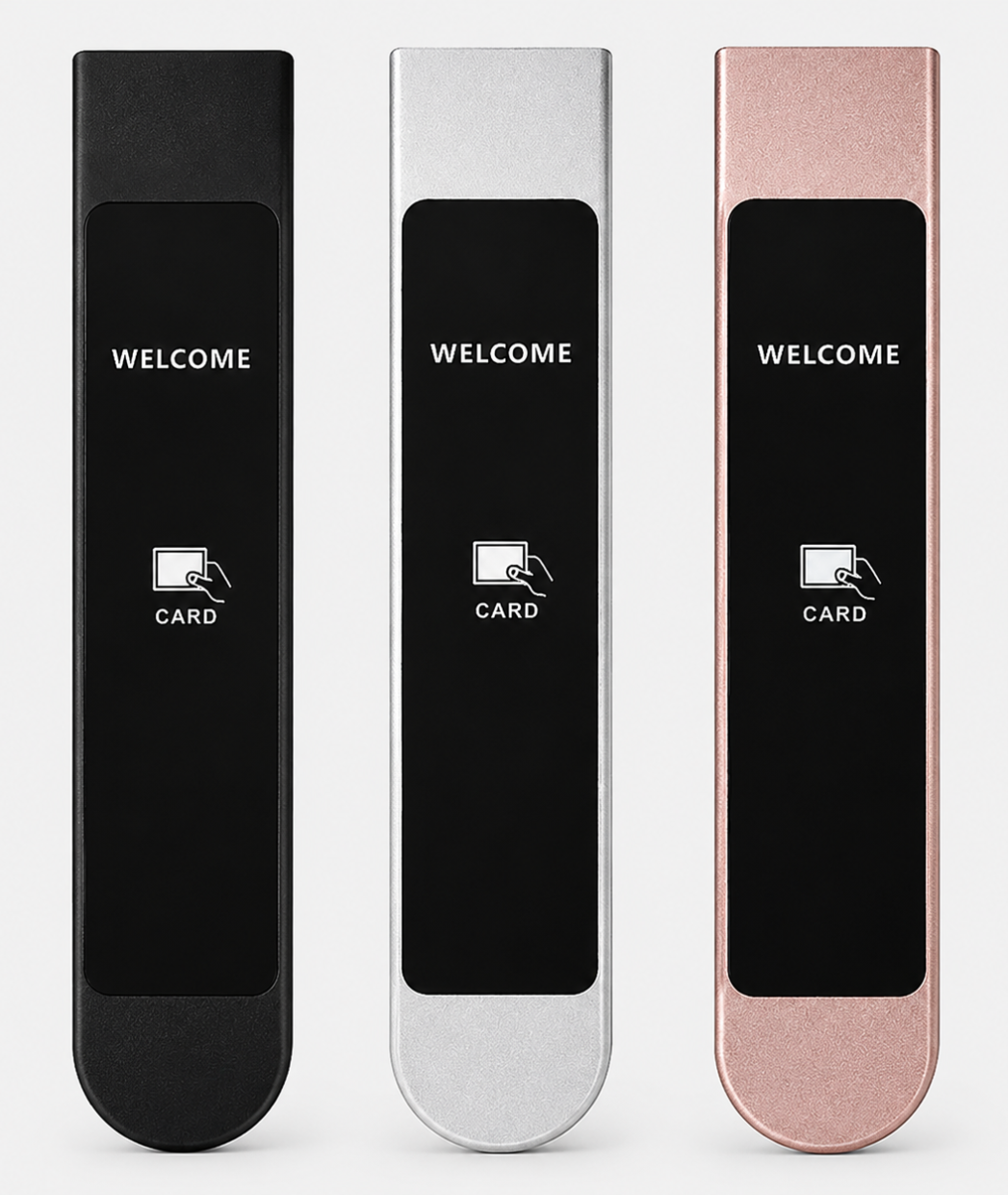
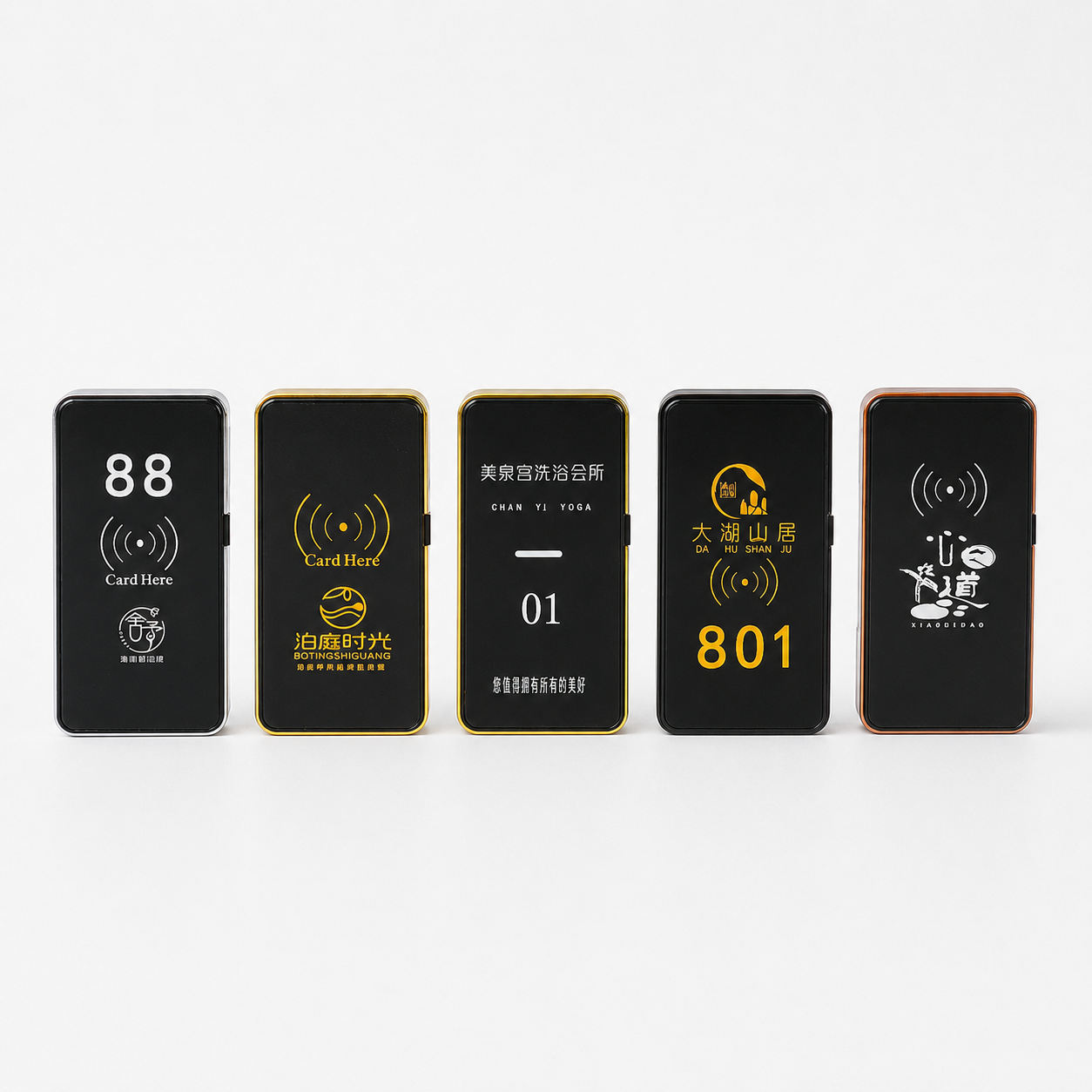
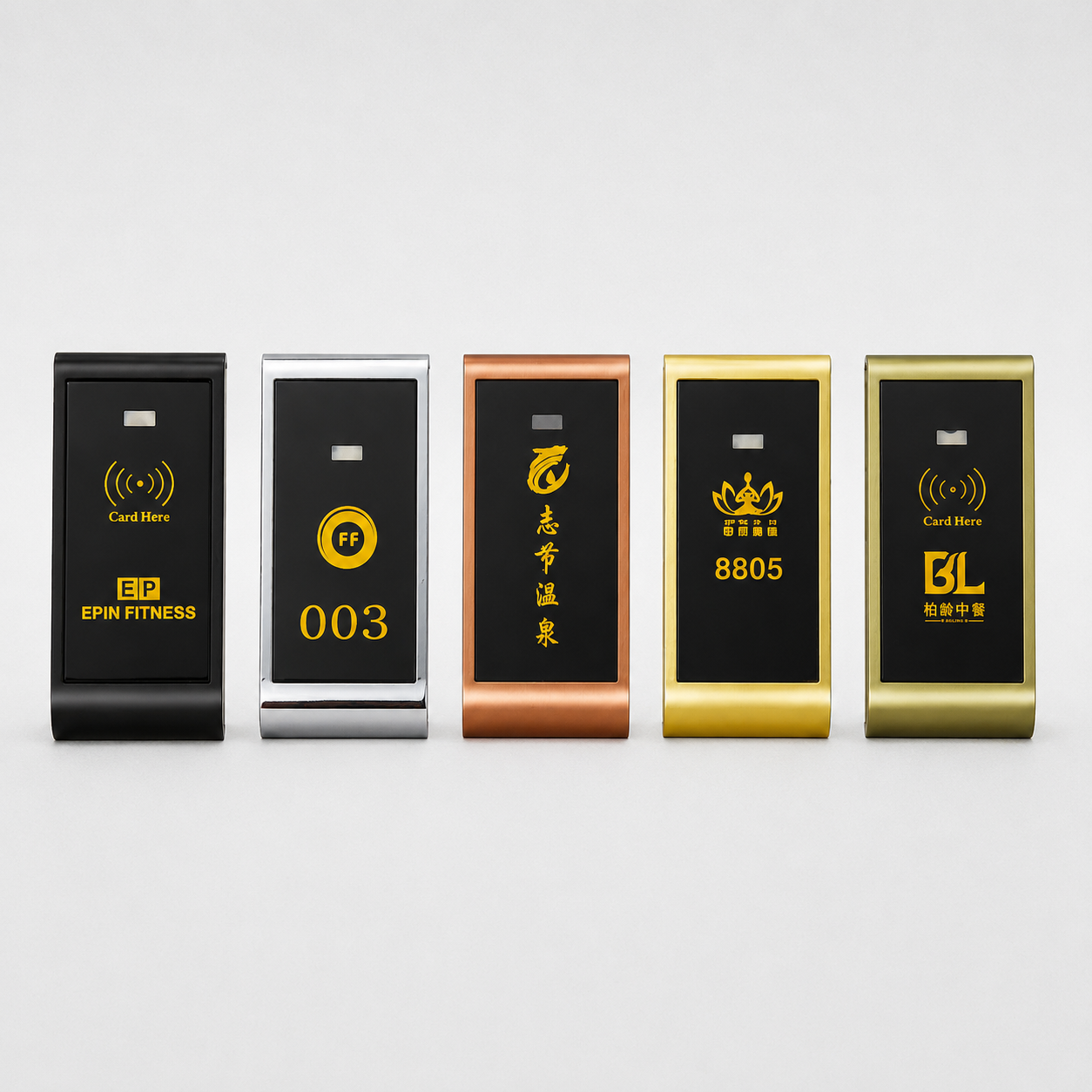
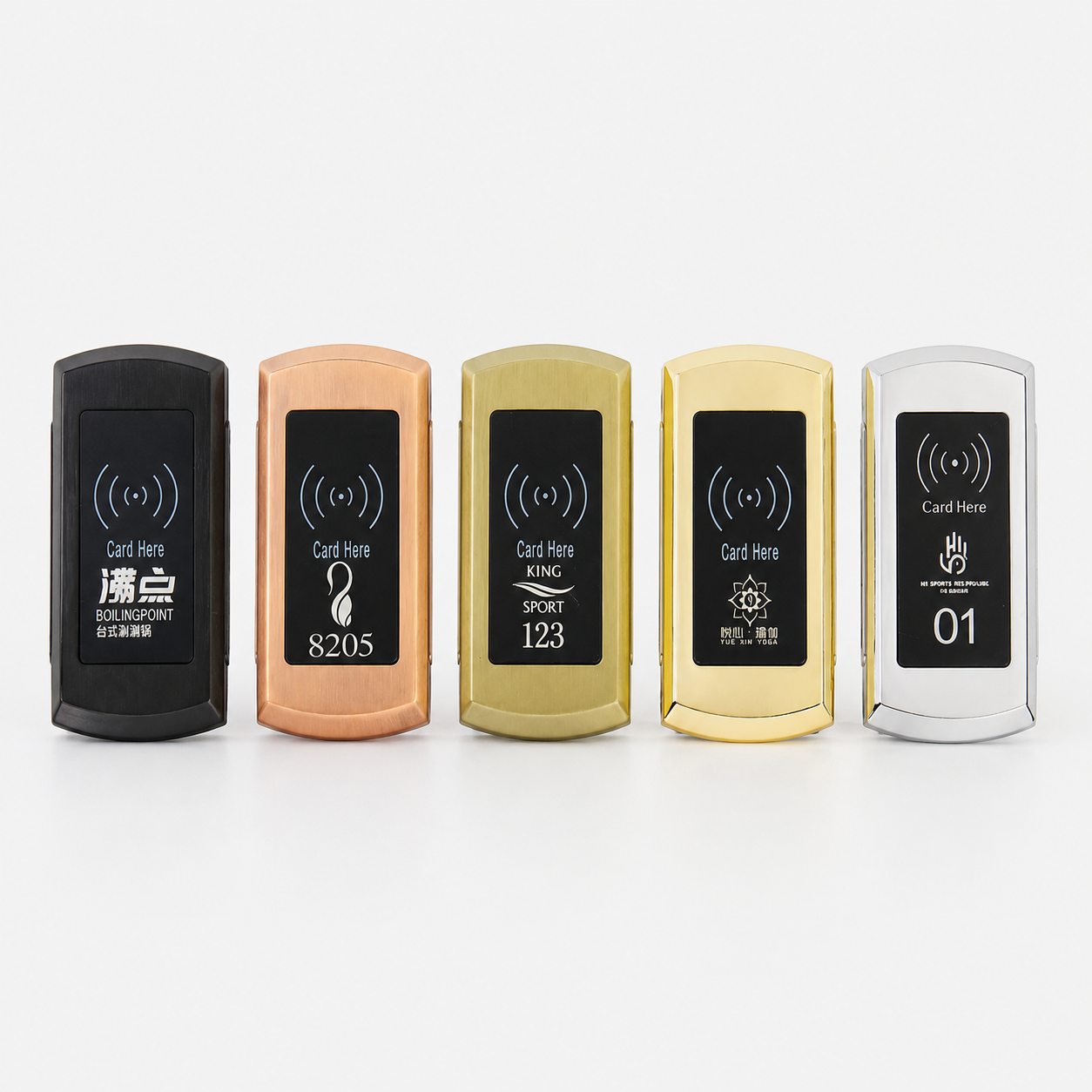
Cabinet Lock Comparison Table
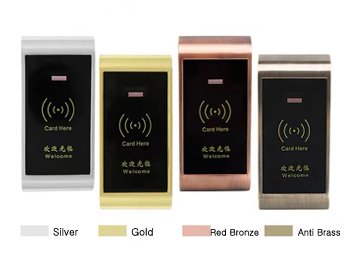
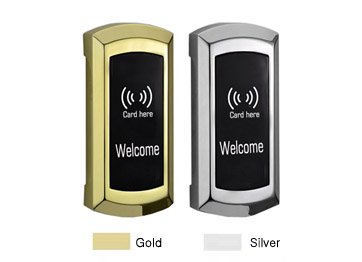
RFID cabinet lock is a contactless lock unlocked by card key (which is waterproof ) . The lock system consists of front and back parts, lock body and card keys . We have three types of card chip RFID cabinet lock to choose : EM card cabinet lock , standard Mifare 1 cabinet lock and Mifare 1 cabinet lock with software .
Technical Data of RFID Cabinet Lock
- Control card (master card) controls all cabinet locks and can open all cabinets in an emergency.
- Each locker only has one unlock card .
- Emergency can take off the front contactless parts to mechanically unlock the drawer .
- Mifare 1 RFID cabinet lock can interate with management software to be a complete consumer management system.
- The lock has a single card and dual card two unlock models .
- The master card can delete all unlocked cards in case they are lost .
- Standalone type RFID cabinet locks can issue cards from the lock reader directly .
- Low voltage alarm when the voltage is less than 3V with a red light flash fast .
- Wristband key :easy to carry, waterproof, moisture-proof, high temperature, corrosion-resistant .
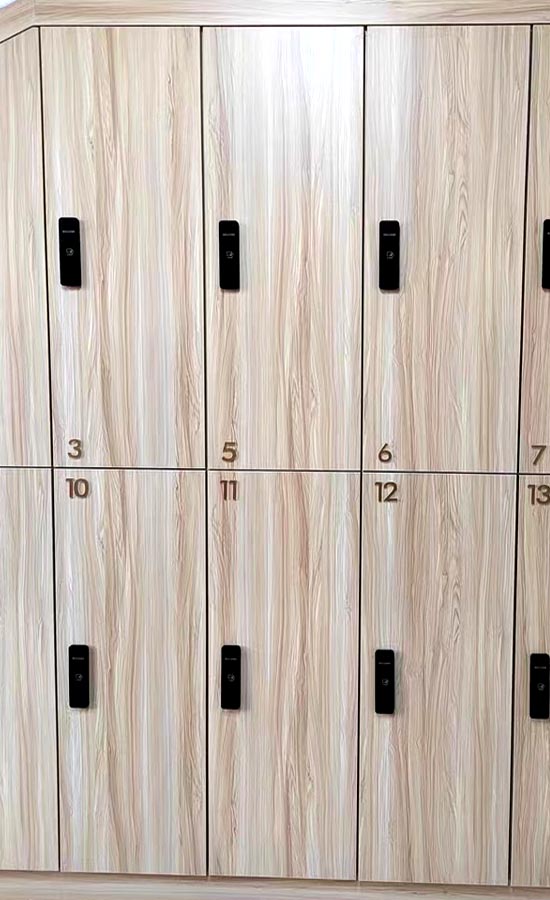
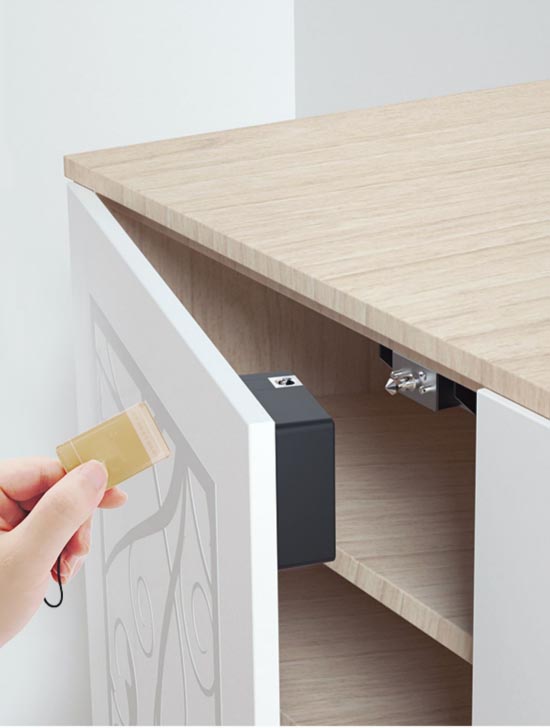
Hidden Smart Cabinet Lock
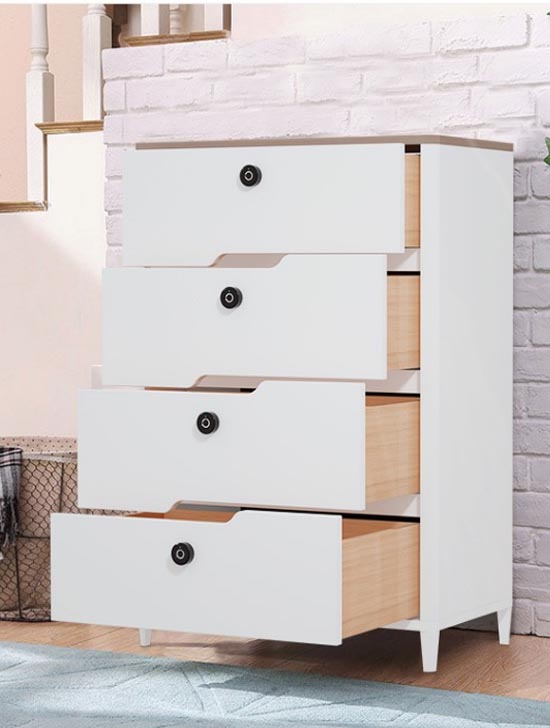
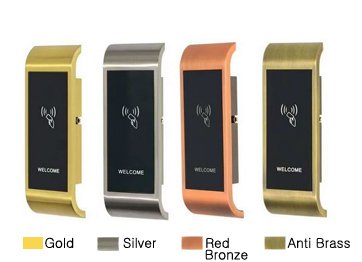
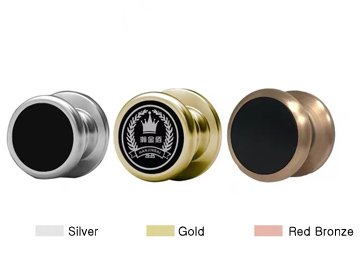
This hidden cabinet lock is a new fashion popular by persons for it’s invisible after install and no need to drill holes on the drawer to damage the locker .
Many people didn’t consider to lock the cabinet when buying drawers first , but now need a cabinet lock to unlock the drawer after using it sometimes. It’s not easy to add locks on the cabinet doors by yourself for it need to take much time and do most thing to install or else had to change a new with lock drawer . So this hidden smart cabinet lock is the best choice .
We only need several easy steps to install it: measure install position then paste the lock will finish .
This hidden smart cabinet lock will keep unlock status after low power .
This smart cabinet lock is very suitable for use at home bed tables, office file drawers,hospital ,and other private places needed to keep belongings .
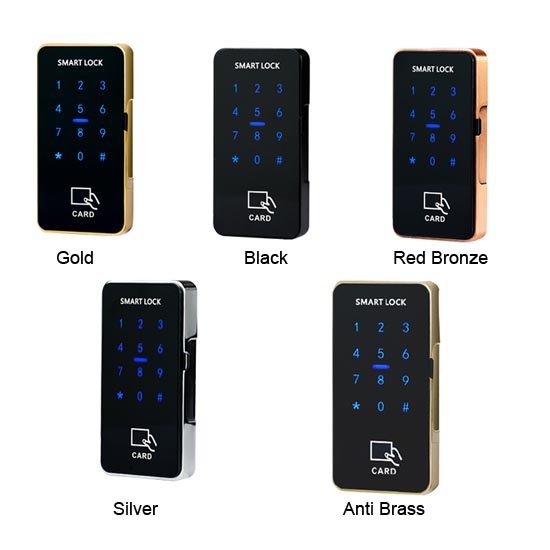
Passcode Smart Cabinet Lock
By input passcode from the front lock part no need card keys . One of the advantages is you don’t have to carry card keys . Especially in public places, lost card keys are often happy .
The passcode cabinet lock with three level management : master card/passcode -Management card/password-user’s card/password . You can use master card/password to issue management card/password , and management card/password to issue user’s card/password . the lock card unlocked by password or card individual or work together . Another important thing is it has public mode, the user just chooses an empty locker and uses his own password to lock this drawer , so he can use this password to unlock it ,and keep it in unlock status till for the next user .
Password cabinet lock is most used for fitness centers, tennis clubs ,large factories etc .
Fingerprint Cabinet Lock
We have two types of fingerprint smart cabinet locks for different places . one with a fingerprint for public places such as factory ,school ,office ,and fitness center use .
Another one without a passcode can for private places such as home, cupboard, office use . More place use run wild your imagination .
Fingerprint cabinet locks are populated for its safety , fast speed and fashion, convenient by the consumers .
Our fingerprint sensor adopts a semiconductor with high recognition rate, fast speed and small volume , high security .
They have a recognition rate of 97.5%, and contact with the 360 ° all-round recognition, so no worry about their poor recognition will cause trouble when opening the cabinet door.
Low battery reminder function, when the power is too low, its built-in red light will automatically flash to remind us to replace the battery in time.
Customer Made Smart Cabinet Lock
We can offer some customer made smart cabinet lock system .
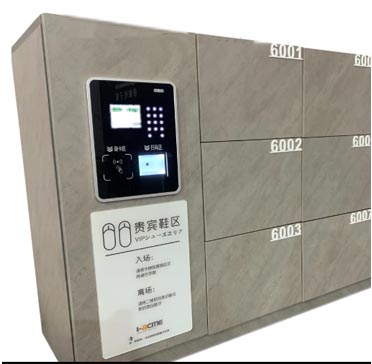
Successful case 1: The guest take card key from frontdesk, and guest take this card to save his belongs to the drawer , after checkout and return back the card key , from frontdesk will offer a QR code to take out his belongs .
Case 2:
3. If you have some custom made smart cabinet lock system that we need to offer hardware or software, pls contact us . We will find the solution for you .
TTlock Smart Cabinet Lock
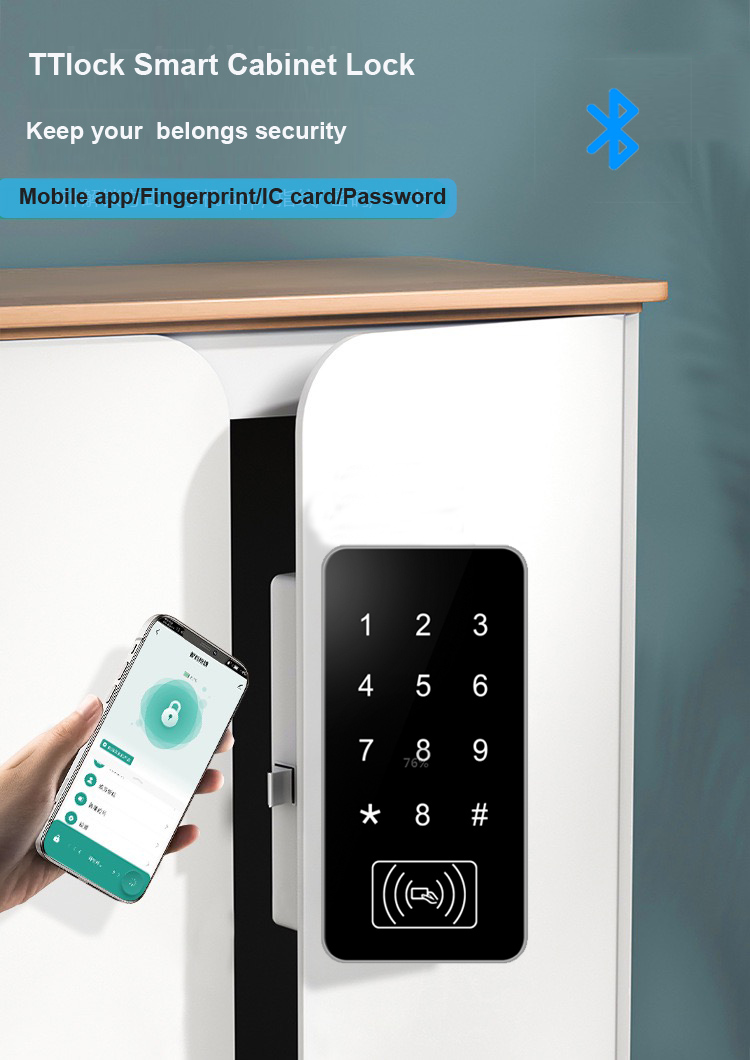
The TTbluetooth cabinet lock, like many smart locks, offers several methods for unlocking:
- Smartphone App: Using the TTLOCK app, you can unlock the lock via Bluetooth. This is often the primary method of control for these types of locks.
- Passcode: A digital keypad allows for unlocking with a pre-set numeric code. These codes can be permanent, timed, one-time, or recurring, offering flexible access options.
- RFID/NFC Cards: Contactless cards that use Radio-Frequency Identification (RFID) or Near-Field Communication (NFC) can be programmed to unlock the lock. These can also be set up for various types of access (permanent, timed, etc.).
- Fingerprint: Some models may include a fingerprint scanner, offering a highly secure and personal method of unlocking.
- Physical Keys: Depending on the model, there might be a physical key option as a backup in case of a power failure or other technical issues.
- Remote Unlocking: If the lock is connected to a Wi-Fi or wired internet gateway, it might allow for remote unlocking via the internet.
All Smart Cabinet Lock Products
All Smart Cabinet Lock Products
All Smart Cabinet Lock Products
No. In YonAnn’s offline software-managed system, the computer and card encoder are used to issue RFID credentials, while each locker lock verifies the card or wristband locally. Continuous Wi-Fi is not required. Real-time monitoring or remote management requires a compatible online system.
The card encoder connects to the management computer and reads or writes RFID credentials. Administrators use it to issue cards or wristbands, assign locker permissions, set validity periods and replace lost credentials. Its exact functions depend on the selected software and RFID chip.
Yes, provided that the membership cards are compatible with the lock reader and management software. The frequency, chip type, UID or sector format and encryption method must be checked. YonAnn recommends sending card samples for testing before bulk production.
The administrator first invalidates or replaces the lost wristband according to the system procedure, then uses the card encoder to issue a new wristband with the required locker permission. Staff can use an authorized management card for emergency opening or locker resetting when necessary.
Yes, one RFID card or wristband may be used for entrance access, membership identification and locker access if all systems support the same chip and data format. Compatibility testing with the existing access-control provider is required before project confirmation.
Standalone RFID locks are configured directly using management cards. They are simple to install and suitable for smaller projects without centralized user records.
Software-managed locks use management software and a card encoder to issue credentials and manage permissions more efficiently. They are better suited to gyms, spas, hotels, schools, factories and other projects with many users or lockers.
The system can be configured for projects ranging from small locker rooms to installations with hundreds or thousands of lockers. The actual capacity depends on the software version, database configuration, lock model and project structure. YonAnn will confirm the supported capacity after reviewing the required number of lockers, users and management zones.
Multiple staff members can be assigned management responsibilities, subject to the selected software version. If separate administrator accounts, permission levels or operation records are required, these requirements should be confirmed before ordering so YonAnn can recommend the correct configuration.
Compatibility depends on the selected lock reader and management system. Common options include 13.56 MHz MIFARE credentials, while selected models also support 125 kHz cards and wristbands. MIFARE Classic 1K is commonly used; other chips or encrypted card formats must be tested and confirmed before production.
Yes. YonAnn can provide software installation guidance, system configuration support, card-encoder setup, credential testing, operating instructions and remote technical training. For larger projects, we can also help confirm the system configuration, locker numbering, card-management process and commissioning requirements before delivery.
 English
  Russian
  Spanish
  Arabic
  Vietnamese