

YonAnn Mifare Hotel Lock System Components
-
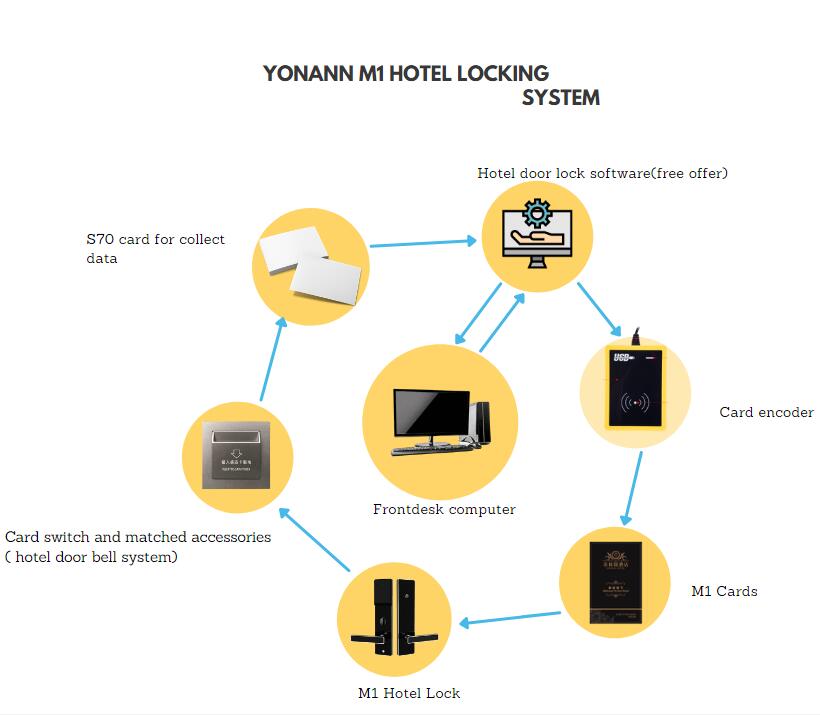
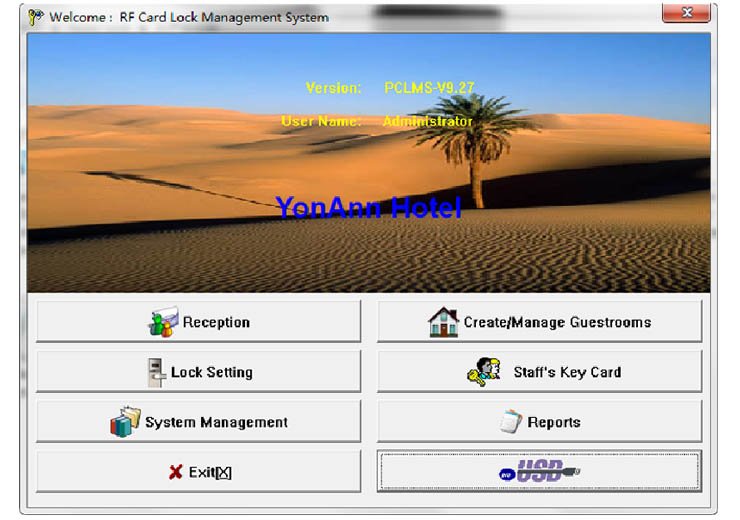
- Mifare Hotel Lock Software: we offer a download link or send an installation file, which offers free
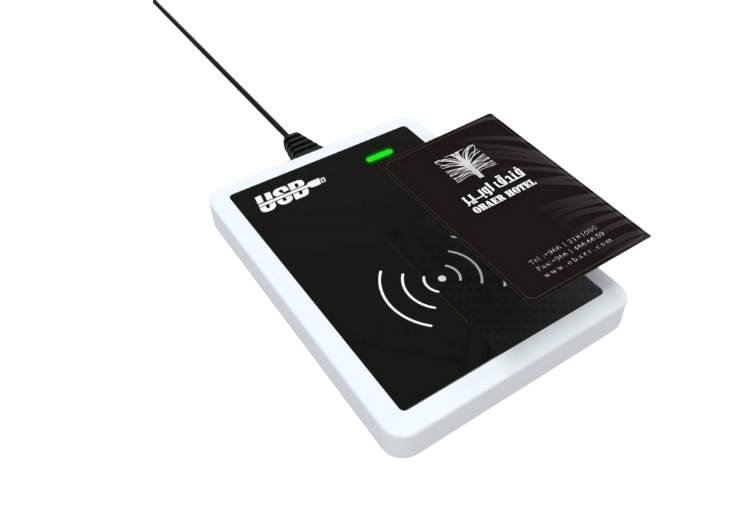
- Mifare Card encoder : with Prousb , easy to operate .
- Mifare Room Cards: Had encrypted much more security for the hotel
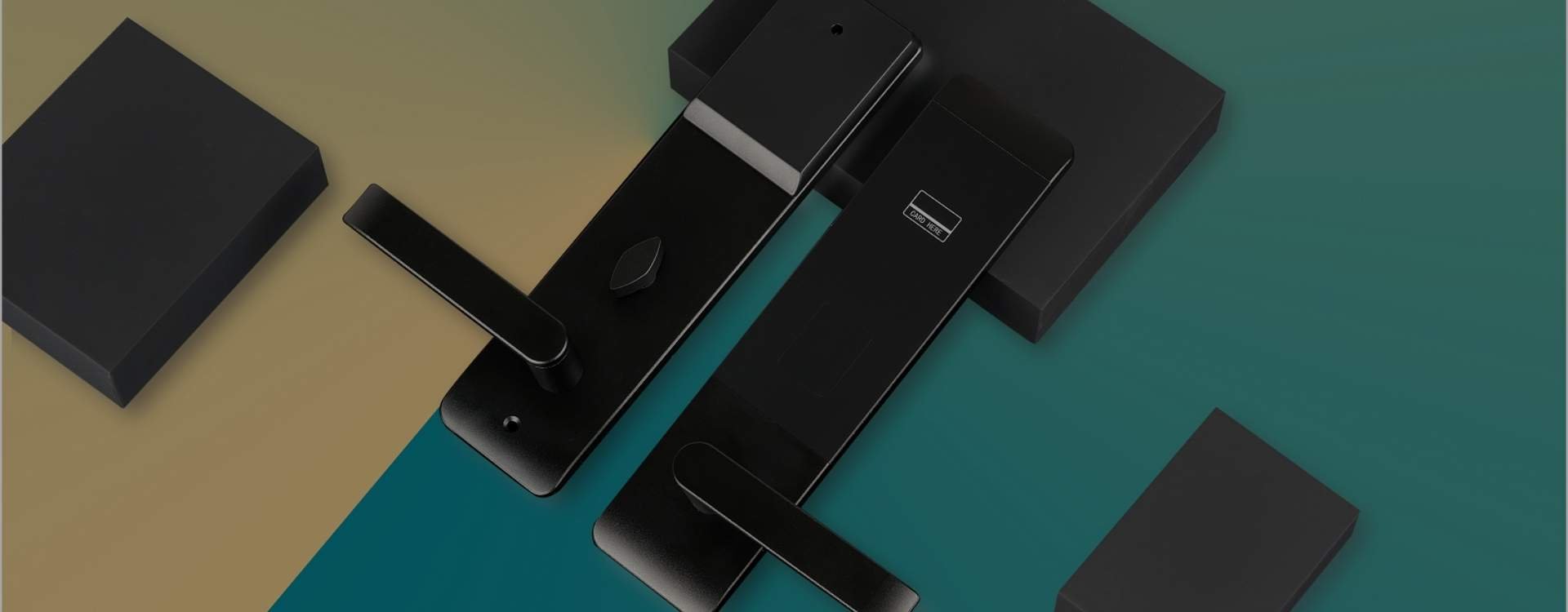
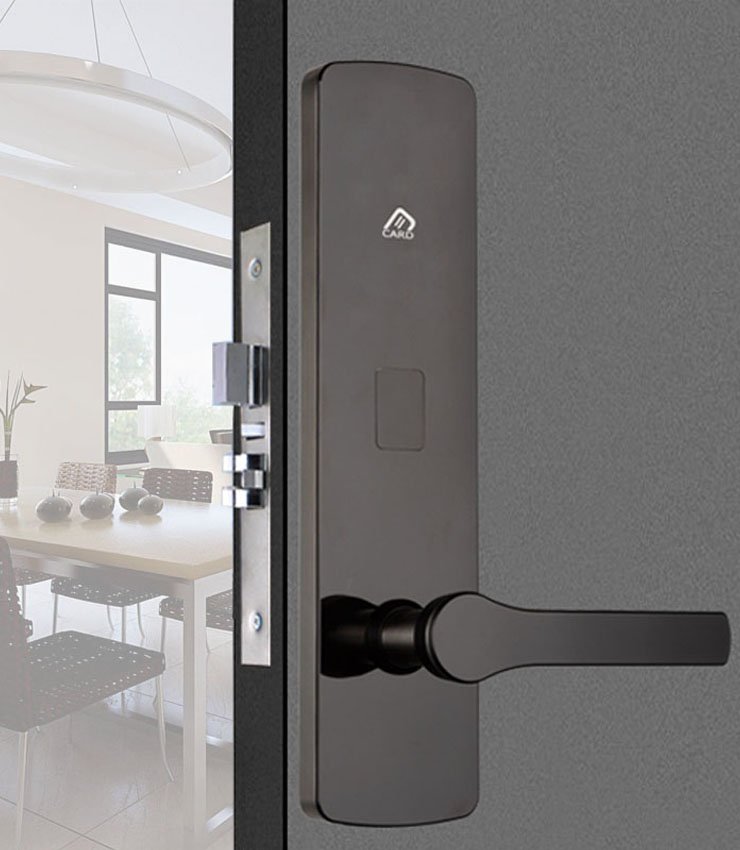
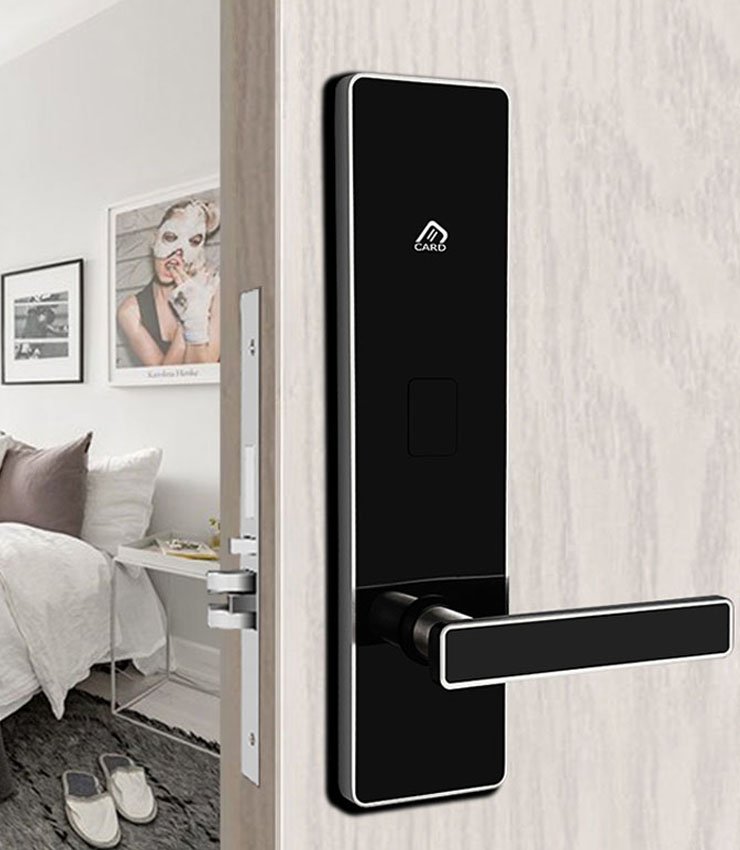
- Mifare Hotel Lock: Install on the door for lock and unlocking the hotel room door
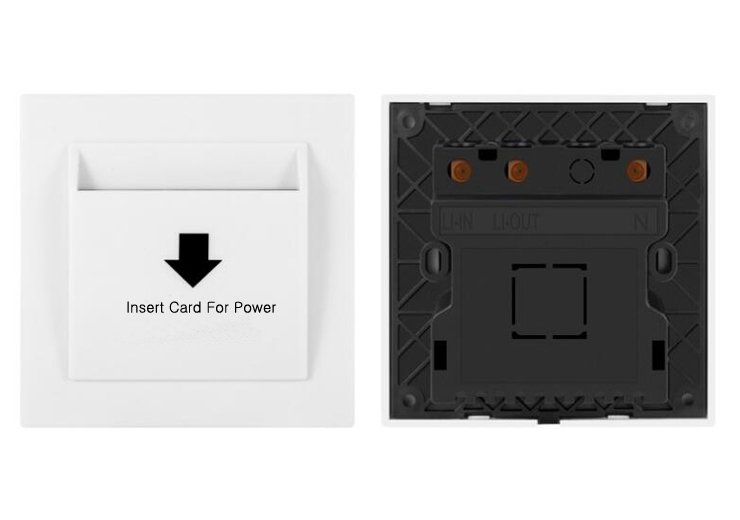
- Mifare Card Switch: install in the room inside the wall, to gain power, using it can save a lot of energy each year for the hotel. There are two types, one is to work with the same frequency card, and the one only the valid room card can work with it.
- Hotel Elevator Control System: install it, and the guest can hold a valid room card, enter the lift, and come to their floor. This will ensure the hotel and guests’ security.
- S70 Data Collect Card: Unlike the Temic Hotel lock, the M1 hotel lock uses an S70 data card for collecting the recently 420 open door records; the records can be printed out.
What Is a MIFARE Hotel Lock & Why Hotels Use It ?
A MIFARE hotel lock is an advanced RFID-based door lock system widely used in hotels, apartments, and large residential projects to provide secure, contactless access control through MIFARE key cards or key fobs. Unlike traditional Temic or magnetic stripe hotel locks, MIFARE technology supports multi-system integration, allowing door locks, energy-saving switches, elevator control, parking systems, access control, and payment or consumption systems to operate under one unified platform.
In practical hotel scenarios, this means one guest, one card, multiple permissions. A single MIFARE card can be programmed to open the guest room, activate the energy-saving switch, access elevators, enter parking areas, and use authorized public facilities. This “one-card access system” significantly improves operational efficiency, reduces card management costs, and enhances overall security—making MIFARE hotel locks the preferred choice for medium to large hotels, resorts, and residential complexes.
At YonAnn, our MIFARE hotel lock system is engineered specifically for the hospitality industry, combining durability, high security, and broad compatibility. The system integrates seamlessly with existing hotel infrastructure and management software, helping hotels deliver a smoother guest experience while maintaining centralized control and reliable long-term operation.



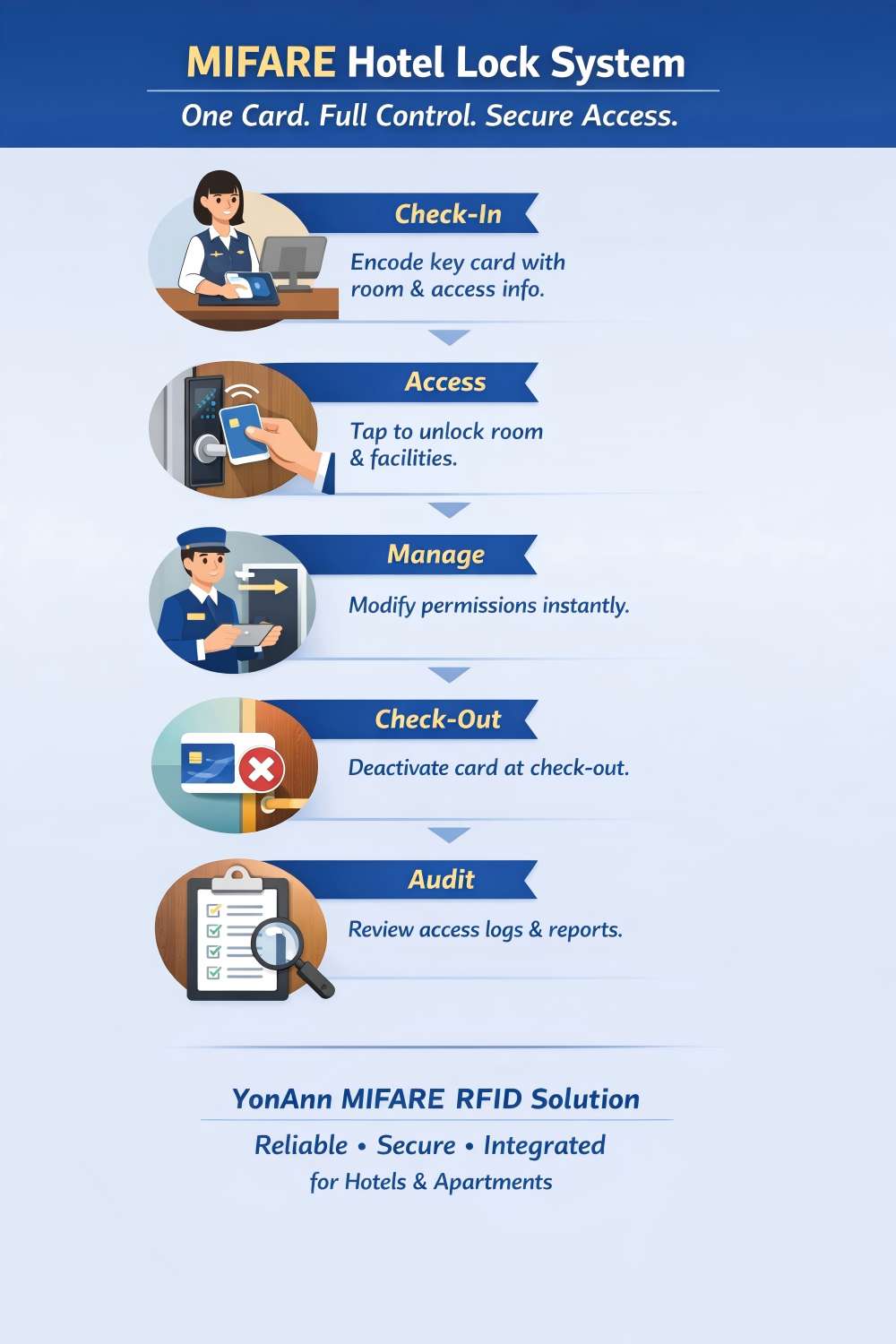
How the MIFARE Hotel Lock System Works
Step 1: Guest Check-In (Front Desk)
Guest arrives at the hotel → Front desk staff enters guest information and stay period into the hotel lock management software.
⬇️Step 2: MIFARE Key Card Encoding
Card encoder programs the MIFARE key card with room number, validity dates, and authorized access areas (room, elevator, parking, public zones).
⬇️Step 3: Room & Facility Access
Guest taps the MIFARE card on the hotel door lock → Door unlocks instantly.
The same card can activate the energy-saving switch and allow access to elevators and permitted facilities.
⬇️Step 4: Permission Control & Adjustment
Hotel staff can update permissions at any time ( extend stay, change room, add access areas) by re-encoding the card—no hardware changes required.
⬇️Step 5: Check-Out & Authorization Removal
At check-out, the system automatically cancels the card’s access rights, preventing further entry and ensuring room security.
⬇️Step 6: Audit Trail & Security Review
All unlocking records are stored in the lock and can be retrieved for security audits, dispute resolution, and operational analysis.

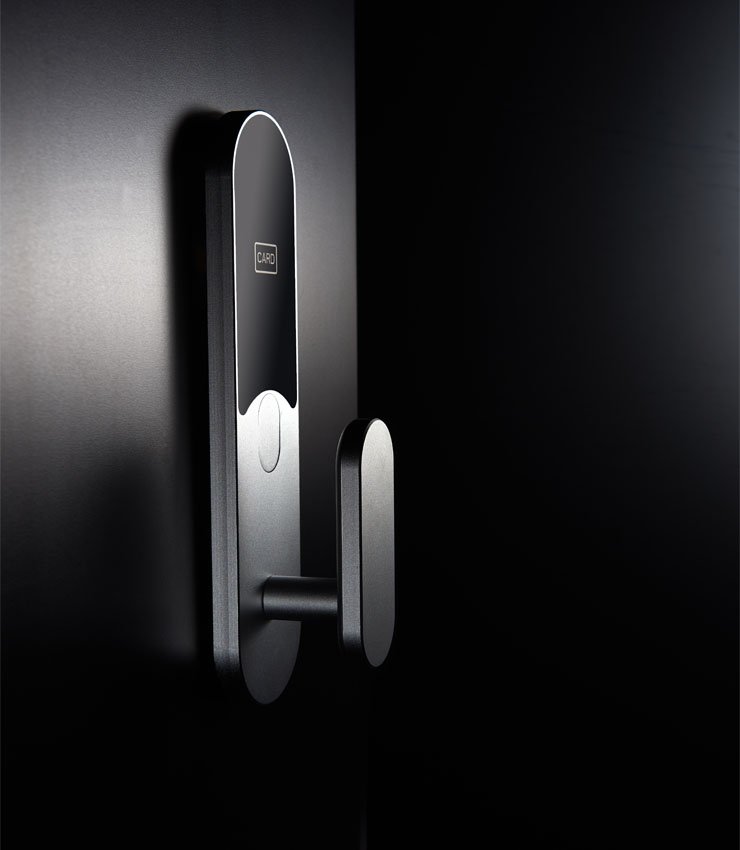
Hotel Lock Technical Data
| Voltage | 4 pcs AA alkaline battery offer 6V voltage |
Battery life | 12 months /100000 times |
| Unlock way | Contactless card /Mechanical key | Adopt card | Mifare 1 |
| Material | 304 SUS or zinc alloy , Aluminium | Static Current | ≤20uA |
| Working Temperature | -20℃~60℃ | Dync Current | ≤150mA |
| Working Humidity | 20%-95%RH | Door Thickness | 38-70mm |
| Alarm voltage | 4.8V+0.2V | Application | hotel , apartment, office, hospital ,factory etc |
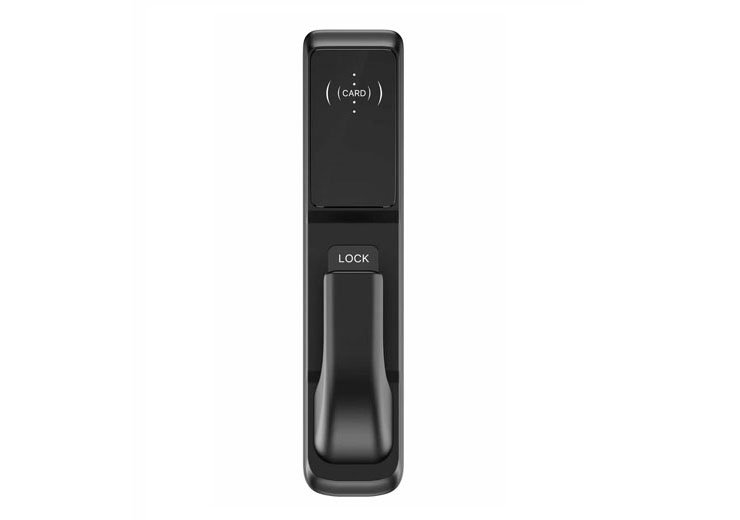
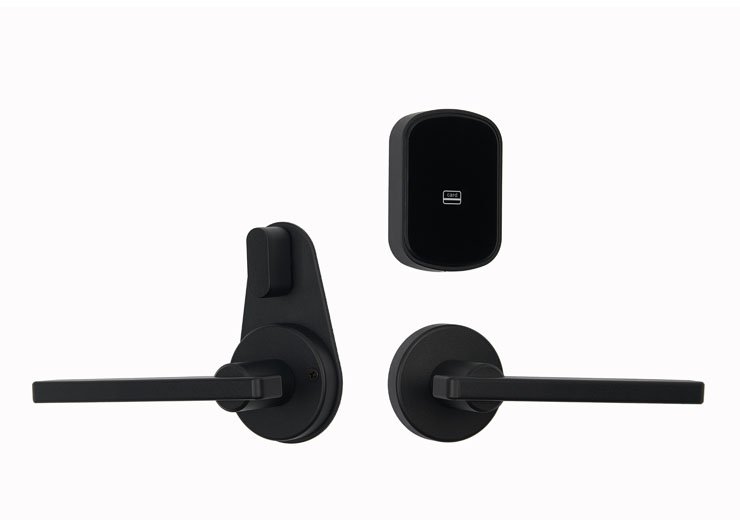
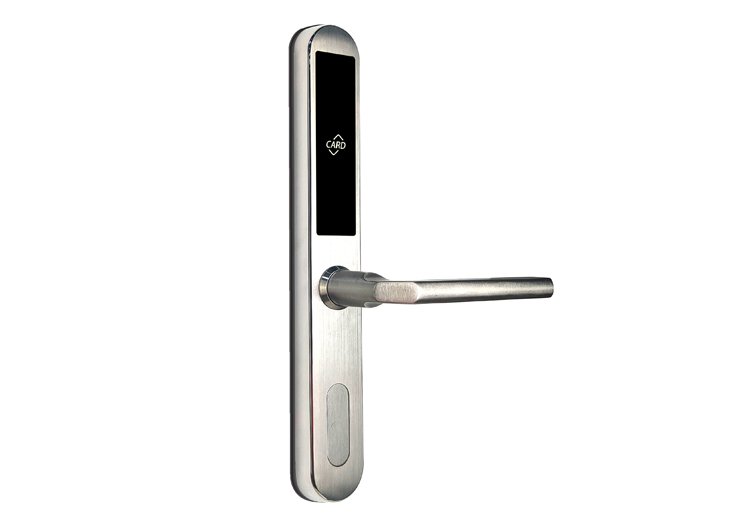
Recommend Hot Sale Hotel Locks
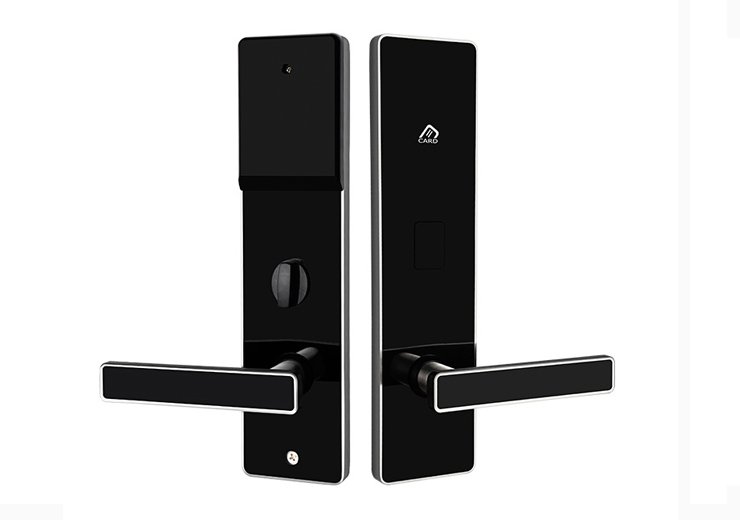
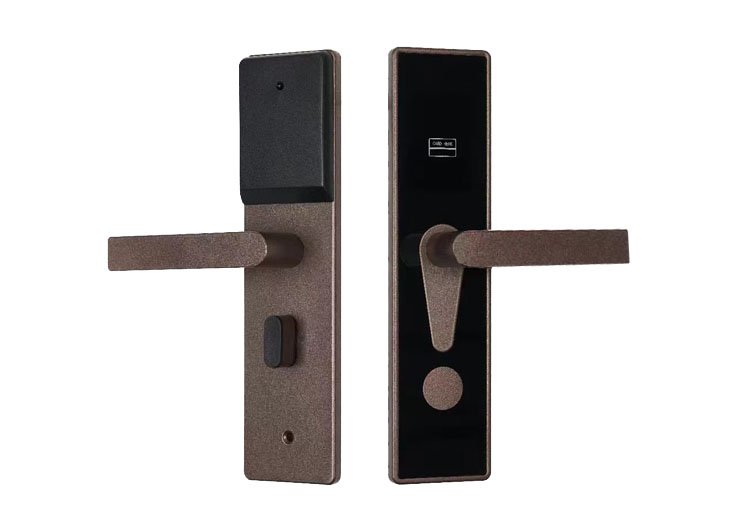
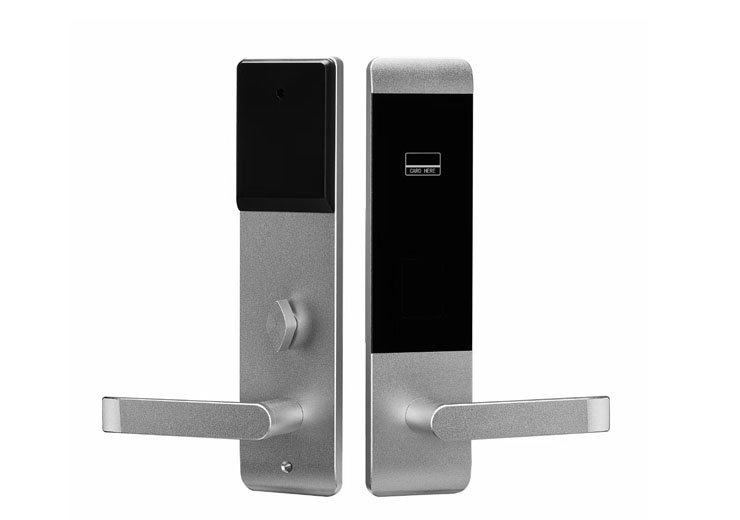
- Manufacturing
- Hotel Card Design
- Project Case
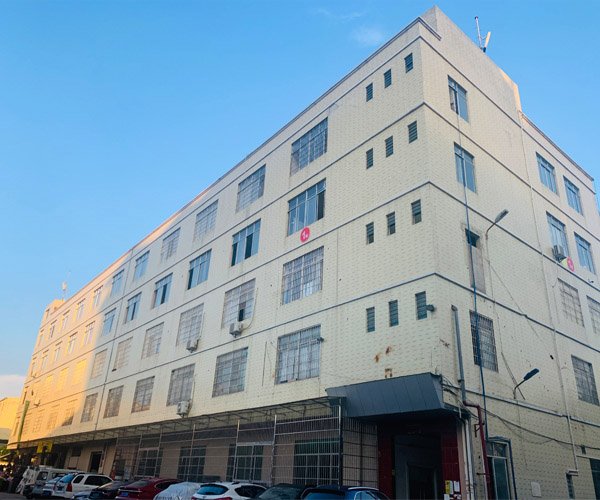
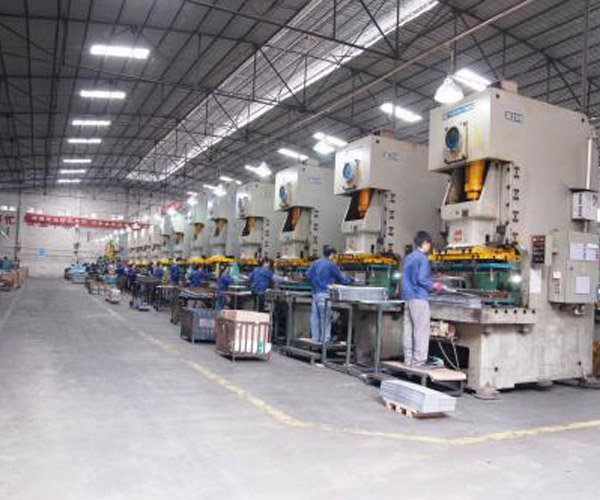
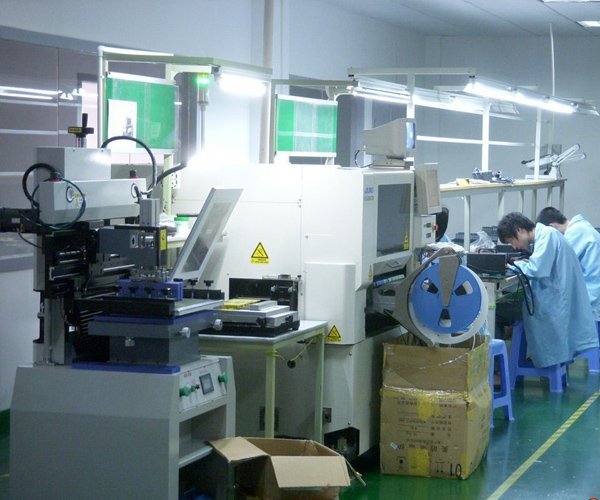
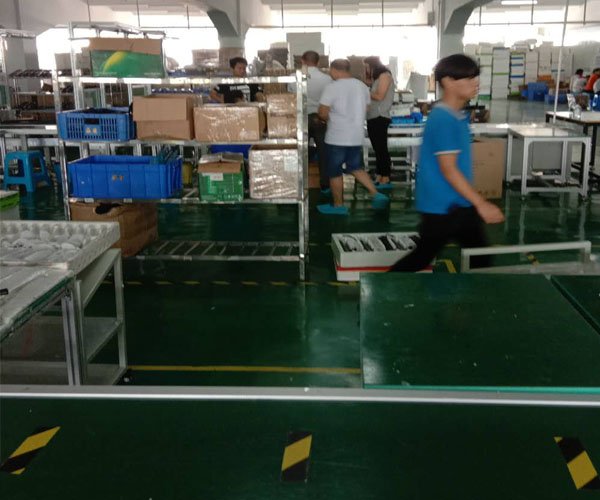
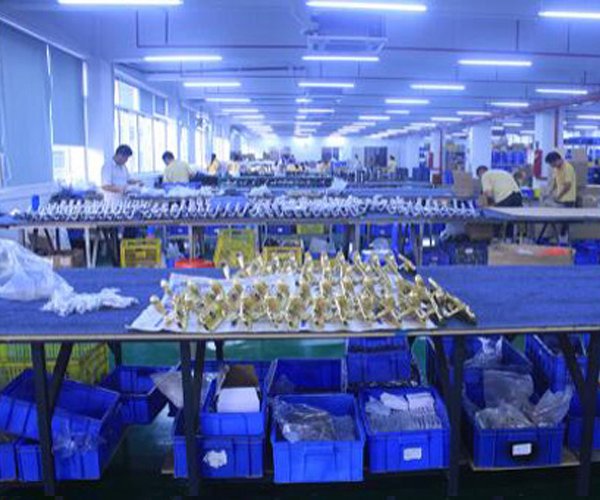
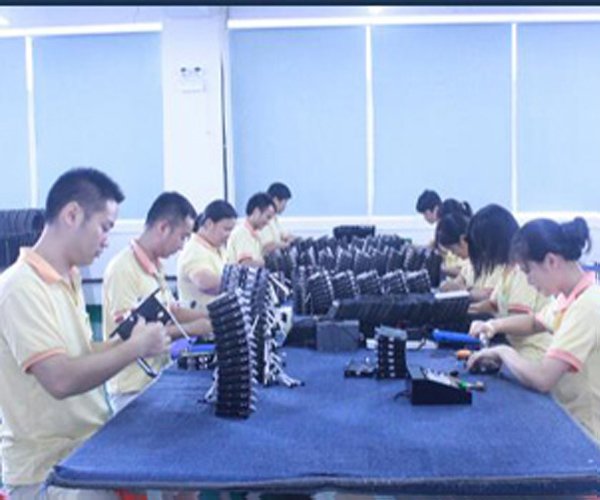
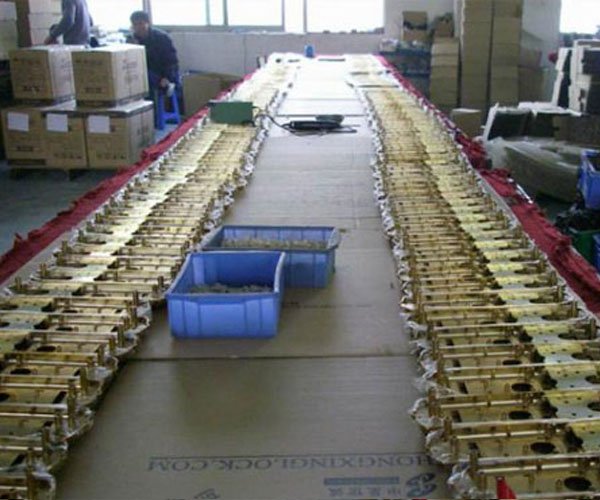
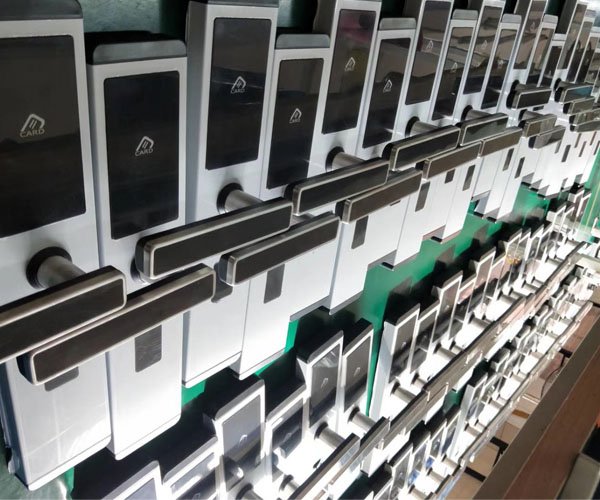
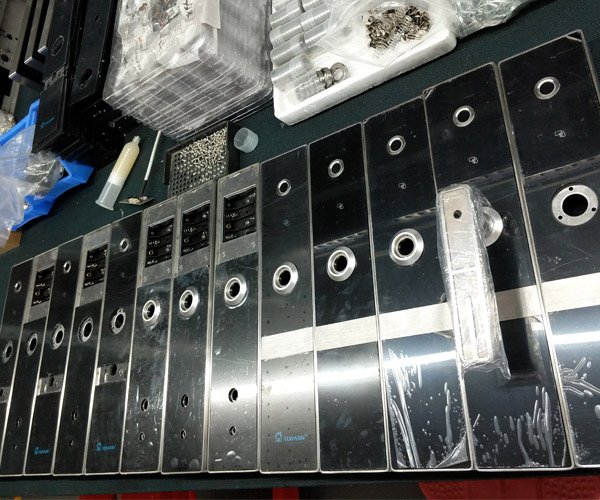
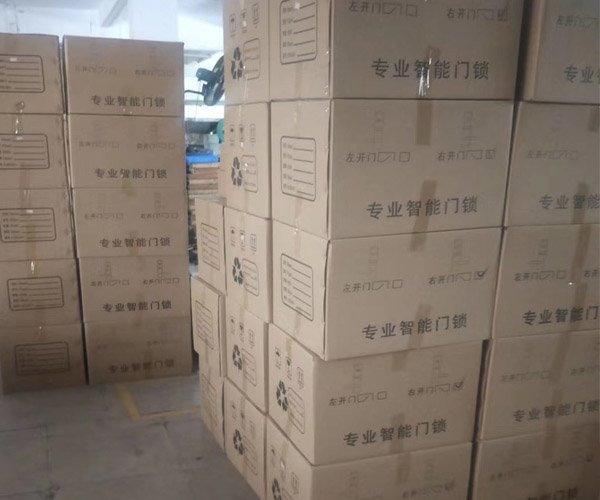
Workshop and Product Line

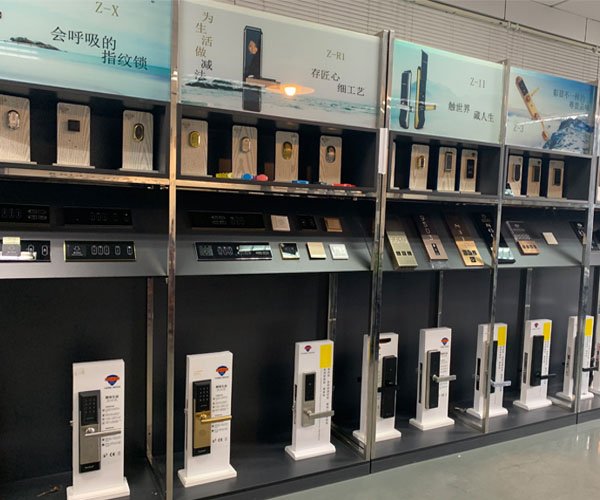
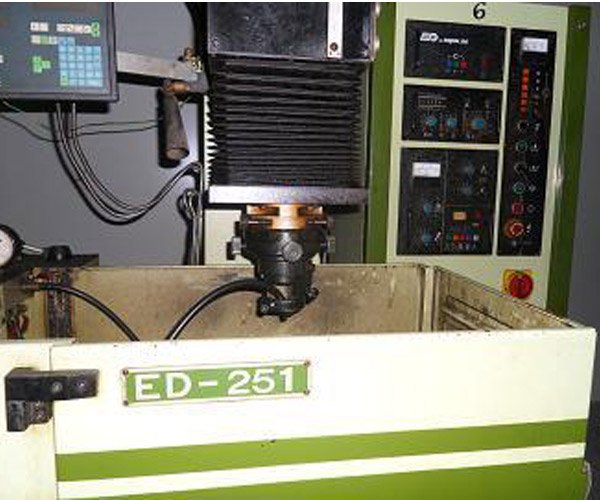
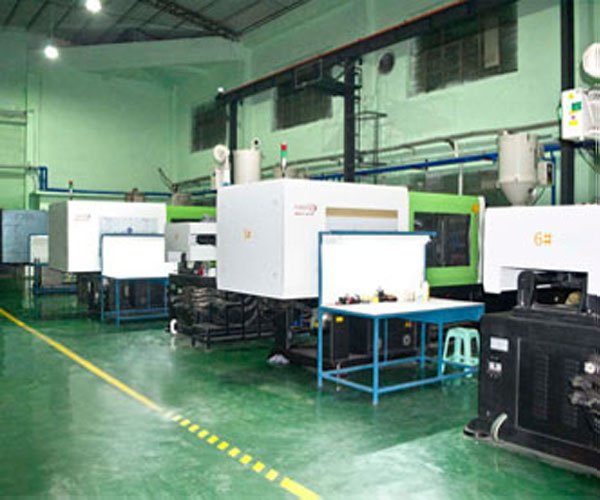
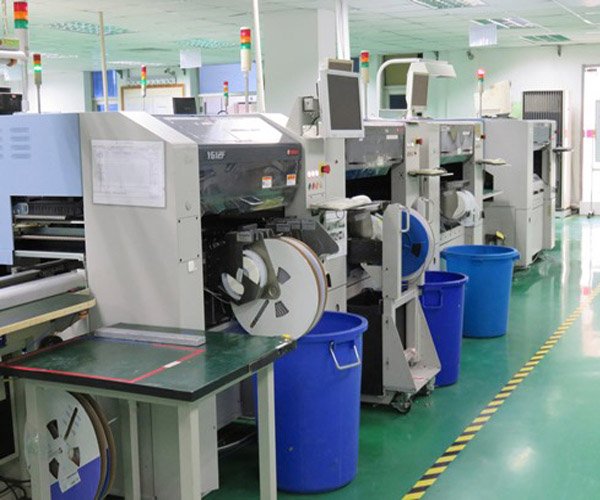
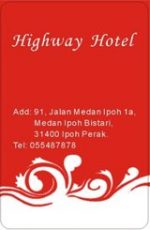
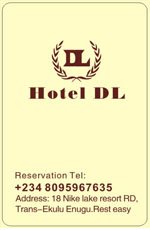
Hotel Card Design


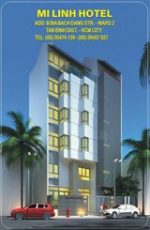






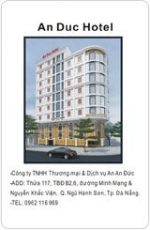






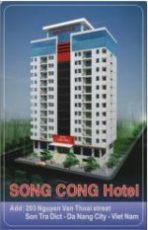


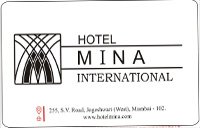








Project Case

Compatibility & Retrofit
(Door Types, Lock Body Options & System Replacement)
YonAnn MIFARE hotel lock systems are designed for high compatibility and easy retrofit, making them suitable for both new hotel projects and system upgrades. The locks support a wide range of door types, including wooden doors, metal doors, fire-rated doors, and security doors. Multiple lock body specifications are available to match different door thicknesses, backsets, and mortise standards commonly used in hotels and apartments worldwide.
For properties using legacy systems such as magnetic stripe or Temic hotel locks, YonAnn provides complete replacement solutions. Existing doors can usually be reused without major structural modification, reducing renovation time and cost. During system upgrades, old key cards are replaced with MIFARE RFID cards, while new locks, card encoders, and management software are installed to ensure improved security, stability, and long-term reliability.

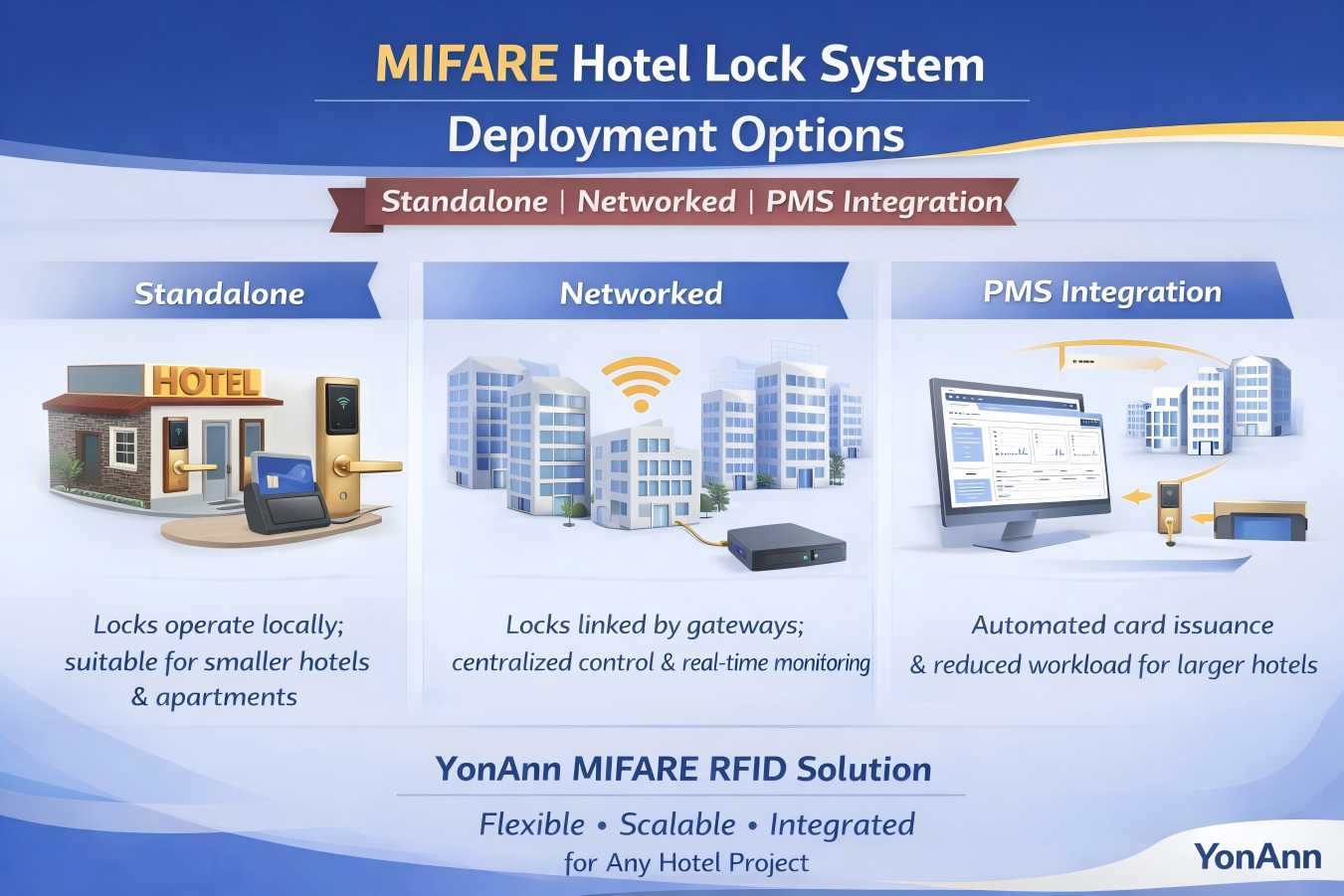
Deployment Options
(Standalone, Networked & PMS Integration)
YonAnn MIFARE hotel lock systems support flexible deployment modes to meet different project sizes and management requirements.
Standalone Mode is ideal for small hotels or apartments, where locks operate independently, and key cards are issued locally without network wiring.
Networked Mode connects locks through gateways, enabling centralized management, real-time monitoring, and multi-area access control for larger properties.
For advanced hospitality projects, the system can be integrated with Property Management Systems (PMS), allowing automatic card issuance, check-in/check-out synchronization, and reduced front desk workload.
This modular deployment approach ensures that hotels can start simple and scale easily as their operational needs grow.
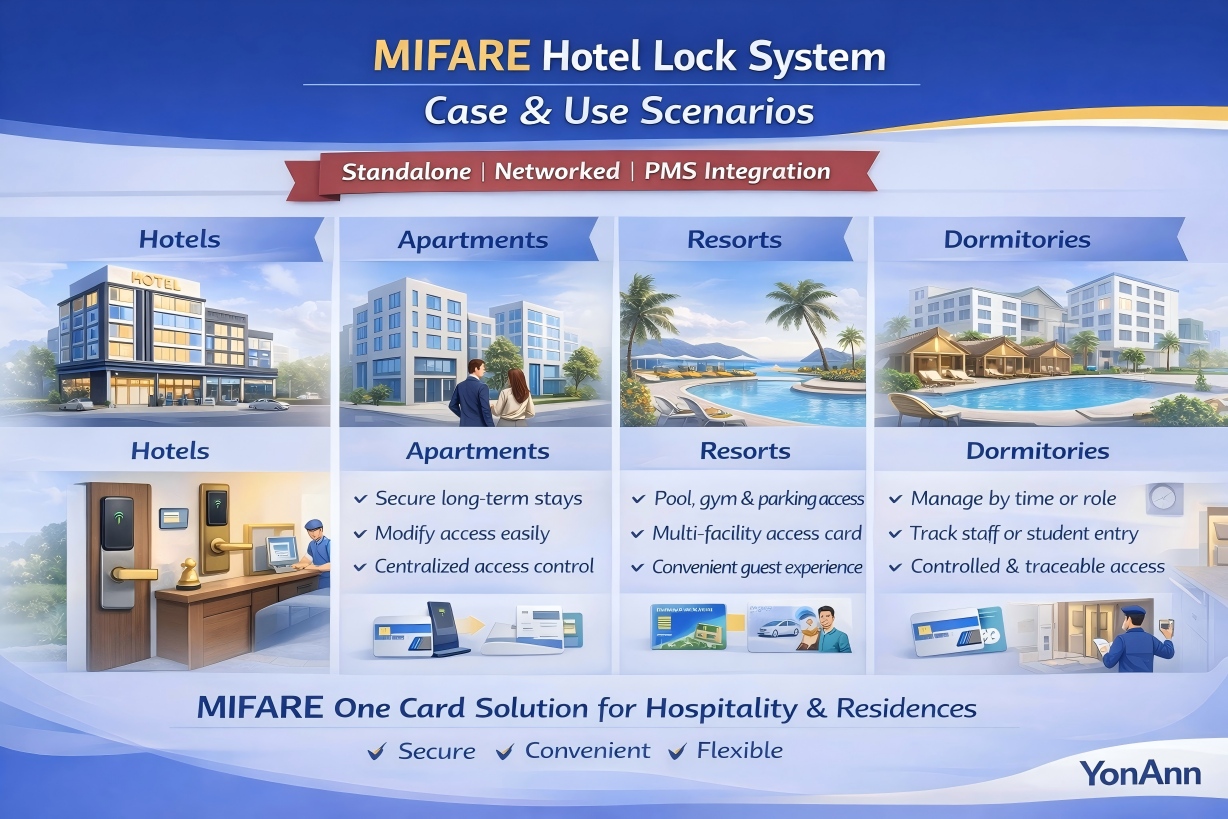
Case & Use Scenarios
(Hotels, Apartments, Resorts & Dormitories)
MIFARE hotel lock systems are widely adopted across various hospitality and residential environments due to their flexibility and security.
In hotels, the system enables secure guest room access, elevator control, energy management, and detailed audit trails.
In serviced apartments, it supports long-term stays, flexible permission management, and centralized access control.
In resorts, one MIFARE card can grant access to rooms, parking, swimming pools, gyms, and entertainment areas, enhancing guest convenience.
In dormitories and staff housing, administrators can manage access by time, role, or building zone, ensuring controlled and traceable entry.
These diverse use cases make the MIFARE hotel lock system a reliable one-card access solution for both commercial and residential projects.
YonAnn RFID Hotel Lock MIFARE Technology
YonAnn Mifare Hotel Lock System Features
Different User Different Authority
Can set up different users with different rights for using the hotel door lock software. This will make sure some unknown vulnerabilities happen.
The M1 hotel lock software has four levels of authority management, strictly controls the authority of different personnel in different positions to prevent employees from exploiting software authority loopholes, issuing cards by themselves, anti-checkout, and other methods to embezzle hotel money, and to ensure financial security.Easy to Operate
The M1 hotel lock software can learn in 10 minutes, and the M1 hotel lock can finish setup in 3 seconds. The software adopts no driver USB technology, and input on the USB port can be used without installing driver software. The computer with the USB port can work with our M1 card encoder. Reading an authorized card 3 times can finish the M1 hotel door lock software authorization, and then read the matched room card without needing the room setup card and time setup card again, the room number and time, which are issued by the room card.
Can Save Much Cost
Resist illegal cards; only the valid room card can work.
And working with YonAnn time time-limited energy-saving switch can reduce costs.
The time-limited card switch only works with the valid room card; other hotel room cards can’t use it. We have a example, the hotel have 100 rooms, and each kilowatt-hour of electricity is usd0.2, and each room saves an average of 2 hours of electricity per day, after install our time limited energy saving switch, the electricity bill can be saved every year: 1.3 kilowatts x 100 rooms x 2 hours/day x 365 days x usd0.2 / electricity = usd18980.
Optimization Management
The interface of the YonAnn Mifare hotel lock software adopts Win7 style.
Each step has tips to notice. Door locks have the function of an alarm when they are not locked, lock automatically within 7 seconds, a deadbolt, etc function.
The unlock records can be output as an Excel file for easy editing.
Different room status choices, clock room available, team check-in function for groups to check in fast and efficiently.
How to calculate Hotel Lock and Matched Accessories Quantity Needed for One Hotel
| Name | Unit | Qty | Remarks |
| Hotel Door Lock | Set | same as hotel rooms | One room needs one; need inform us of the quantity of left and right handles before ordering. |
| Card Enocder | Set | 2 | One is used at the front desk, and another one is for backup |
| RF CardS | Pcs | 3-5 times based on the room numbers | For open door, can prepare 3-5 times based on the rooms, card can print hotel name, LOGO, Tel, and Address, Instructions, etc |
| Door Lock System software | Set | 1 | Free offer. For the program, different function cards, and check, calculate, etc, easy operation. We offer a link for download. |
| Card Switch | Set | same as hotel rooms | One room needs one customer to insert a card to gain power and take away a card to cut off power |
| Data Collection Machine | Pcs | 1 | Use to collect the open door history to get to know the room unlock and lock situation. |
| Hotel Door Bell System(Optional) | Set | same as hotel rooms | Hotel doorbell, work with the inside room card switch, and jungle |
Hotel Lock Different Cards Functions
Test card: The door lock didn’t register after installation. The test card can unlock the door for testing if the lock is installed the right way. After the locks are authorized, the test card can’t unlock anymore. Only the lock that is set to the factory model can unlock again.
Authorized card: It is used for software installation and authorization, and can open the door lock that wasn’t authorized.
Room installation card: used to set basic information, such as the room number. Applicable to all door locks in the system. The room installation card can be recycled after use.
Time setup card: used to set and calibrate the door lock clock. The time card can be used alone and can be recycled to use for a room card after use.
Channel card: used to set the channel function of the door lock, generally used in meeting rooms or some public areas.
Guest card: a guest card to unlock the defined room. Can choose if to lock the door in deadbolt or can’t when programming it. It is used for hotel guests or the corresponding personnel.
Master card: Can open all door locks in the system, and the lock in the deadbolt can unlock too. The master card generally held by the general manager of the hotel
Floor card: all door locks on a certain floor can be opened, and can’t be unlocked when the door locks are in deadbolt status. The floor card is generally kept and used by the floor attendant or the corresponding personnel.
Building card: can open all door locks of a certain building.
Emergency card: All door locks in the system can be opened in an emergency state, even when the door locks are deadbolts. When the door lock is opened by the emergency card, the door lock remains unlocked until any other valid room card reads it. Emergency cards are generally kept by the security department or the fire department.
How to Install a Hotel Door Lock on a Door
- Drill a hole in the door according to the drill hole template we offered
Drill hole way:
a Confirm the suitable datum line on the door
b. Print out the line, and use the template
c. Drill hole use tool
- Install a Mortise lock
Step: a. Put a mortise lock in the drilled hole door, and fasten it using a screw
b. Install the sliding plate and fasten it with a screw.
- Install front and back lock parts
a.Connect the right port, and put the big square, and fasten the back lock on the inner door side.
b.Put the big square and the small square, fasten the back and front lock part, use 4 pcs long screws
c. Connect the battery box port and PCB port. Fasten the battery box on the back lock part
4. Drill a hole in the lock frame according to the template
5. Fasten the gusset plate and buckle the box
6. Install finish, after installation, need to test the lock by reading the test card
a. Check that all parts have fastened
b. Pull and push the door to check if it can open and close the right way.
c. Use the mechanical key to check if it can work smoothly
d. Then can set up the software.
How to Identify the Lock Left Handle and Right Handle
The door has a pull door and a push door; we can check the hinge installation on the left door or the right door. Then can identify its handle.

Integration & System Compatibility
YonAnn MIFARE locks support seamless integration with hotel PMS / HMS systems. Key capabilities include:
-
Automated key issuance upon check-in
-
Real-time data exchange for record-keeping
-
API / SDK support for custom systems
-
Firmware updates & remote monitoring (for networked models)
Security & Quality Assurance
We subject our MIFARE locks to rigorous testing:
-
Endurance testing: 200,000+ cycles
-
Environmental tests: Temperature, humidity, salt spray
-
Tamper & vibration testing
-
Certifications: CE, RoHS, FCC, etc.
-
Secure key management: Use of secure key storage, rotational keys, and encryption
Installation & Maintenance
-
-
Designed for easy retrofit onto standard hotel doors
-
Requires minimal drilling or modification
-
Simple battery replacement — clear low-voltage warning
-
Periodic firmware updates (for networked variants)
-
Software tool for log download and diagnostics
-
A MIFARE hotel lock system is an RFID-based access control solution that uses MIFARE cards or key fobs to securely unlock hotel room doors, managed through hotel lock software.
Hotels widely use RFID hotel door lock systems instead of mechanical keys to improve security and guest experience. Currently, two main RFID card technologies are used in hotel locks: Temic 57 and MIFARE.
Temic 57 Card (125 kHz)
-
Chip: Atmel T5577
-
Frequency: 125 kHz
-
Storage: Approx. 330 bits
-
Functions: Room door access only
-
Security: Basic encryption
-
Reading distance: 1–2 cm
-
Cost: Lower
-
Suitable for: Budget hotels and small properties
MIFARE Card (13.56 MHz)
-
Chip: NXP MIFARE 1K / 4K (S50 / S70)
-
Frequency: 13.56 MHz
-
Storage: 1K / 4K
-
Functions: Multi-application (room, elevator, parking, facilities)
-
Security: Advanced encryption (high anti-copy)
-
Reading distance: 3–5 cm
-
Cost: Higher
-
Suitable for: Medium to large hotels, resorts, apartments
System Compatibility
-
Temic and MIFARE systems cannot be mixed
-
Locks, cards, encoders, energy-saving switches, and software must use the same technology
-
Systems from different suppliers are not compatible due to different encryption methods
Key Selection Guide
-
Choose Temic 57 for low-cost, basic room access
-
Choose MIFARE for higher security, scalability, and one-card access systems
| Item | Temic 57 | MIFARE |
|---|---|---|
| Frequency | 125 kHz | 13.56 MHz |
| Storage | ~330 bits | 1K / 4K |
| Security | Basic | Advanced |
| Multi-Function | No | Yes |
| Reading Distance | 1–2 cm | 3–5 cm |
| Cost | Lower | Higher |
| Typical Use | Small hotels | Large hotels/resorts |
More information visit : https://yonannlock.com/whats-the-difference-between-temic-57-card-and-mifare-card/
| Feature | MIFARE Classic | MIFARE DESFire | Magnetic Stripe |
|---|---|---|---|
| Technology | RFID (13.56 MHz) | RFID (13.56 MHz) | Magnetic stripe |
| Security Level | Medium | High (AES encrypted) | Low |
| Anti-copy Protection | Limited | Strong | None |
| Card Durability | Long | Very long | Short |
| Data Encryption | Basic | Advanced (AES) | None |
| Recommended Use | Budget hotels | Mid- to high-end hotels | Legacy systems |
| Market Trend | Stable | Growing fast | Declining |
Conclusion: Most hotels upgrading from magnetic stripe systems choose MIFARE Classic or DESFire for better security and long-term reliability.
Use MIFARE Classic for basic security and cost-efficiency.
Yes. YonAnn hotel door locks are compatible with most wooden doors, metal doors, and security doors. Lock body options can be selected based on door thickness and structure.
Yes. YonAnn provides full system replacement solutions, including new locks, card encoders, hotel lock software, and RFID cards.
YonAnn MIFARE hotel locks are battery-powered, eliminating the need for complex wiring and making installation faster and easier.
YonAnn provides professional hotel lock management software for card issuing, access control, audit trails, and staff permission management.
YonAnn MIFARE hotel locks provide low-battery alerts in advance. In emergencies, a mechanical key or external power supply can be used.
Yes. The lock stores unlocking records, allowing hotel managers to review access history for security management.
Yes. Lost or stolen MIFARE hotel key cards can be instantly canceled through the software, ensuring room security.
-
The card cannot open the door
Check whether the card has expired or was overwritten. Re-issue the card using the hotel lock software. -
Access permission expired
Extend the guest’s stay in the system and re-encode the MIFARE card. -
Low battery warning
Replace batteries promptly when the lock gives a low-power alert to avoid service interruption. -
The guest changed rooms
Cancel the old room authorization and issue a new key card for the new room number. -
Lost or stolen key card
Immediately disable the lost card in the system and issue a replacement to maintain security.
1. Project Overview
-
☐ Project type: Hotel / Apartment / Resort / Dormitory / Other
-
☐ New installation or system upgrade (retrofit)
-
☐ Project location (country/city)
-
☐ Total number of rooms/doors
-
☐ Expected installation date or project timeline
2. Door & Lock Requirements
-
☐ Door material: Wooden / Metal / Fire-rated / Security door
-
☐ Door thickness (mm)
-
☐ Existing lock type (if retrofit)
-
☐ Required lock body/mortise specification
-
☐ Handle style: Lever / Knob
-
☐ Finish color: Silver / Black / Gold / Custom
3. RFID Technology Selection
-
☐ Temic 57 (125 kHz)
-
☐ MIFARE Classic 1K
-
☐ MIFARE Classic 4K (DESFire optional)
-
☐ Card type: Card / Key fob / Wristband
-
☐ Required card quantity
4. System Configuration
-
☐ Standalone system
-
☐ Networked system (with gateway)
-
☐ PMS integration required (Yes / No)
-
☐ Software language requirement
-
☐ Access levels needed: Guest / Staff / Management
5. Access Control & Extensions
-
☐ Guest room access
-
☐ Elevator control
-
☐ Parking access
-
☐ Energy-saving switch
-
☐ Public area access (gym / SPA/pool)
-
☐ Consumption or facility charging system
- ☐Hotel doorbell
6. Hardware & Accessories
-
☐ Hotel door locks
-
☐ RFID cards
-
☐ Card encoder
-
☐ Lock management software
-
☐ Energy-saving switches
-
☐ Elevator controller
-
☐ Gateway
-
☐ Mechanical emergency keys
7. Branding & Customization
-
☐ Logo on lock
-
☐ Customized card design
-
☐ OEM packaging
-
☐ Software branding (if applicable)
8. Commercial Terms
-
☐ Estimated order quantity
-
☐ Sample order required (Yes / No)
-
☐ Target unit price range
-
☐ Trade terms: EXW / FOB / CIF / DDP
-
☐ Preferred delivery method
-
☐ Required delivery time
9. After-Sales & Support
-
☐ Warranty requirement
-
☐ Installation guidance
-
☐ Remote technical support
-
☐ Training for hotel staff
-
☐ Spare parts requirement
Submission Tip (Optional Line Under Checklist)
Providing complete project details helps us recommend the correct hotel lock system and deliver an accurate quotation faster.
 English
  Russian
  Spanish
  Arabic
  Vietnamese