
Reliable digital locker lock solutions designed for cabinet manufacturers, interior fit-out companies, factories, and large-scale commercial projects.
YonAnn provides OEM-ready smart cabinet locks with stable quality, flexible unlocking options, and global export support.
✔ OEM / ODM cabinet lock solutions
✔ Low MOQ for trial & project orders
✔ Multiple unlocking options available
✔ Stable supply for long-term projects
✔ Export-ready with global shipping support
What Is a Digital Locker Lock?
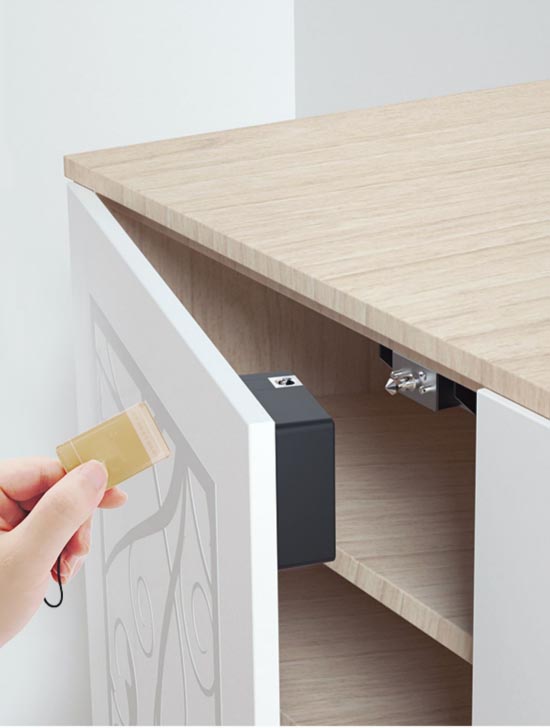
A digital Locker lock is an electronic locking system designed for cabinets, lockers, and storage units, replacing traditional mechanical keys.
It allows access through RFID cards, fingerprints, passwords, or mobile apps, making it ideal for modern commercial, industrial, and furniture applications.
Digital cabinet locks are widely used in factories, offices, schools, gyms, hospitals, and furniture manufacturing facilities, where durability, batch installation, and ease of management are required.
Designed for B2B Buyers & Large Projects
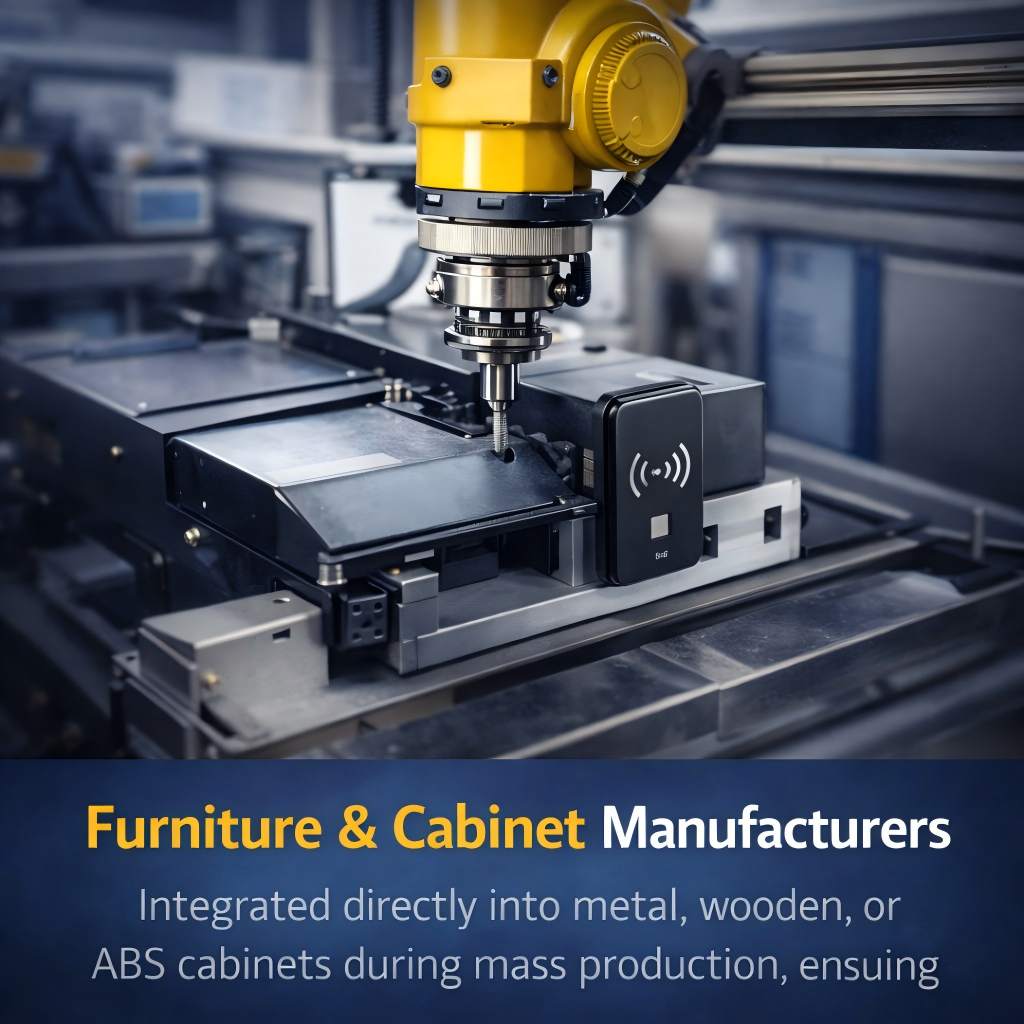
Integrated directly into metal, wooden, or ABS cabinets during mass production.
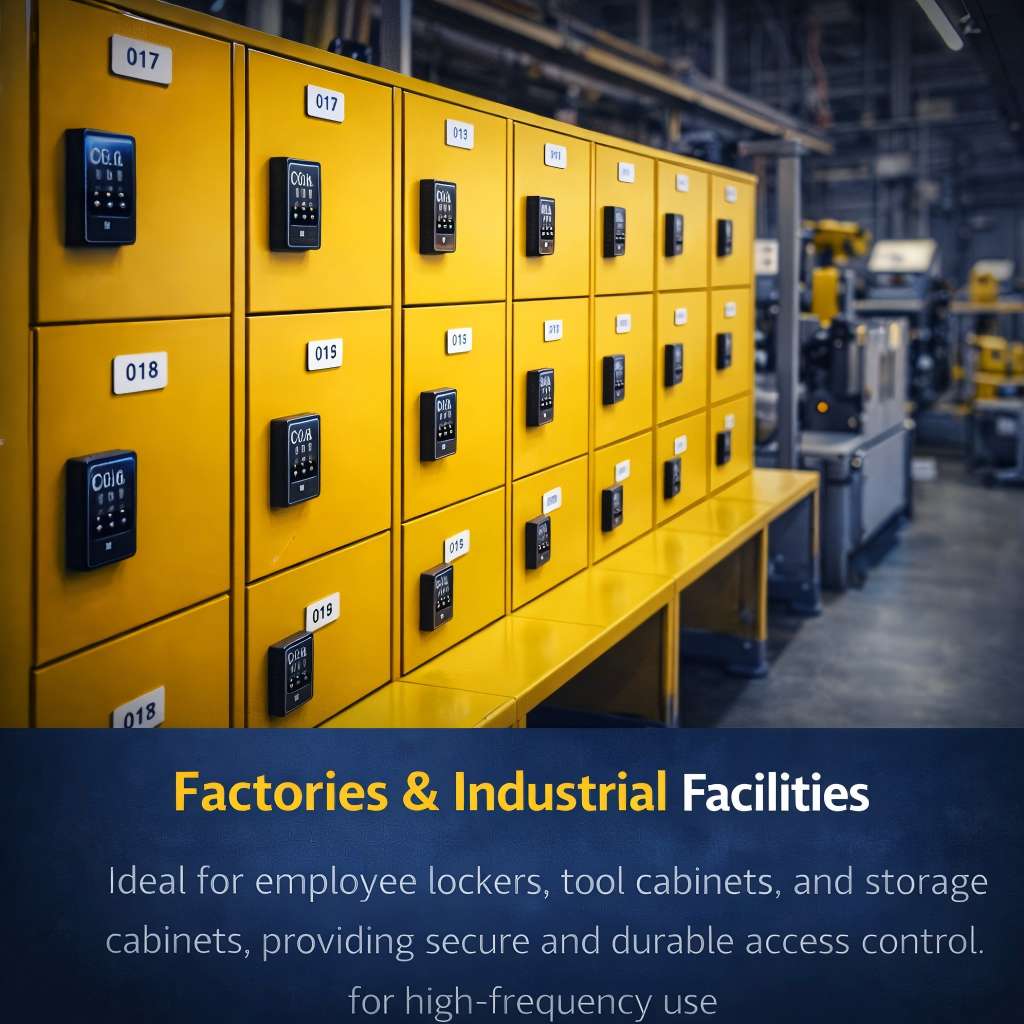
Employee lockers, tool cabinets, and storage cabinets with secure access control
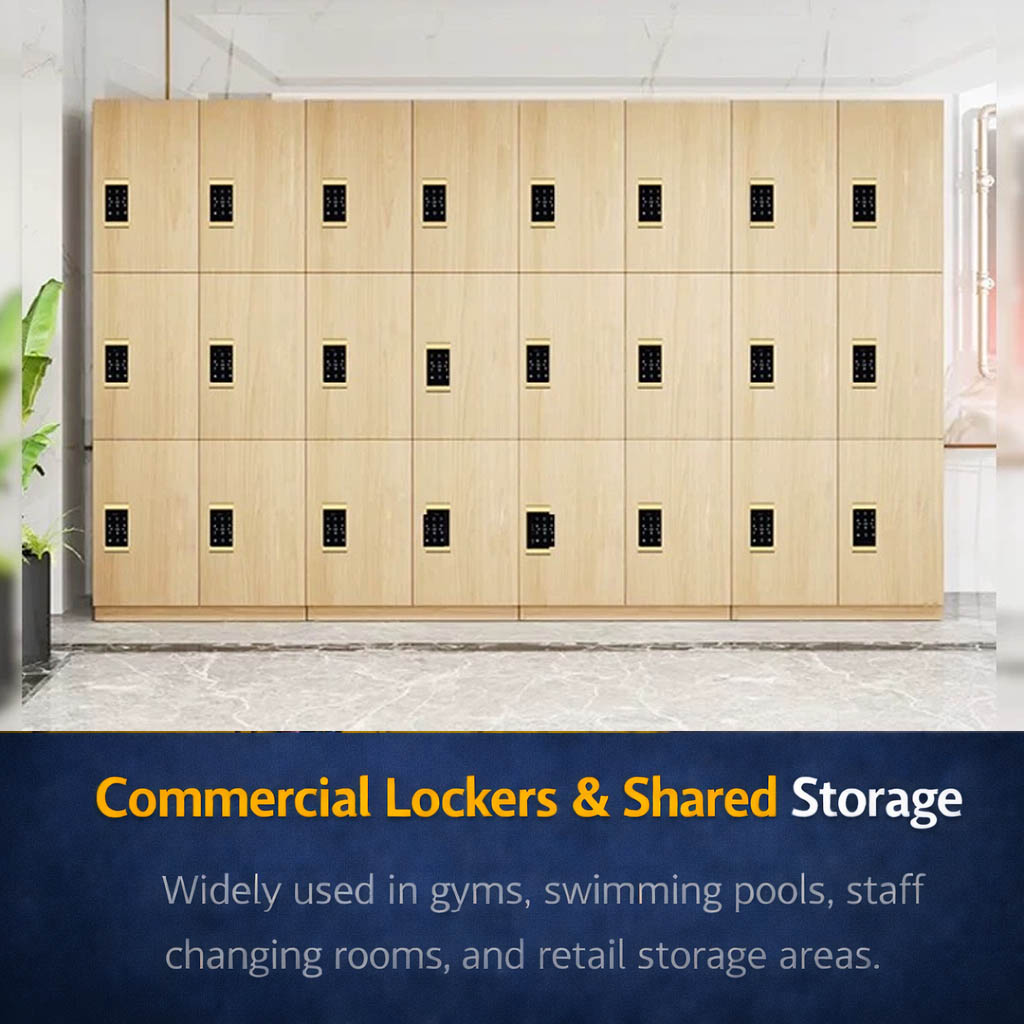
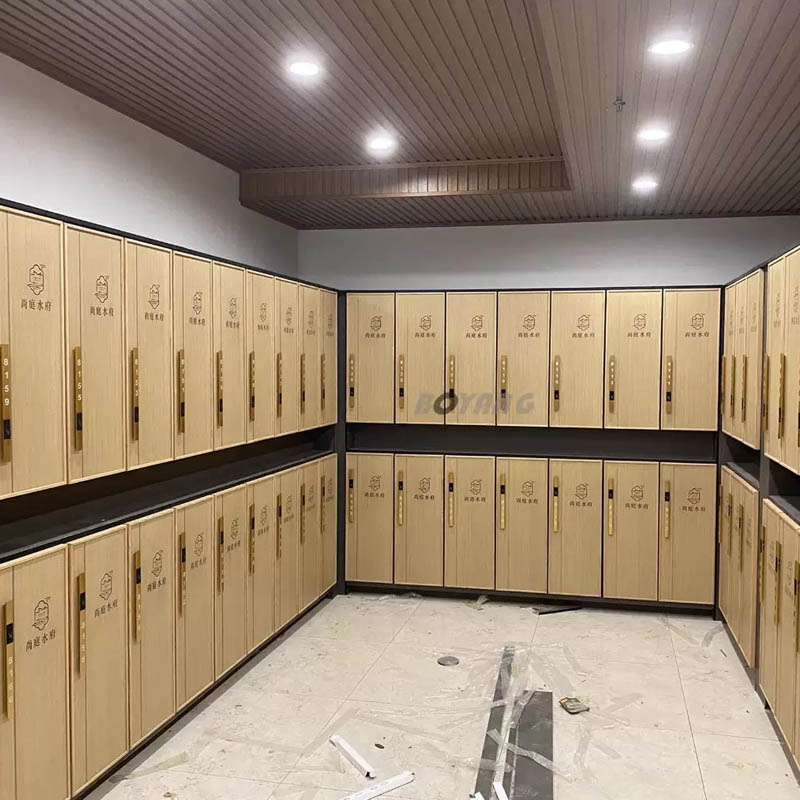
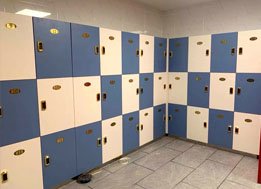
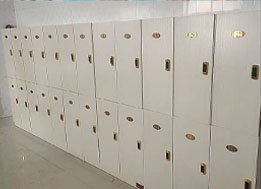
Gyms, swimming pools, staff changing rooms, retail storage areas.

Applied in apartment buildings, co-living spaces, and mixed-use developments
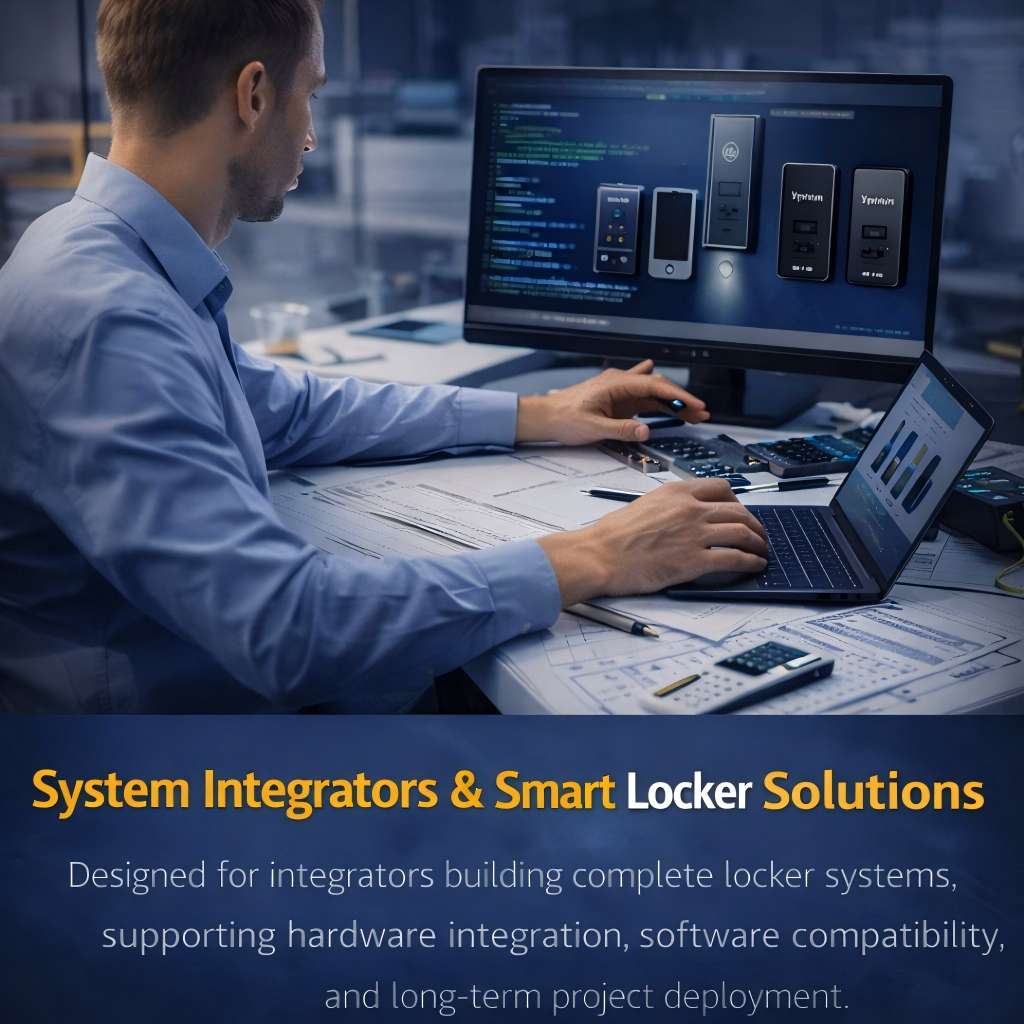
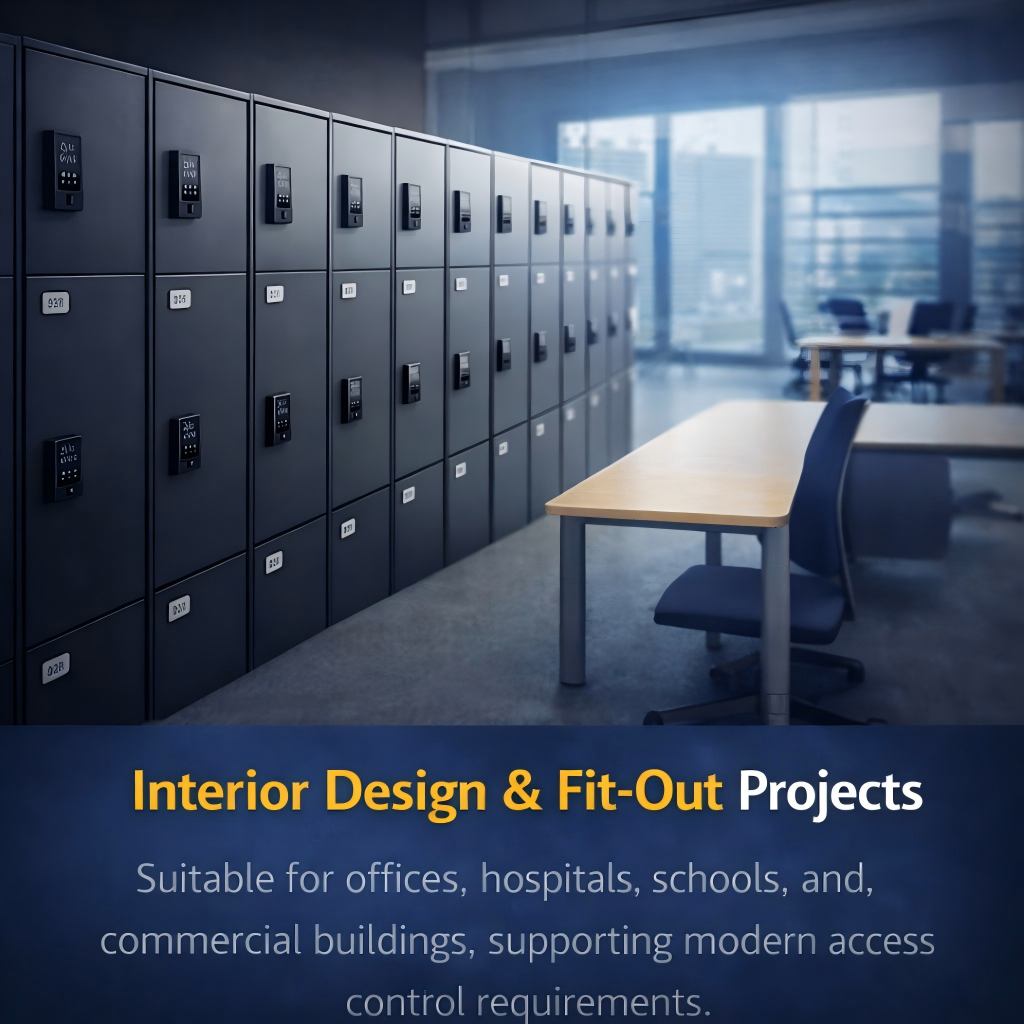
Supporting hardware integration, software compatibility, and long-term project deployment
Digital Locker Lock Three Mode
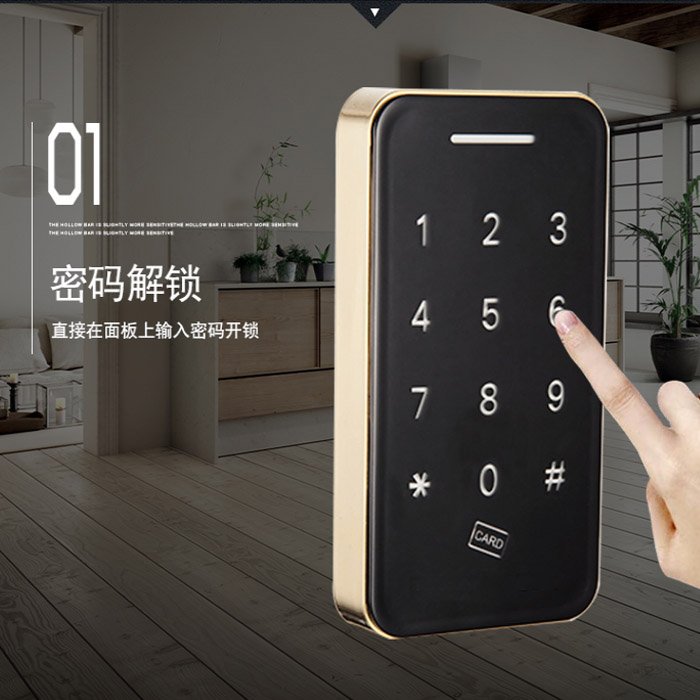
Fixed personnel use, the password is valid for a long time. (This is the factory default mode)

On public occasions, non-fixed personnel use, the person occupies this cabinet with his password; the cabinet can only be unlocked by his password.
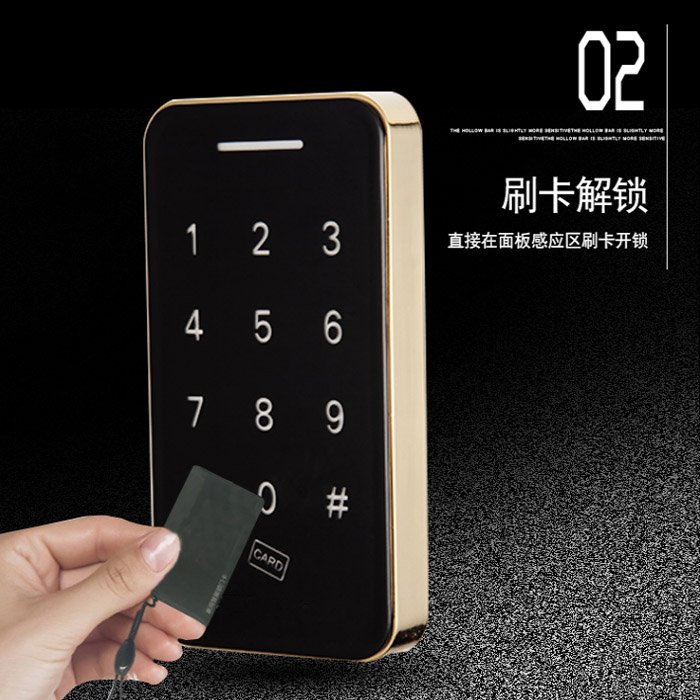
Used in high-grade places, the need for double security verification places to use, respectively, by two people with their card and password input together to unlock the locker, swipe the card or input the password with no particular order
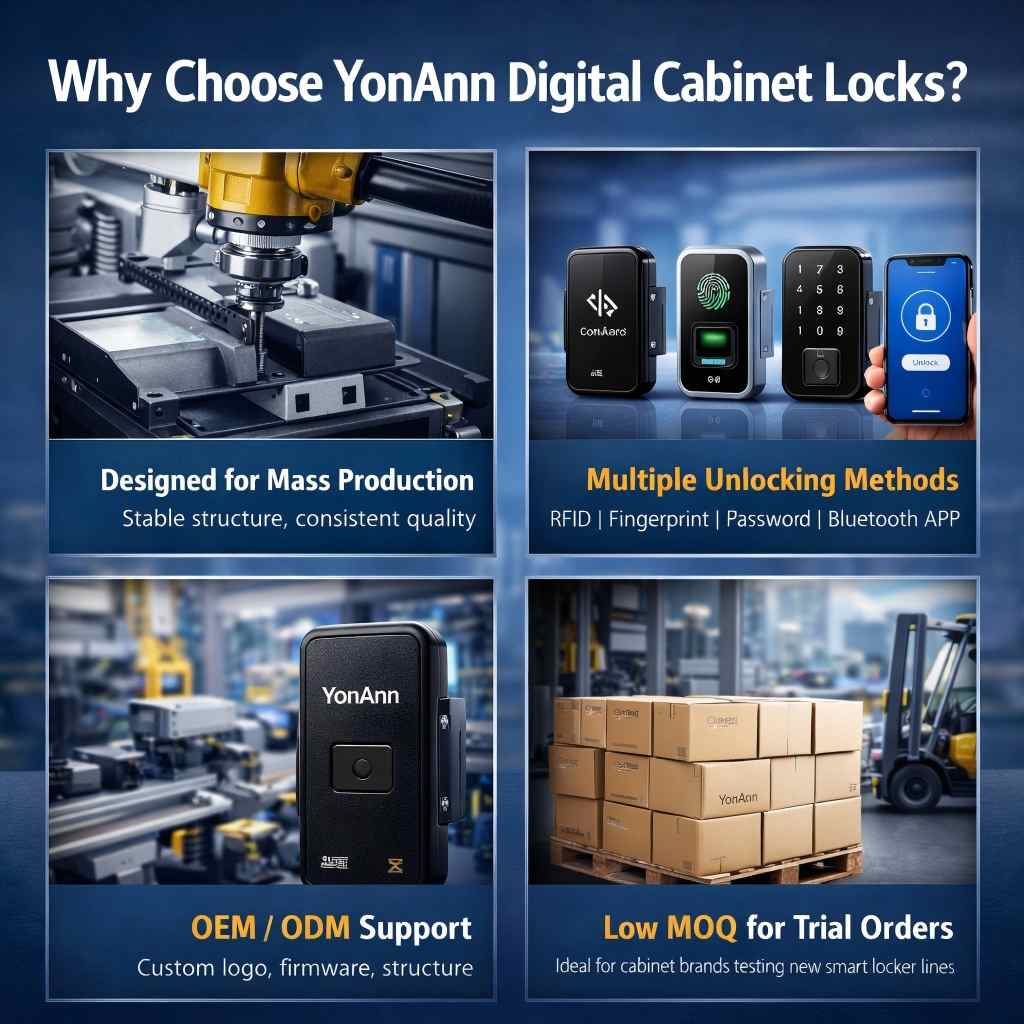
Why Choose YonAnn Digital Locker Locks?
-
Built for Mass Production
Stable internal structure and consistent quality, making it ideal for factory-scale installations. -
Multiple Unlocking Methods
RFID card, fingerprint, password, Bluetooth APP — adaptable to different projects. -
OEM / ODM Ready
Custom logo, firmware, structure, and packaging available. -
Low MOQ for Trial Orders
Perfect for cabinet brands testing new smart locker product lines. -
Global Export Experience
Proven supply to projects across the Middle East, Europe, Southeast Asia, Africa, and South America.
Technical Specifications
Designed to meet the practical requirements of manufacturers and engineering projects.
| Item | Specification |
|---|---|
| Material | Zinc Alloy / ABS |
| Power Supply | AAA Batteries |
| Battery Life | 8–12 Months |
| Unlock Methods | RFID / Fingerprint / Password / Bluetooth |
| Door Thickness | 12–22 mm |
| Working Temperature | -20℃ to 60℃ |
| Installation | Screw-mounted / Tool-friendly |
| Compatible Cabinets | Metal / Wooden / Plastic / ABS |
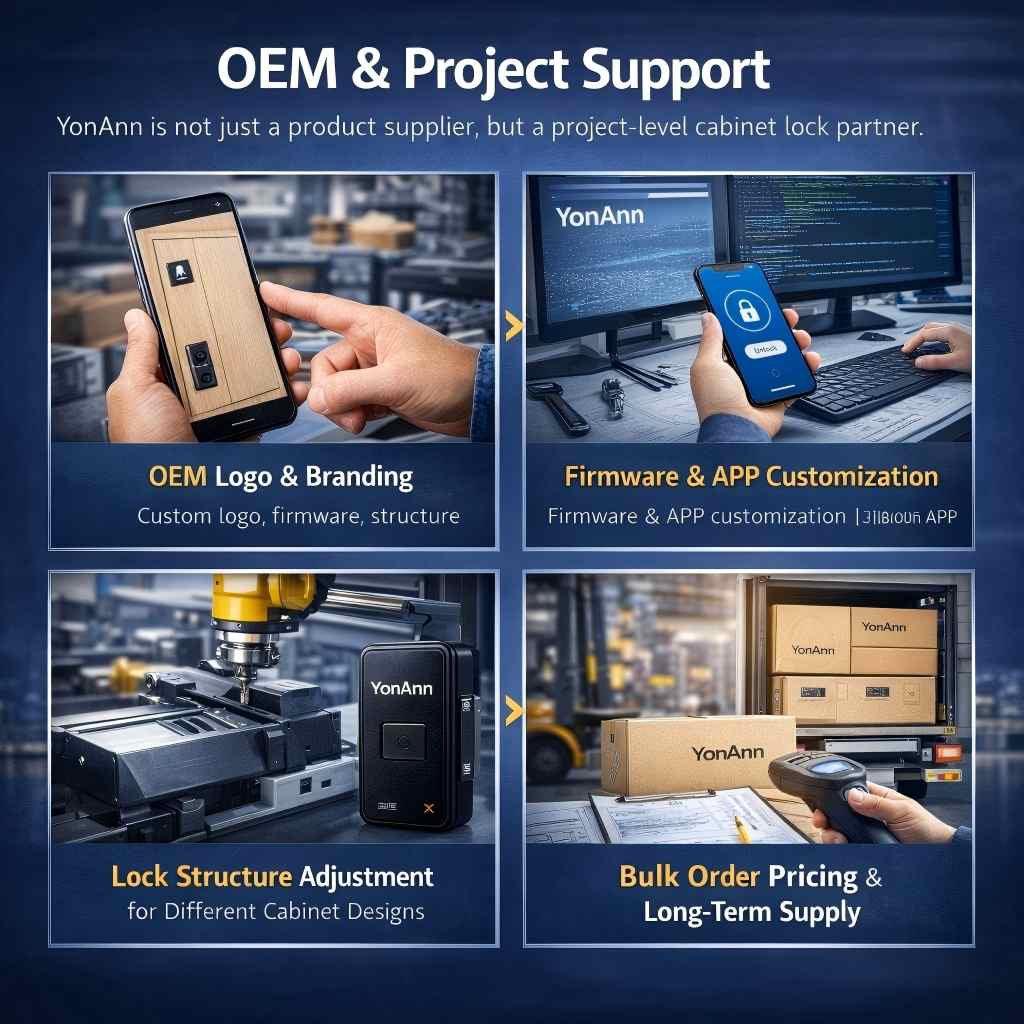
OEM & Project Support
YonAnn is not just a product supplier, but a project-level cabinet lock partner.
-
OEM logo & branding
-
Firmware & APP customization
-
Lock structure adjustment for different cabinet designs
-
Bulk order pricing & long-term supply
-
Technical documents & installation guidance
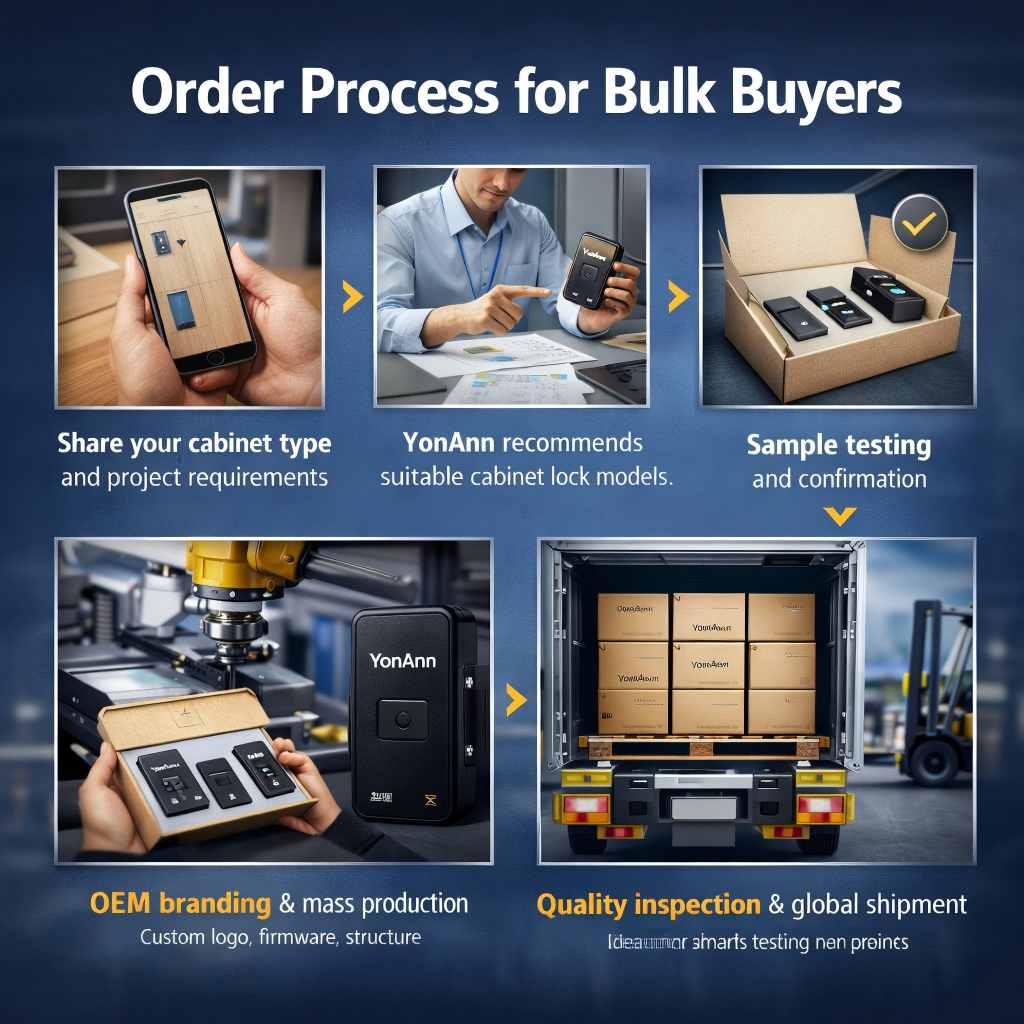
Order Process for Bulk Buyers
-
Share your cabinet type and project requirements
-
YonAnn recommends suitable cabinet lock models
-
Sample testing and confirmation
-
OEM branding & mass production
-
Quality inspection & global shipment
Please share your cabinet type, project quantity, and preferred unlocking method for faster quotation
Looking for a Reliable Digital Locker Lock Supplier?
YonAnn provides smart cabinet lock solutions for manufacturers, furniture brands, and commercial projects worldwide.
Contact us to get model recommendations, pricing, and OEM solutions tailored to your project.
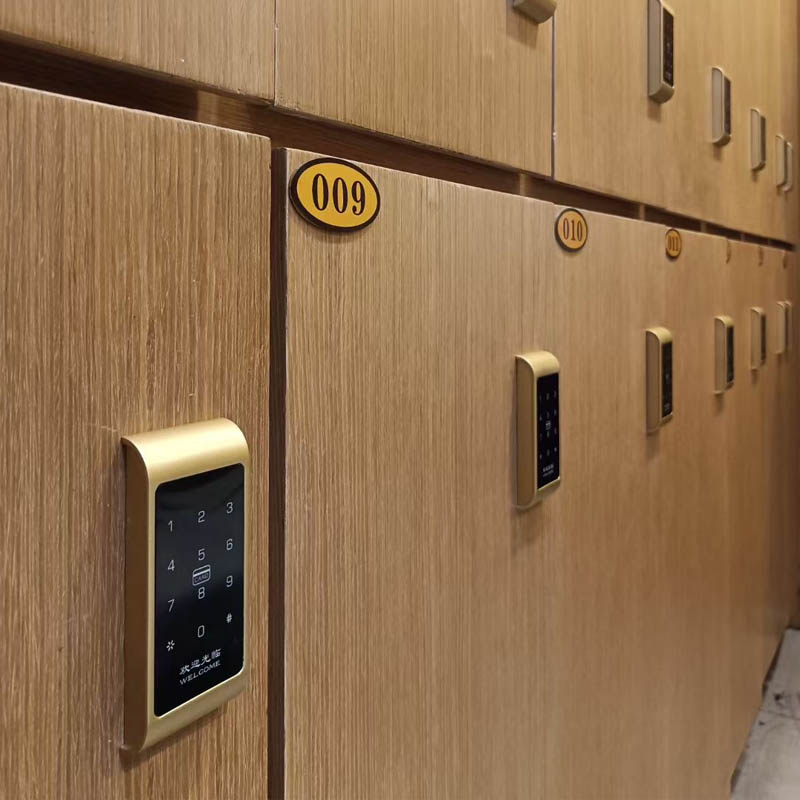
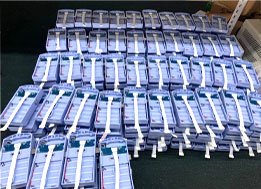
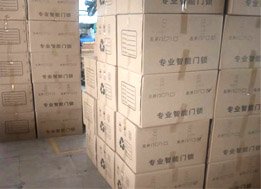
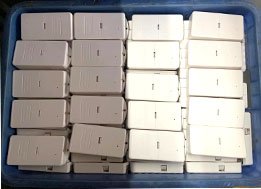
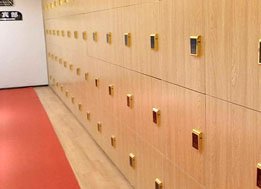
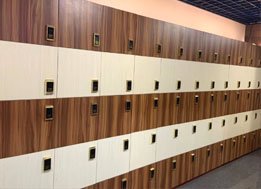
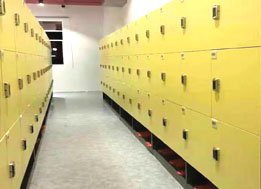
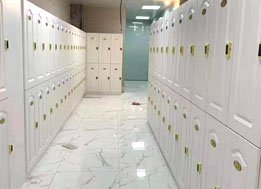
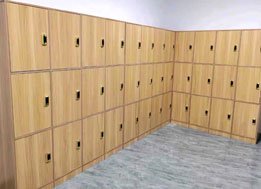
YonAnn Digital Cabinet Lock Application
- YonAnn Digital Locker Lock Application
- YonAnn Digital Cabinet Lock Product Line
- Cabinet Lock Project Installation Case





RFID Cabinet Lock Product Line



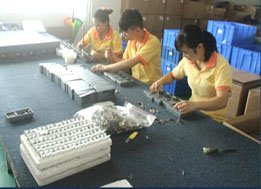


Digital Locker Lock Types
Choose the Right Lock for Your Project
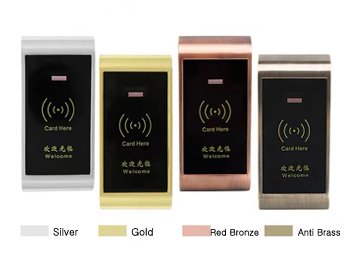
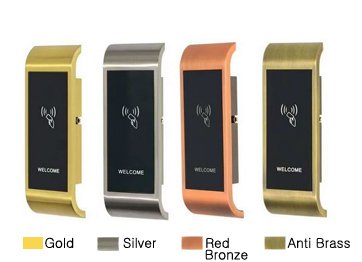
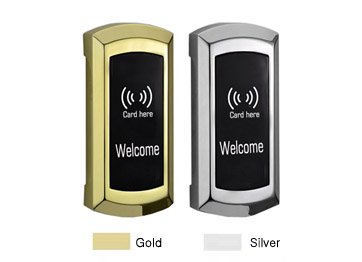
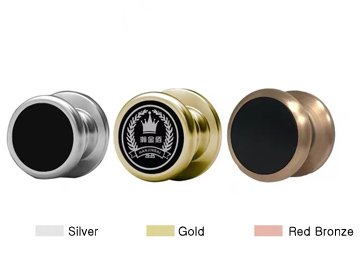
Digital cabinet lock is a simple, smart, cost-effective solution to secure your valuables. Using the latest in digital keypad technology, our digital cabinet lock can be programmed to restrict access to common areas such as the garage and basement. It’s simple to install and easy to program.
YonAn digital cabinet lock integrates a digital keypad and a mechanical latch in one unit. This unique design provides flexibility in access control: the keypad provides access to authorized personnel, while the mechanical latch prevents unauthorized entry. Whether it is a retail space, a warehouse or an office, this innovative design improves security by providing flexible 24/7 access to your facility.

YonAnn digital cabinet lock provides you with a quick, safe, and easy way to keep your valuables safe and secure. The keypad lock can be attached to any cabinet door under the weight of 20lbs or less, as well as desk drawers or filing cabinets. The code is easy to set up, just put the battery into the lock power outlet and input the digit pin code of your choice. To open, press the same four digits and turn the keypad lock’s handle to unlock.
Protect your valuables and confidential files with the digital cabinet lock. Keeps drawers, cabinets, safes, and file cabinets locked up tight. It has a bright display with blue backlighting so you can easily see the numbers in any lighting conditions. The digital cabinet lock is made from durable materials to withstand continuous use on a daily basis. Comes with mounting hardware for an easy installation.
YonAnn digital cabinet lock is a simple, convenient, and efficient way to help keep your drawer in security. The lock can be programmed in seconds with a personal 4-8 digit code, which will protect your possessions from theft and unauthorized use of valuable items such as laptop computers, medications, personal items, or any other valuables, which can be used for home, but also office, swimming pool, sauna bath center, etc. Can be applied to cabinets, drawers, cupboards, etc.
Two Kinds Of Unlock Mode
Independent / Public two locking mode switch depends on the need to meet different customers, different scenarios use and management.
Open (Public Mode)
Suitable for public places, storage deposits, and other mobile personnel, the password is one-time effective.
Public mode lock is unlocked, and customers use their own set password to lock and unlock. After the locker is opened, the password is invalid.

Independent Mode
Suitable for personal places, closets, shoe lockers, and other fixed personnel, the password is valid for a long time.
Independent mode lock is closed; enter the password to unlock when using.

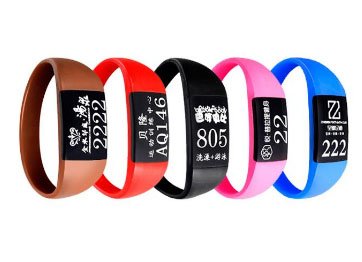
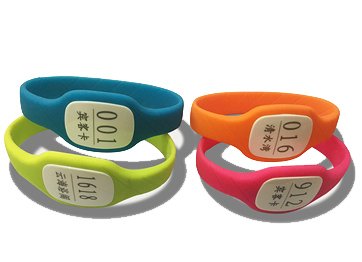
- By quality silicone / PVC one-time molding, with non-toxic, non-cracking, long service life, non-irritating skin, etc characteristics.
- Using a closed-loop wristband, the colors are bright, good feeling, and comfortable to wear.
- Waterproof, moisture-proof, shockproof, and high-temperature resistant.
- The wristband keys can be made for different logos and numbers on.


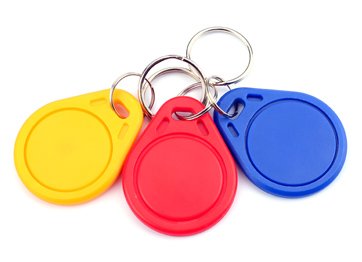


Valid passwords are 4 – 10 digits. The total length of the password can be up to 15 digits (if the 16th digit is entered, the lock will withdraw and enter the password).
A password can be set up total of 8 groups, that is, 1 group master password, 5 groups door passwords, and 2 groups management passwords. The maximum number of cards can be set up to 10 pcs, they are 1 master card, 2 management cards, and 7 room cards.
Note: when entering the password, only press #, then you can touch valid cards.
When you press the password, you can only rely on the card after you press the “#” sign. Programming
1. Initialization: Press the reset button to initialize the system. The master password is “123456”.
When you clear the stored information in the lock, the buzzer has 3 beeps (but can’t delete the master card and master password).
2. Change master password and master card
(2.1) To change the management password: – *8# – Enter master password or master card – # – enter new master password – # – enter new master password again . (The program system will withdraw automatically when finish program finishes)
(2.2) Replacing Master Card: “*8#” Enter master code or master card – # – touch new card want to program ( this card will replace the old master card ) (the program system will withdraw automatically when finished programming)
3. Add room card and room password
(3.1) Adding room password: – *5# – Enter master password or master card – # – enter room password – # – enter room password again – # -, when the blue light is on, means add room password success, when red and blue light flash alternately, can enter new room password
(3.2) Adding room card: – *5# – enter master password or master card – # – touch new room card till the blue light flashes, meaning program success, can touch new room card one by one.
Note: The length of the password requirements for 4 – 10 digits, room password, and room card allows 5 groups at most.
4. Change room password
– *6# – enter master password or master card – # – enter old room password – # – red and blue light flash alternately, enter new room password – # – enter new password – # -, when the change program process finishes, the system will withdraw automatically.
Note: After changing the room password, the new room password becomes the current valid room password.
5. Delete the room card and password
(5.1) Delete password: – *7# – enter master password or master card – # – enter room password – # – , can delete all the room passwords one by one .
Note: The master password cannot be deleted.
(5.2) Deleting room Card: – *7# – enter master password or master card, enter card serial number – # – enter room password – # -, can delete all the room cards one by one.
Note: when adding room cards, the card ID and card serial number; the card serial number is between 1 –
800 . For example, delete card number 2 operation like this: – *7# – enter master password or master card – 02 – # –
6. Delete Lock Inside Data
(6.1) – *0# – Enter master password or master card – # – 00 – # -, delete lock unlock records (only keep the records unlocked by master card and master password )
(6.2) – *0# – Enter master password or master card – # – 01 – # -, delete all valid room passwords (only keep the master card and master password information)
(6.3) – *0# – Enter master password or master card – # – 02 – # -, delete all valid room cards (only keep the master card and master password information)
7. Program unlock mode (default mode 1)
(7.1) – *1# – enter master password or master card – # – 11 – # – , stand alone model : the valid room card or valid
Yes. Our cabinet locks are designed specifically for manufacturers and large-scale projects.
Yes. OEM logo and packaging customization are available.
MOQ is flexible and suitable for trial orders and project-based purchasing.
Yes. Most models work offline and do not require an internet connection.
Metal, wooden, plastic, and ABS cabinets.
Yes. They are designed for durability and frequent daily use.
We are a professional smart cabinet lock supplier and manufacturer for more than 10 years. We offer RFID cabinet lock, sauna cabinet lock, hidden file drawer, digital cabinet lock, fingerprint cabinet lock, etc. For more information, pls contact us for more details.
 English
  Russian
  Spanish
  Arabic
  Vietnamese