

Reliable TTLock-based smart lock solutions designed for hotels, apartments, rental properties, and global distributors.
YonAnn provides stable hardware, mature TTLock system integration, and full OEM / ODM support for large-scale projects.
OEM / ODM supported
Stable TTLock ecosystem
Export-ready production
Why TTLock for Business
Best Choice for Hotel ,Apartment ,Airbnb ,School, Hospital !
TTLock is widely adopted in commercial smart lock projects because it offers a mature app ecosystem without the need for custom software development.
For distributors, integrators, and property operators, TTLock reduces deployment risks and shortens project delivery time.
Key advantages
- Mature and stable TTLock app ecosystem
- Multi-language support for global projects
- Cloud-based management with offline access capability
- Ideal for hotels, apartments, and rental properties
- No need for custom app development
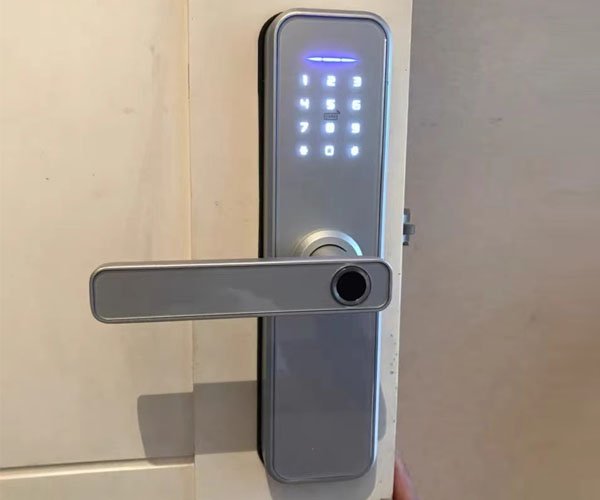
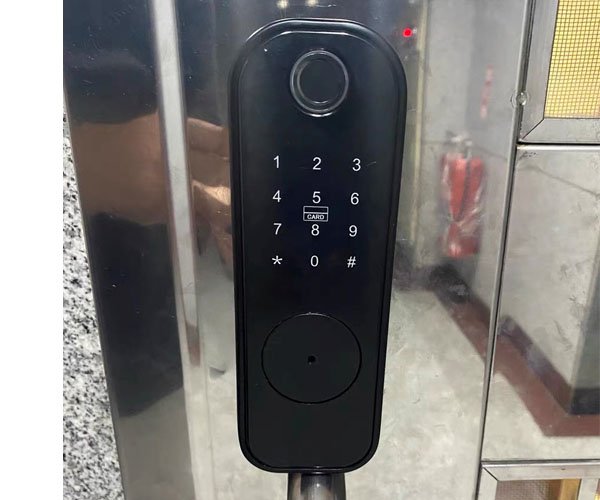
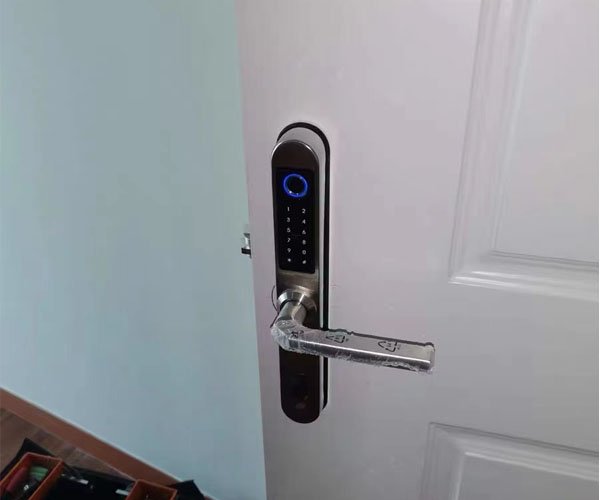
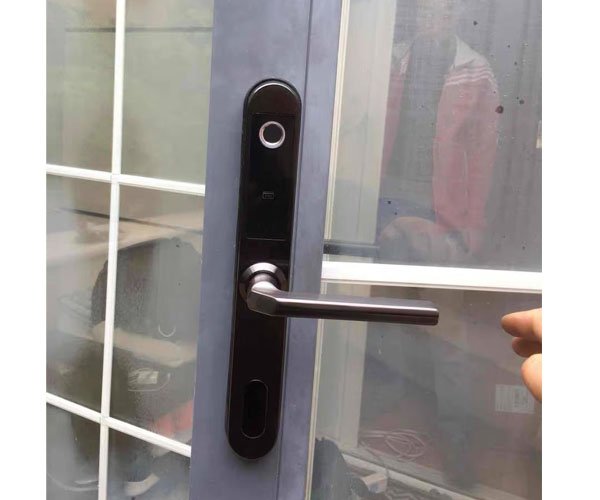
- Multi unlock way: Fingerprint, Bluetooth, app, IC card, pass-code, mechanical key
- The auto-lock function would help you if you forgot to lock your door, and the anti-peep password function can protect your code from being stolen.
- From APP, the lock with the gateway to connect with the home Wifi network can unlock remotely, the ekey and Pin Code can be shared by Remote
- View access logs instantly.
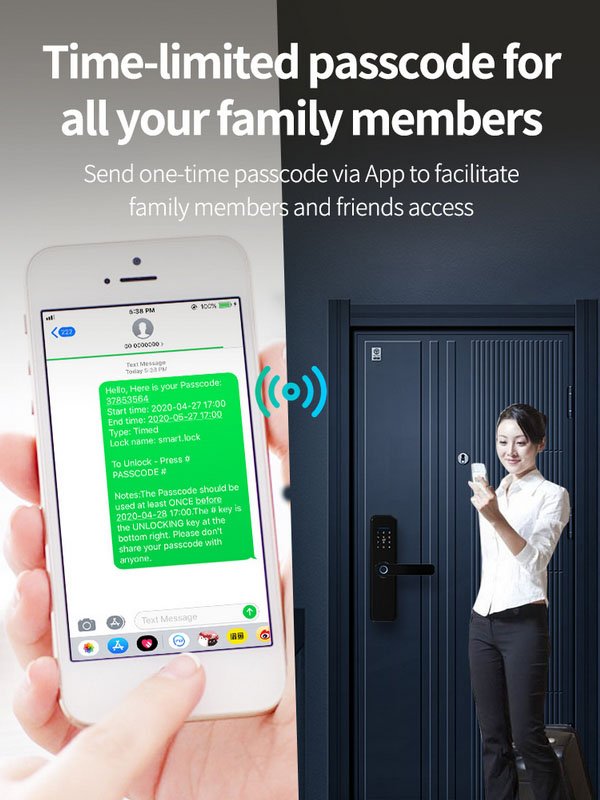
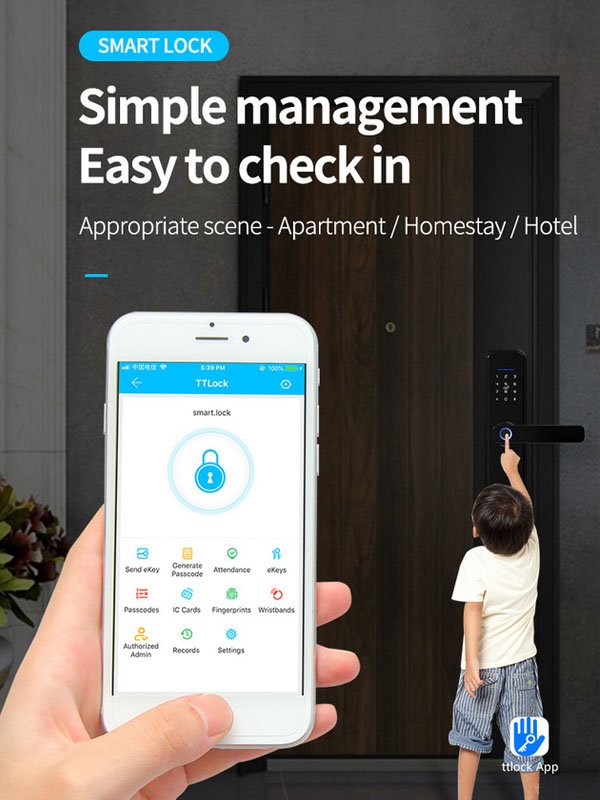
- Convenient to control: Through the app, you can check the unlocking records and share the temporary code/e-key with others.
For distributors, integrators, and property operators, TTLock offers a proven and scalable access control solution.
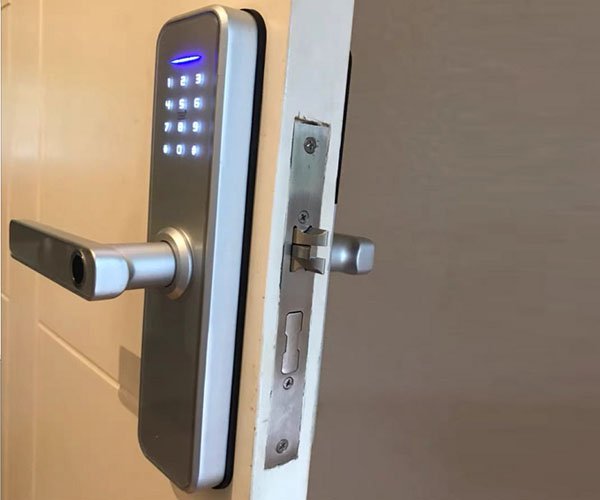
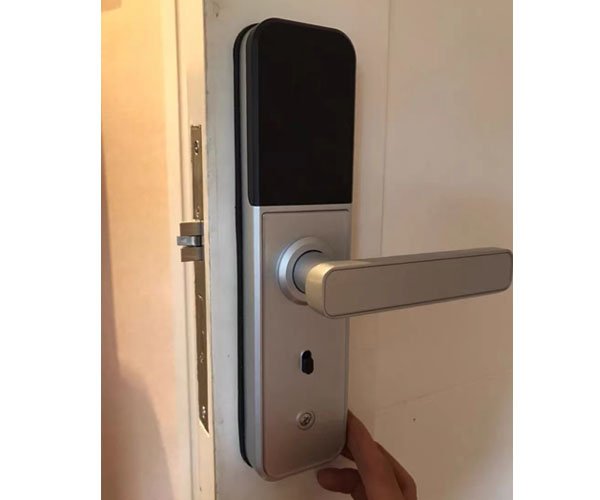
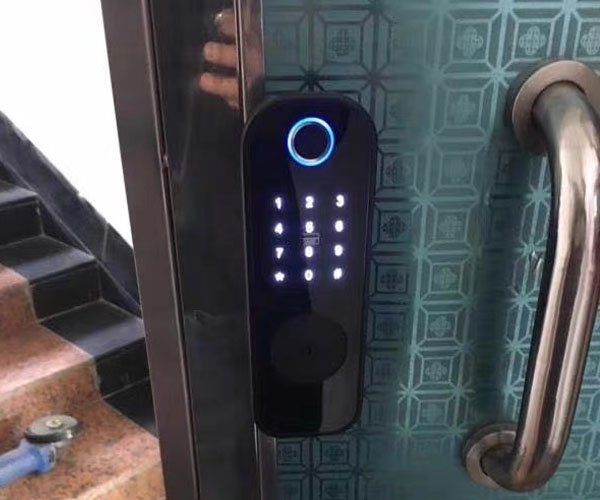
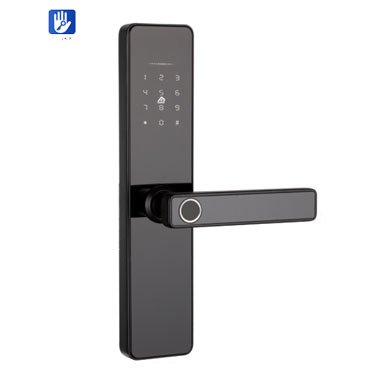
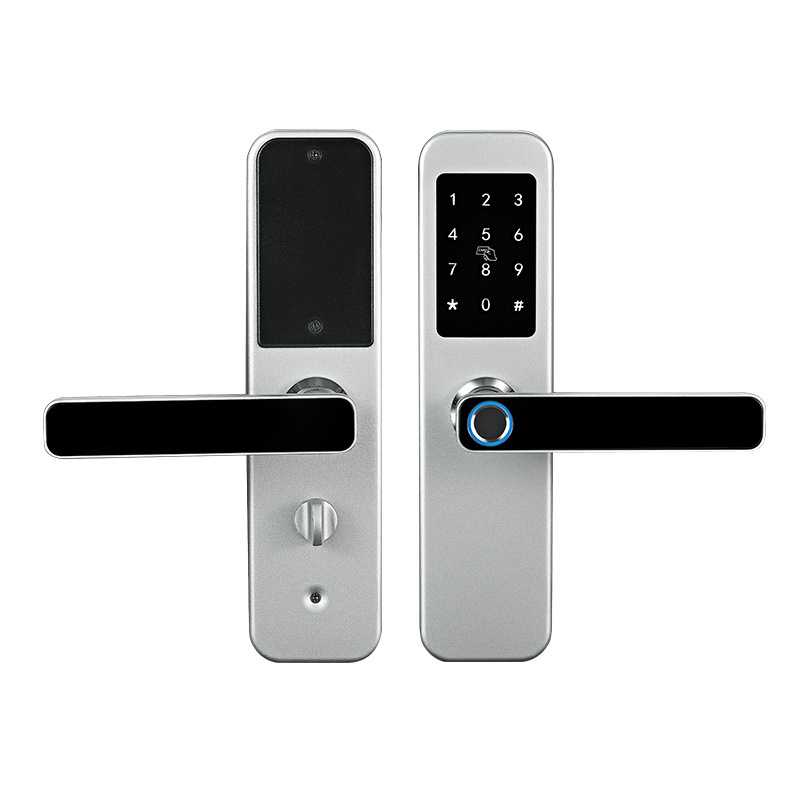
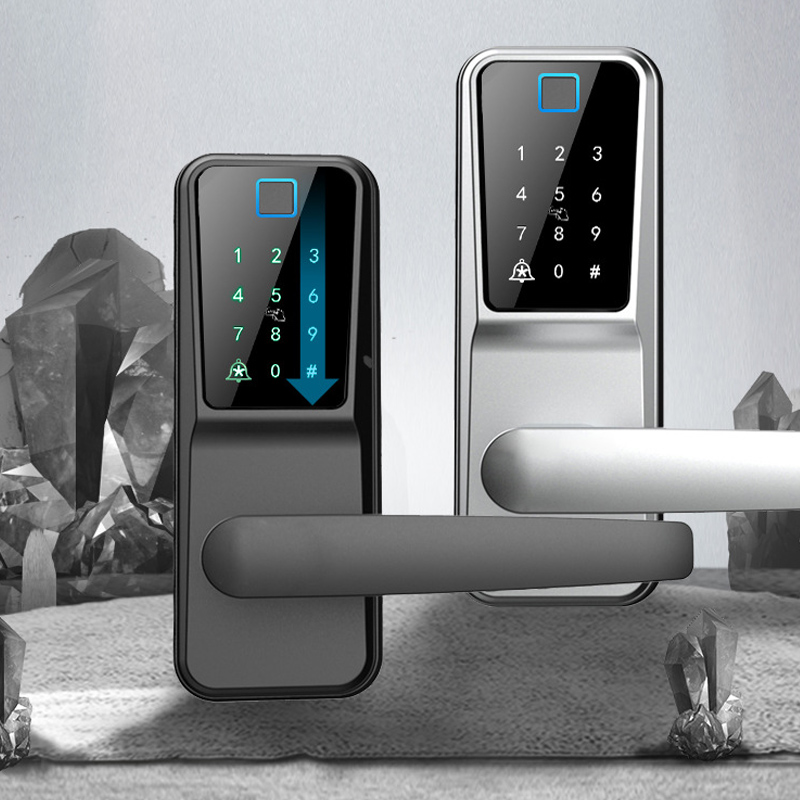
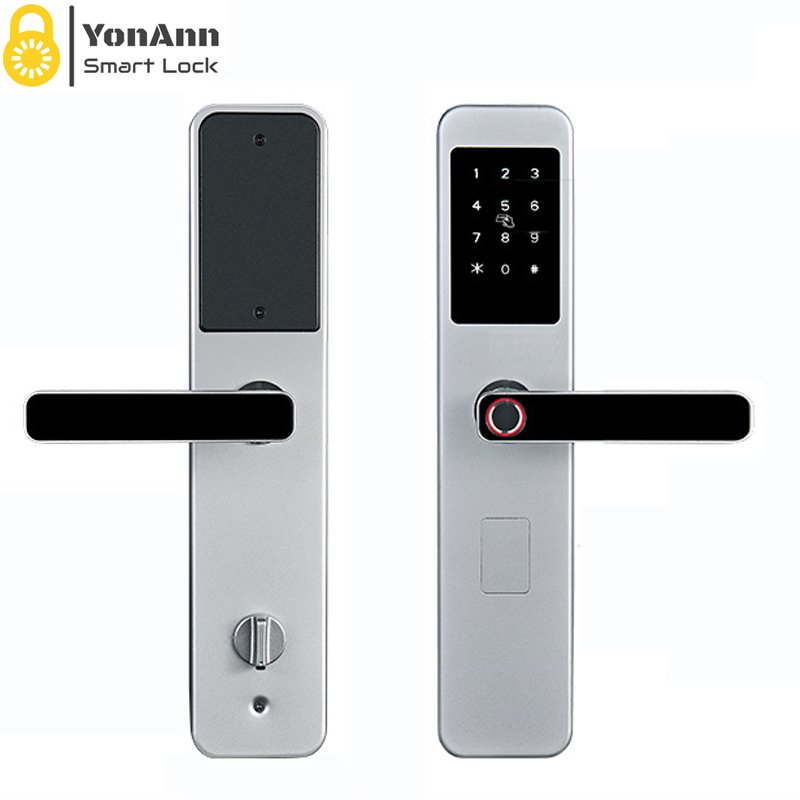
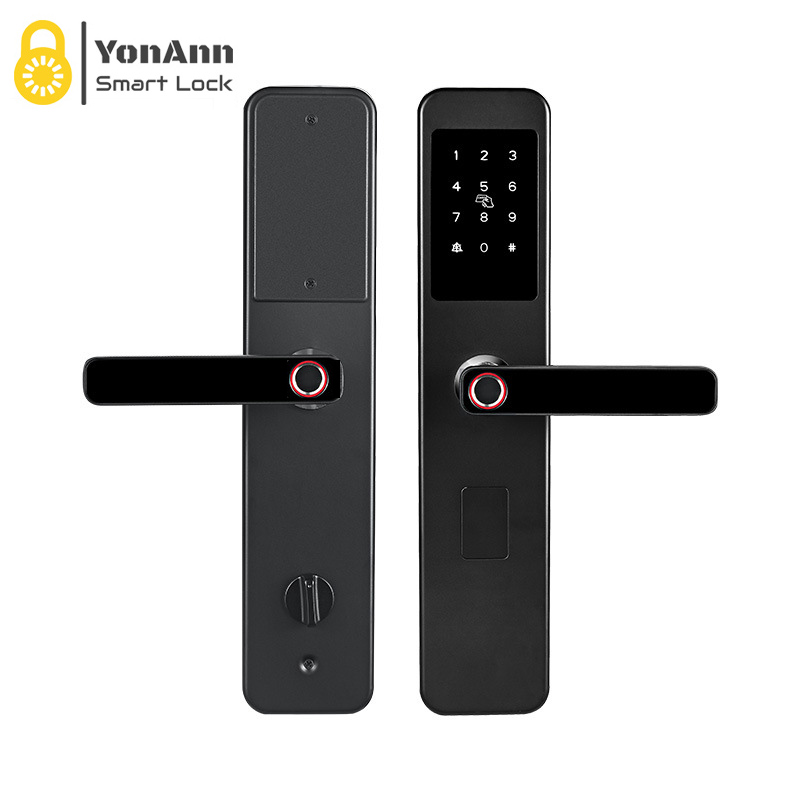
YonAnn has two types of TTlock App-operated Smart Lock: Fingerprint smart door lock & Bluetooth smart door lock.
Fingerprint smart door lock unlock by: fingerprint+IC card+password+BT+APP+mechanical key
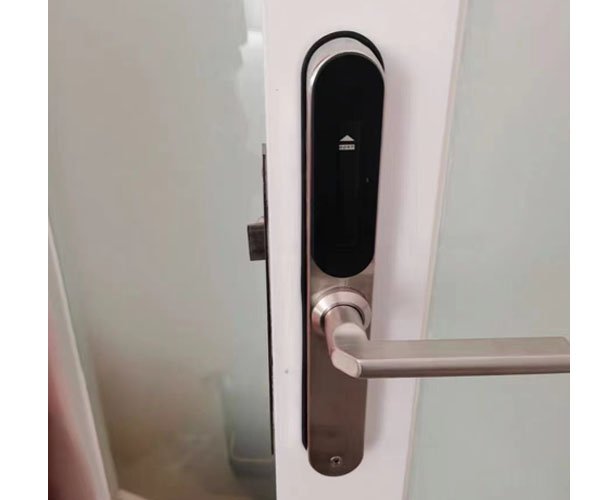
Bluetooth smart door lock unlock by: IC card+password+BT+APP+mechanical key
TTLock Smart Lock Solutions by Application
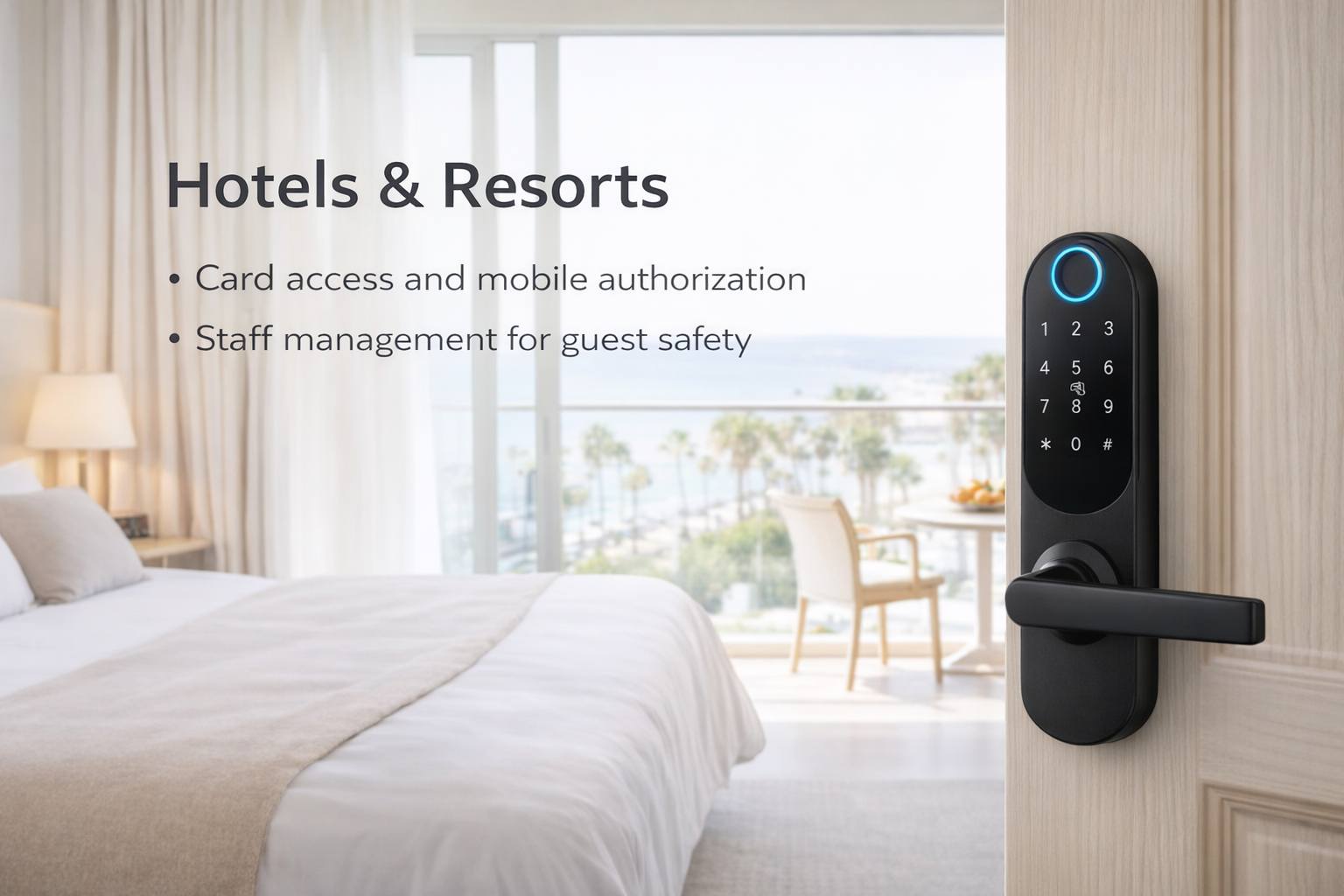
TTLock smart locks support RFID cards, mobile access, and staff authorization management, making them ideal for hotel room access control and daily operations.
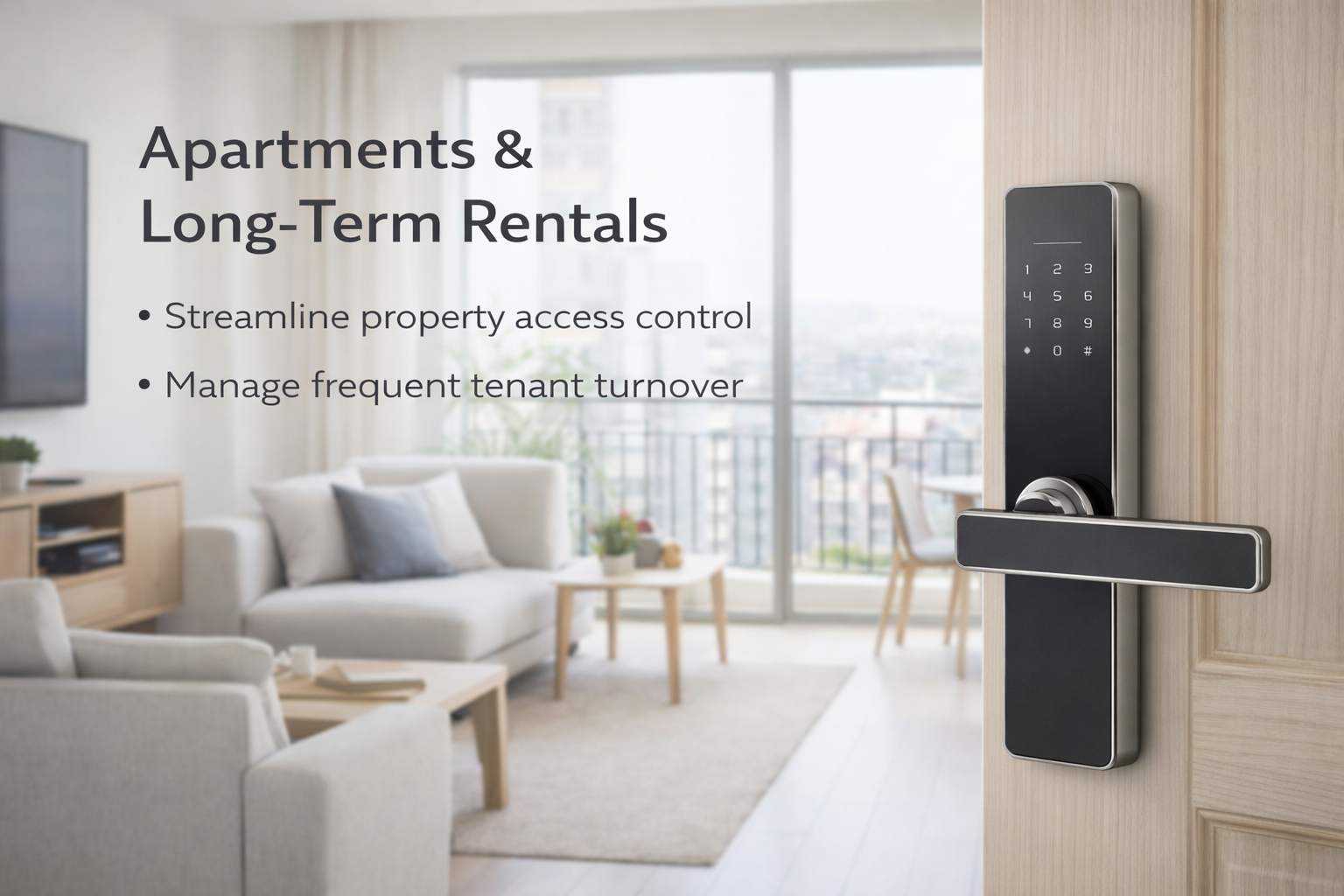
Centralized management of multiple units, flexible user permissions, and time-based access improve operational efficiency for apartment operators.
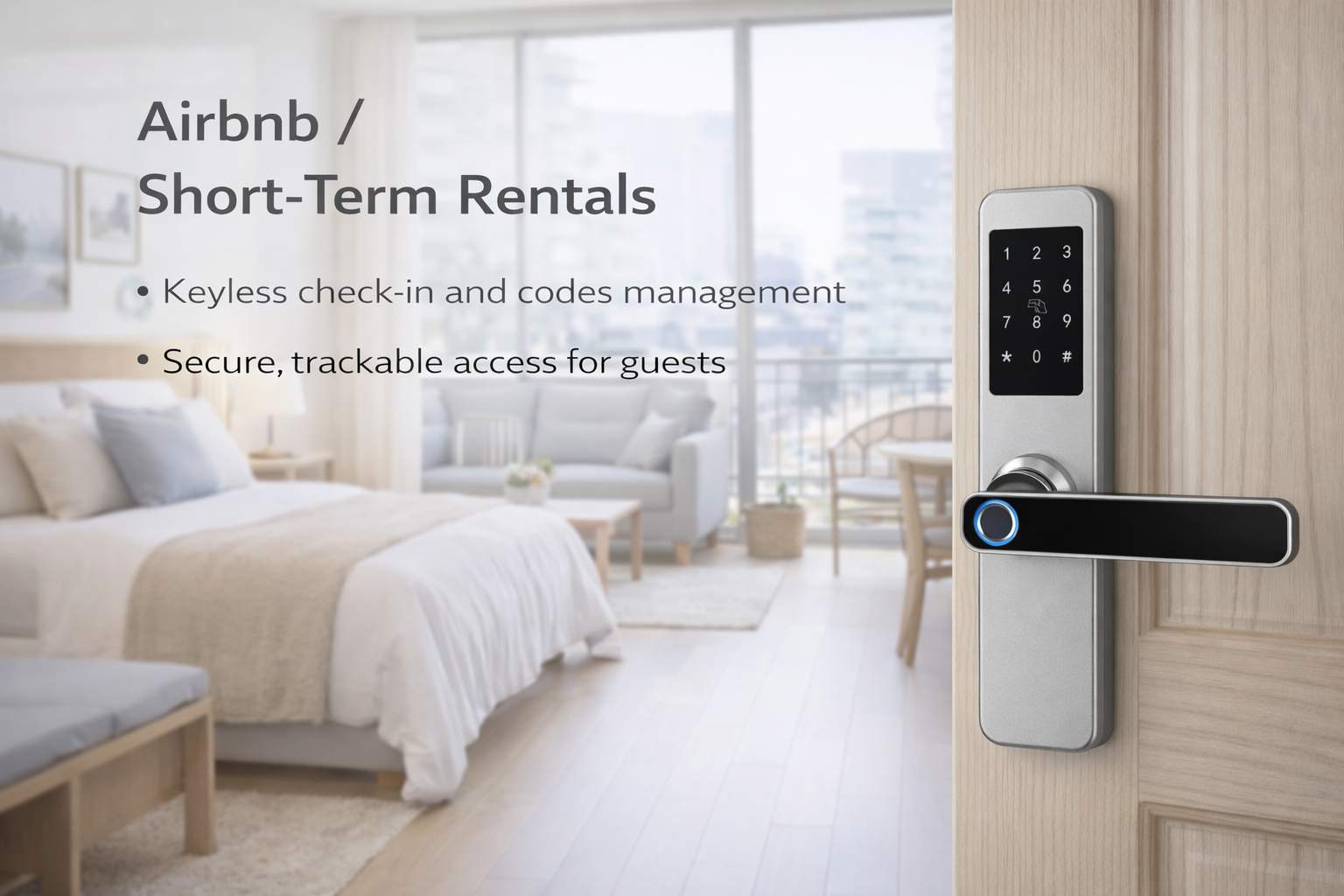
Remote authorization, temporary passwords, and real-time access records help hosts manage guests without physical key handover.
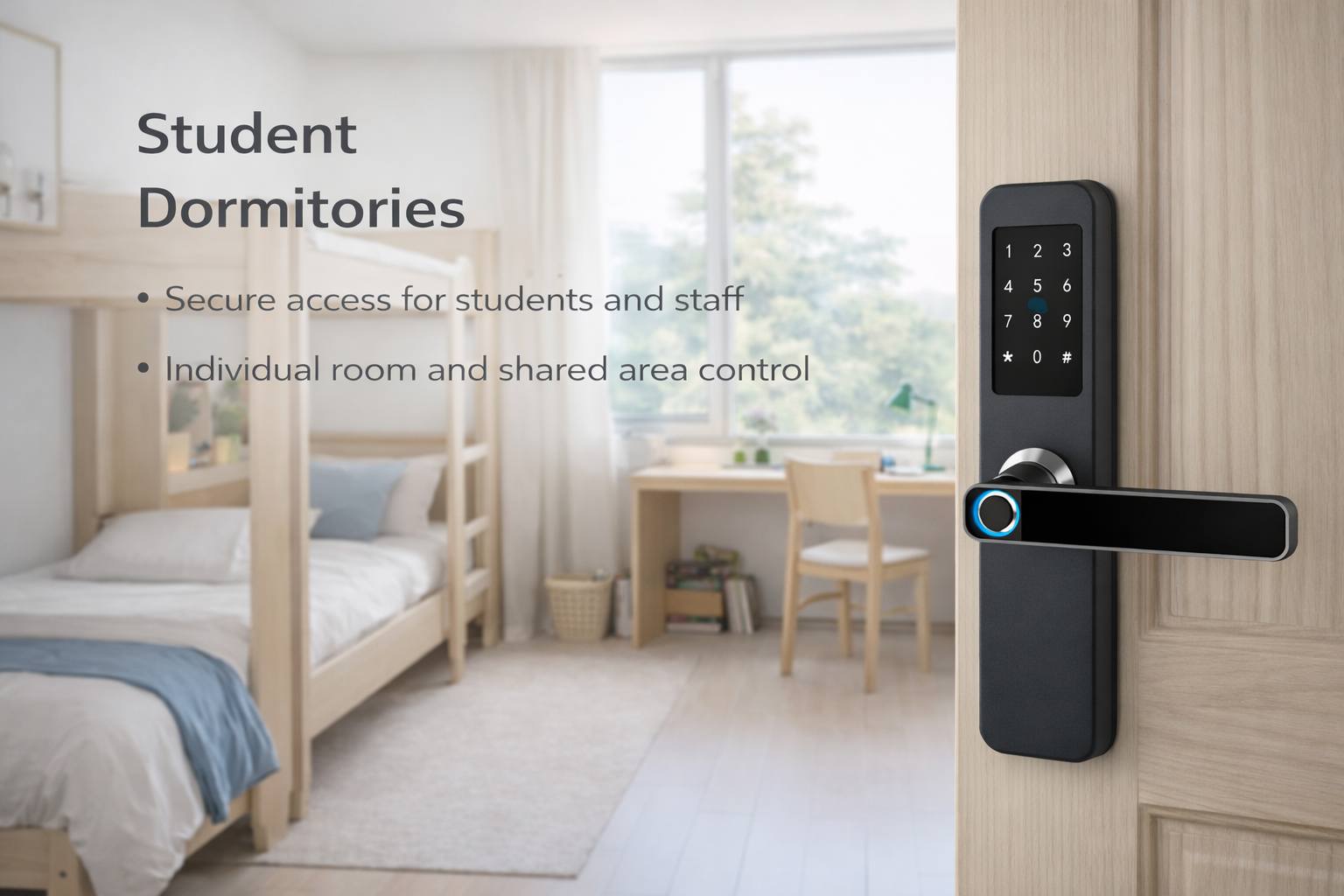
Batch management, card issuance, and permission control simplify large-scale residential projects.
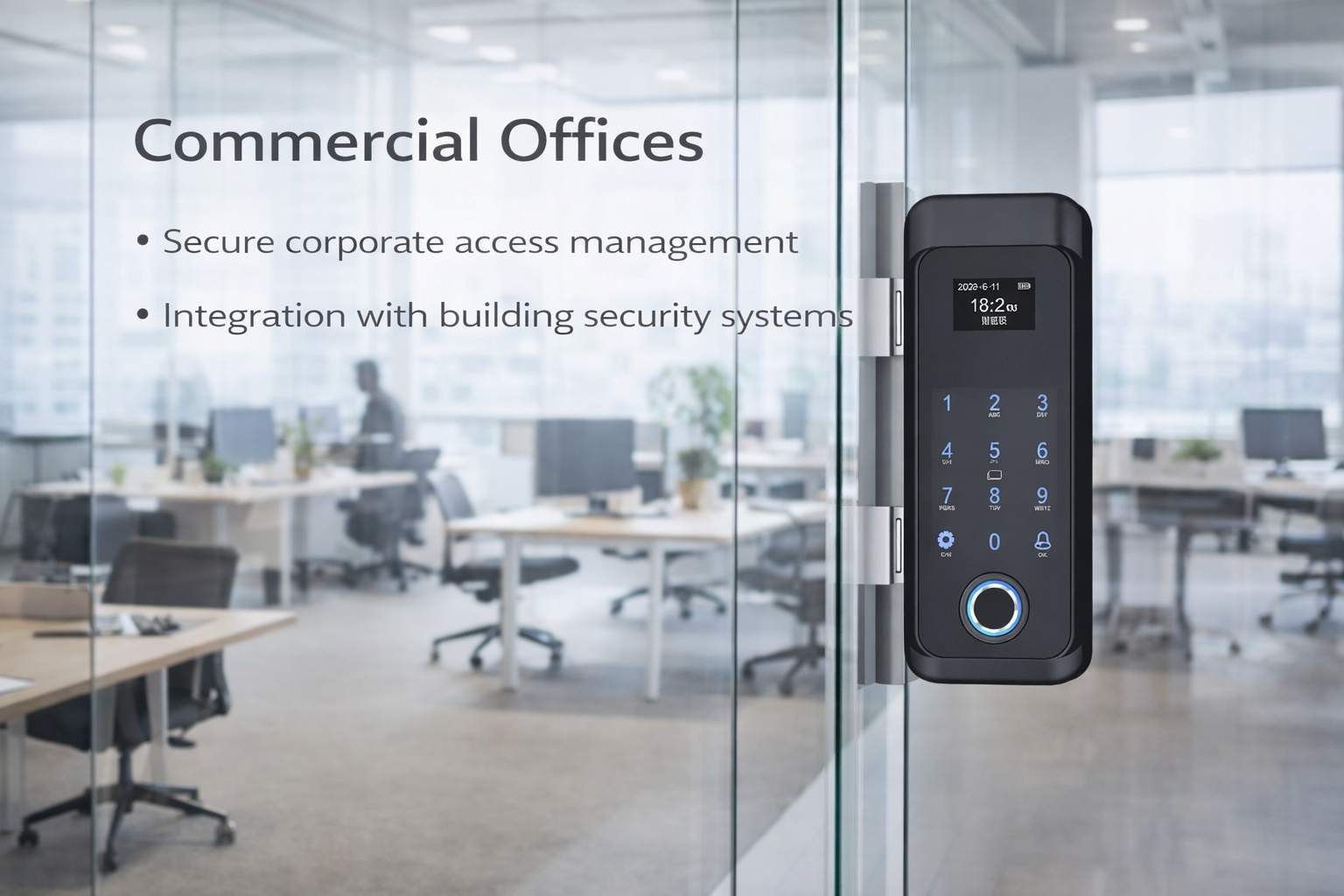
TTLock-based access control improves security while allowing flexible employee access management.
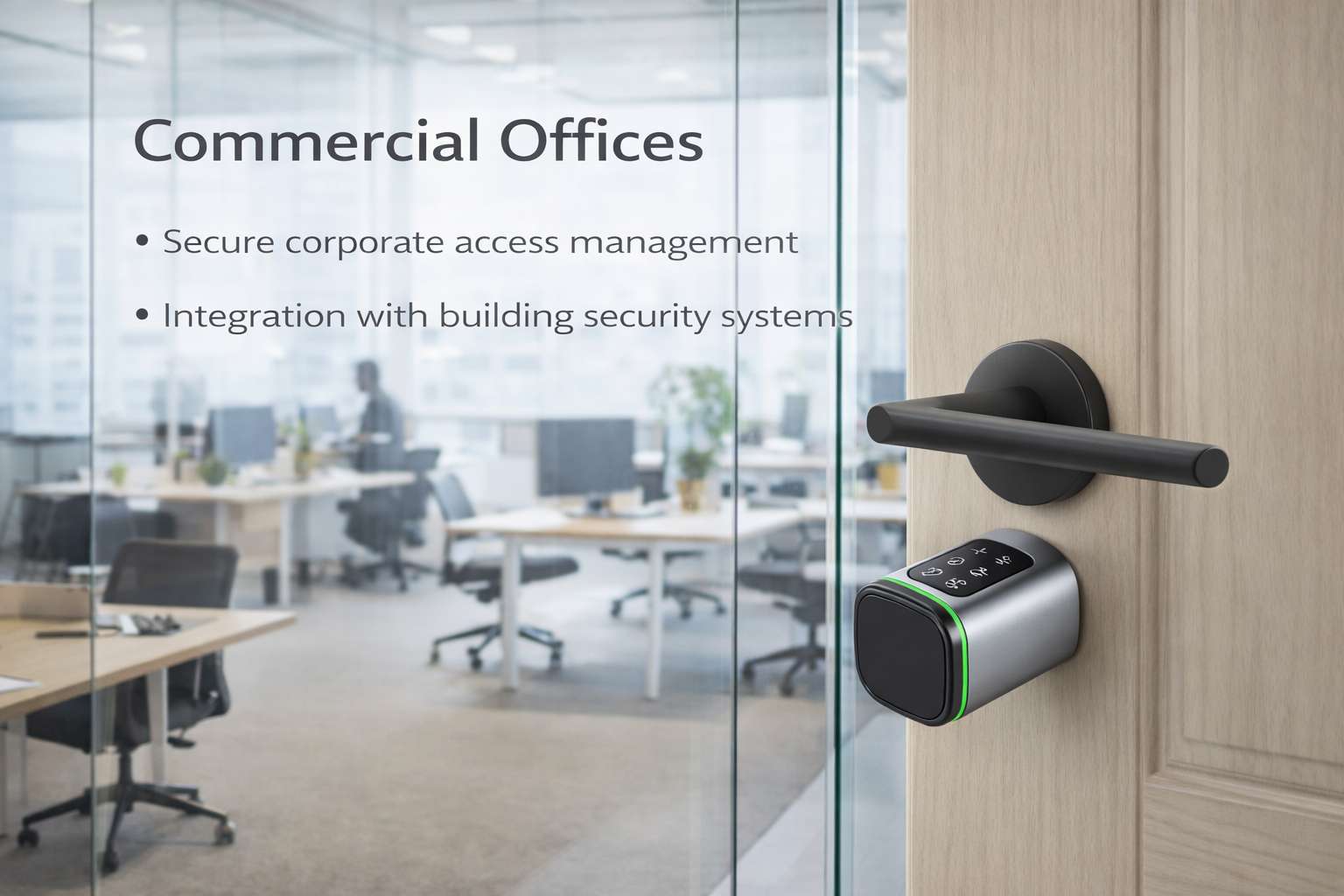
TTLock smart locks can be deployed across private offices, shared meeting rooms, and access-controlled zones within coworking environments.
TTLock App & System Capabilities
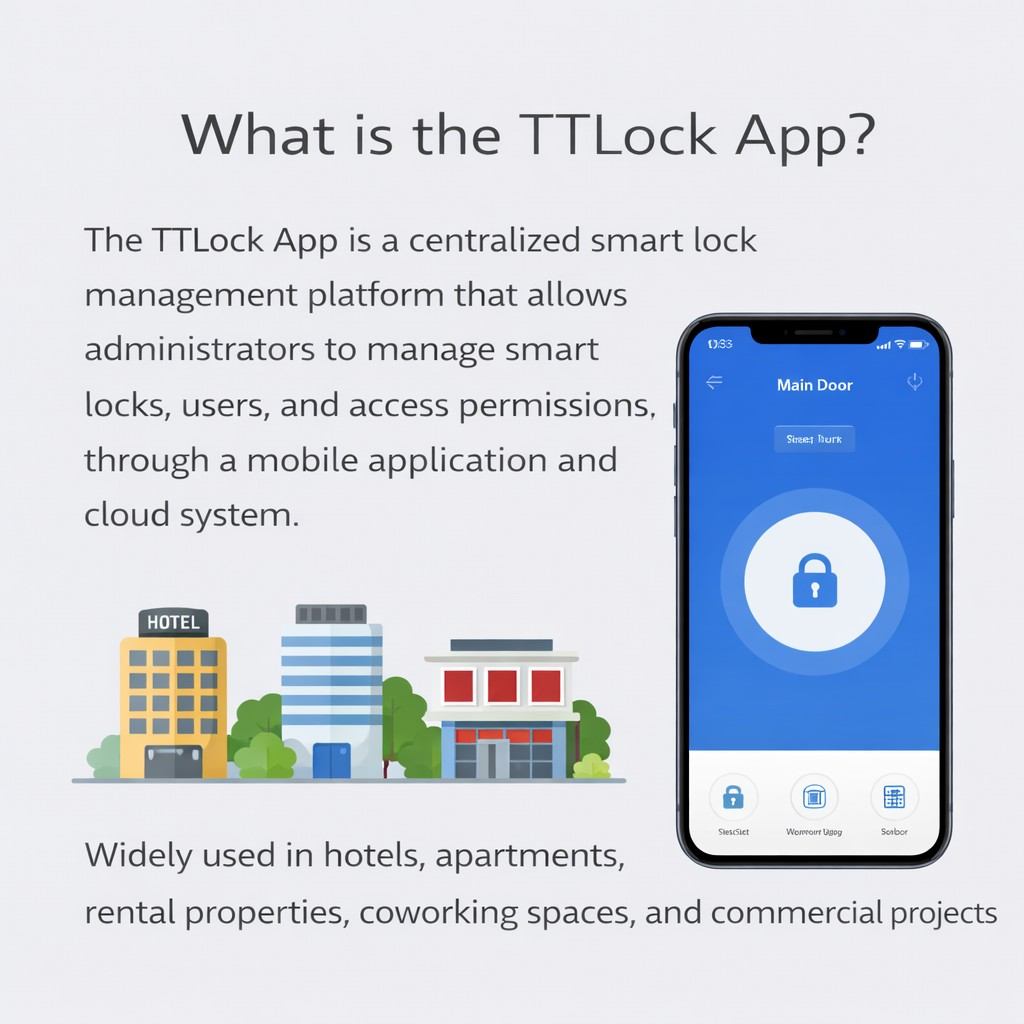
The TTLock App is a centralized smart lock management platform that allows administrators to manage smart locks, users, and access permissions through a mobile application and cloud system.
It is widely used in hotels, apartments, rental properties, coworking spaces, and commercial projects where flexible access control is required.
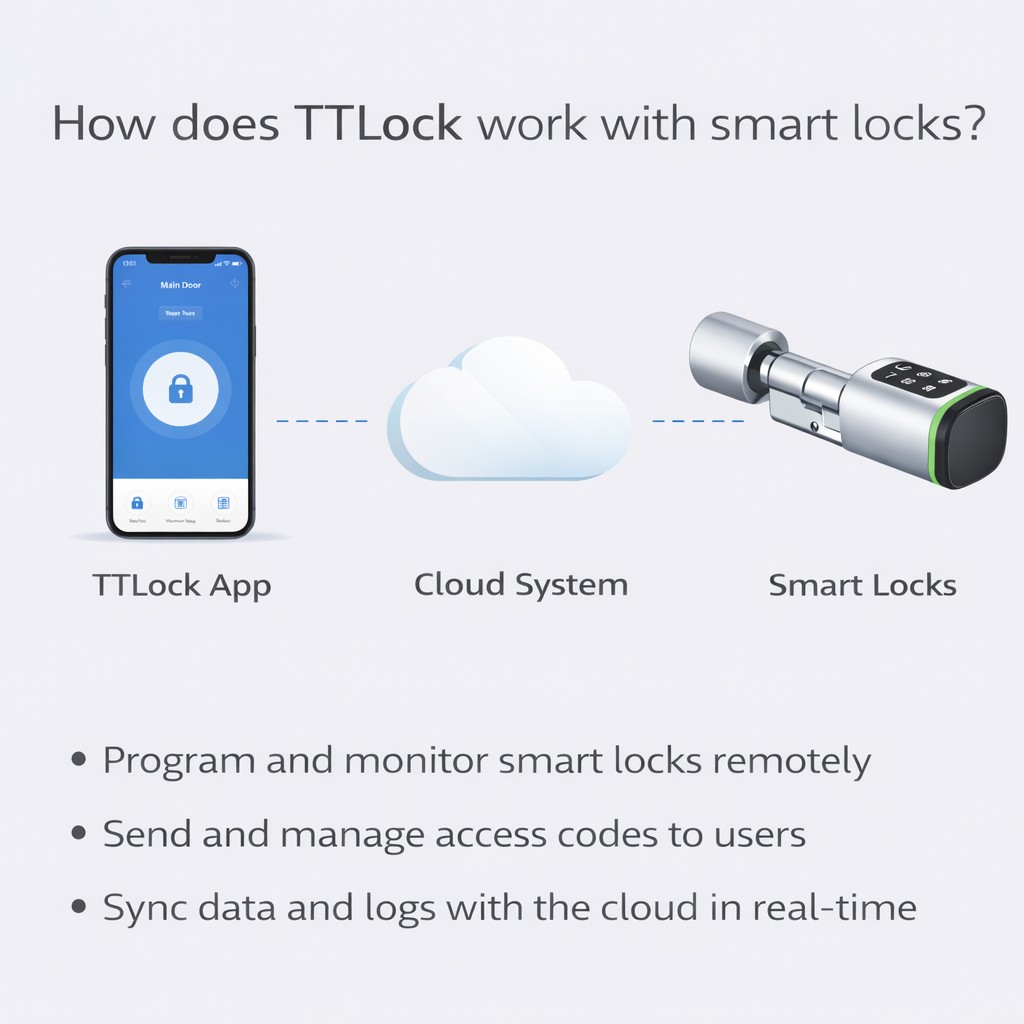
TTLock smart locks communicate with the TTLock App via Bluetooth and, when connected to a gateway, through the cloud.
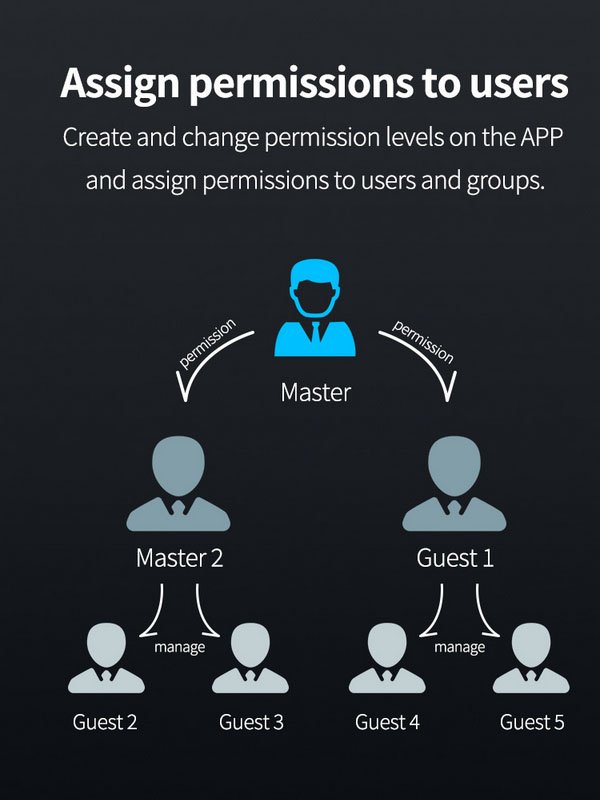
Administrators can configure access permissions, generate passwords, issue cards, and manage users directly from the app, while the smart lock executes these permissions locally.
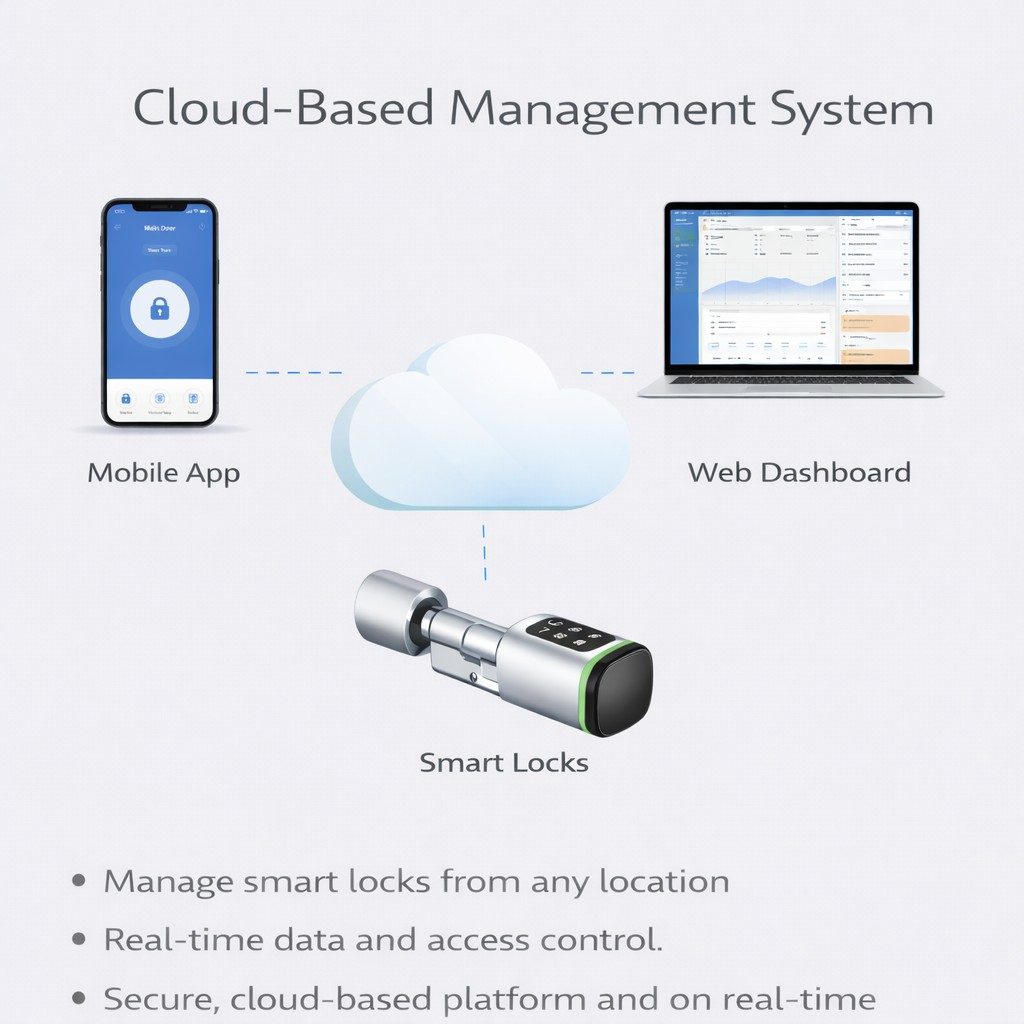
Yes. TTLock uses a cloud-based management architecture to synchronize lock data, user permissions, and access records.
The cloud platform allows centralized management across multiple properties and locations, making it suitable for large-scale and multi-site deployments.
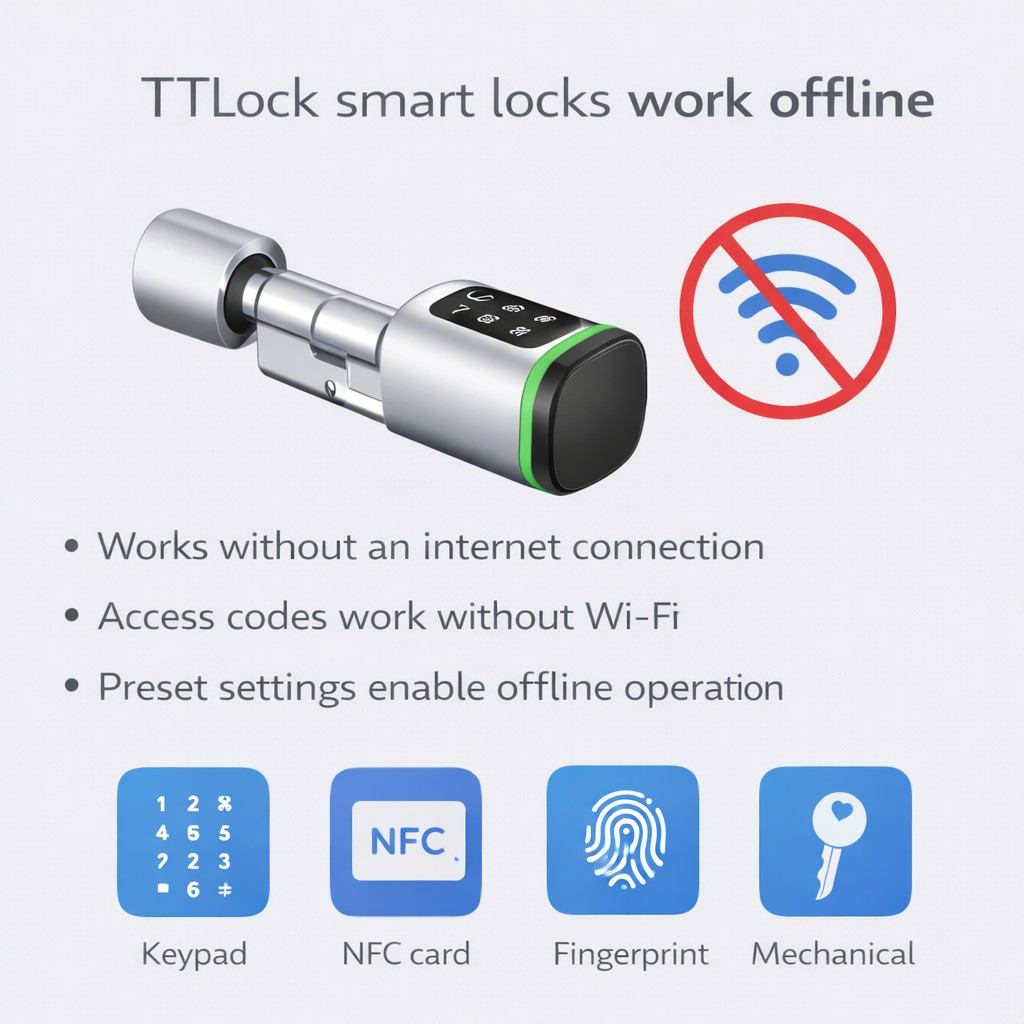
Yes. TTLock smart locks support offline access and can operate without an active internet connection.
Access credentials such as passwords, cards, or fingerprints are stored locally in the lock. Unlock records are saved offline and automatically synchronized with the system once the lock or app reconnects.
This feature is especially important for hotels, dormitories, and rental properties where stable internet access cannot always be guaranteed.
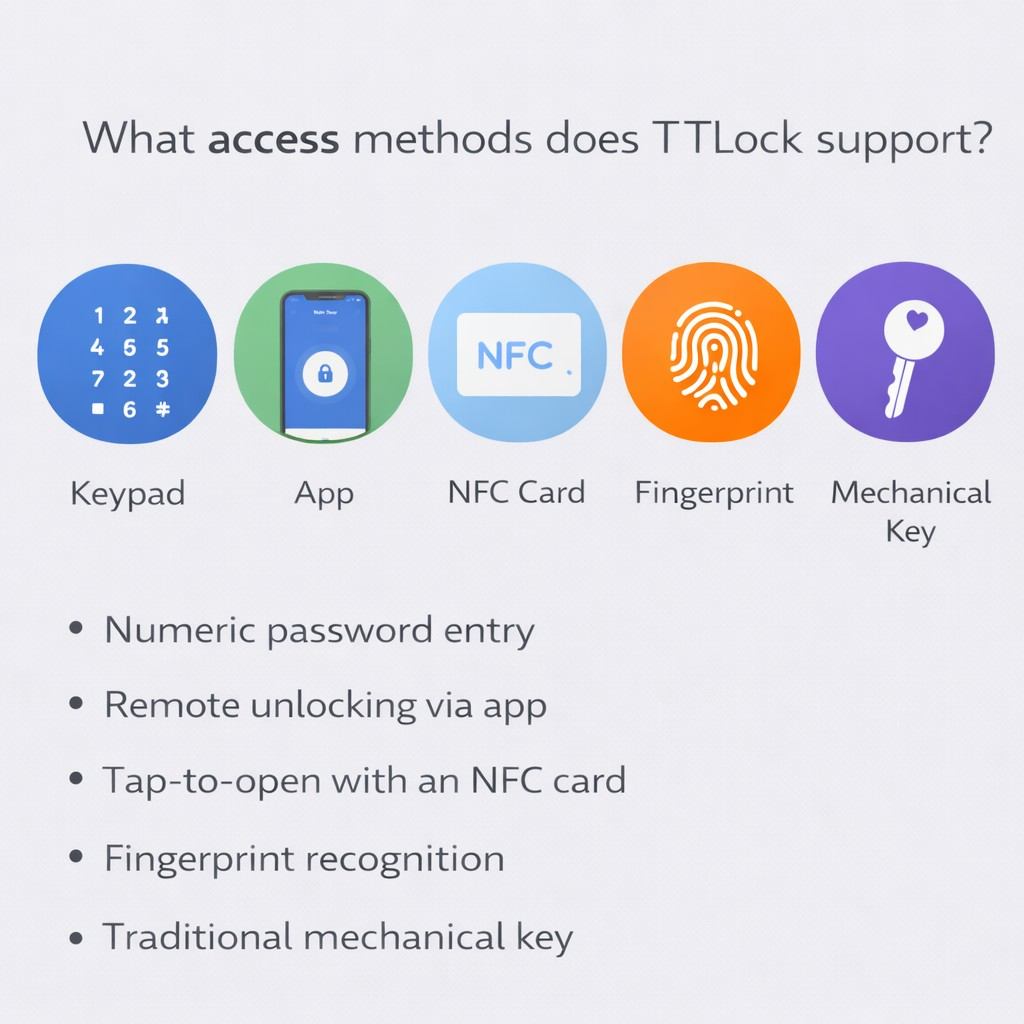
Depending on the smart lock model, TTLock supports multiple access methods, including:
Time-limited passwords /RFID cards/Fingerprints/Mobile app unlocking/Mechanical key (backup, model dependent)
These options allow operators to choose the most suitable access method for different user roles and scenarios.
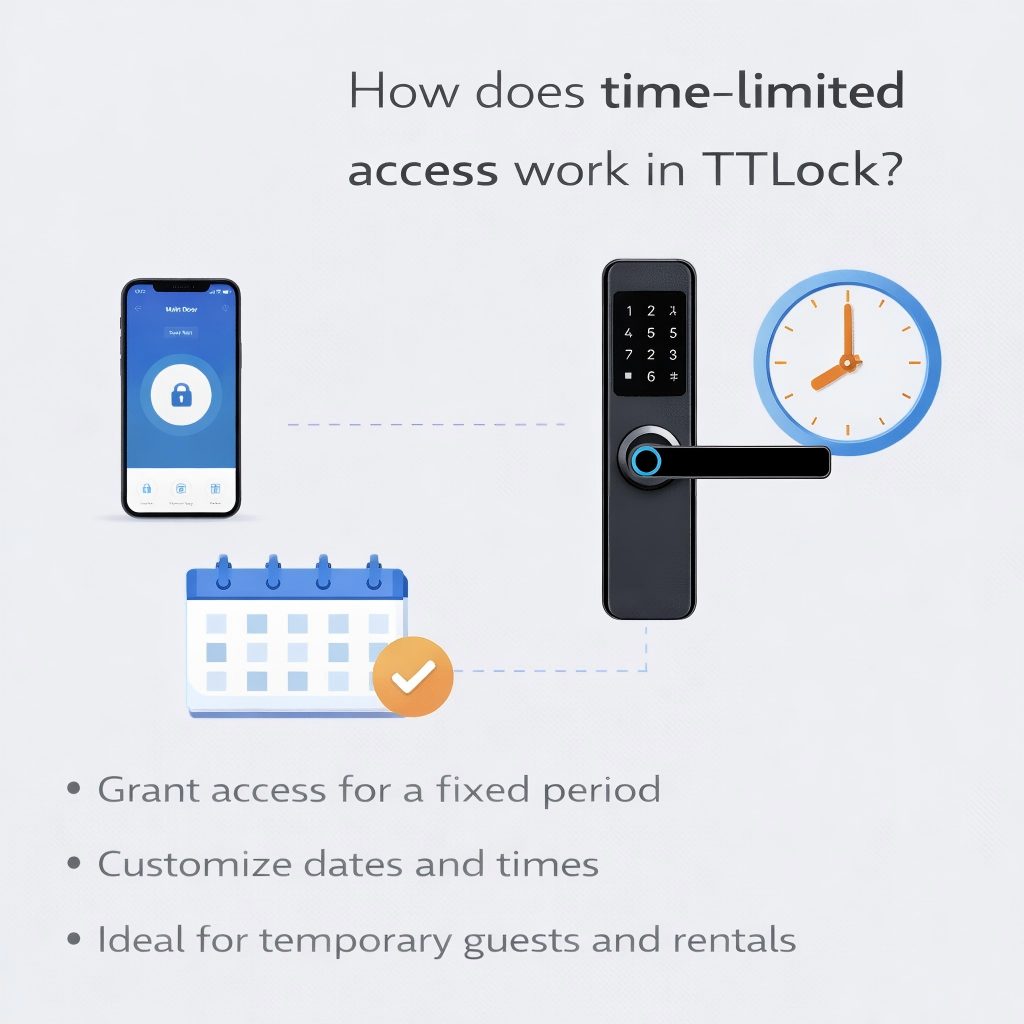
TTLock allows administrators to assign time-based access permissions for passwords, cards, or fingerprints.
Access can be configured to be valid for specific dates, time periods, or usage scenarios, which is ideal for guests, tenants, staff, or temporary users.
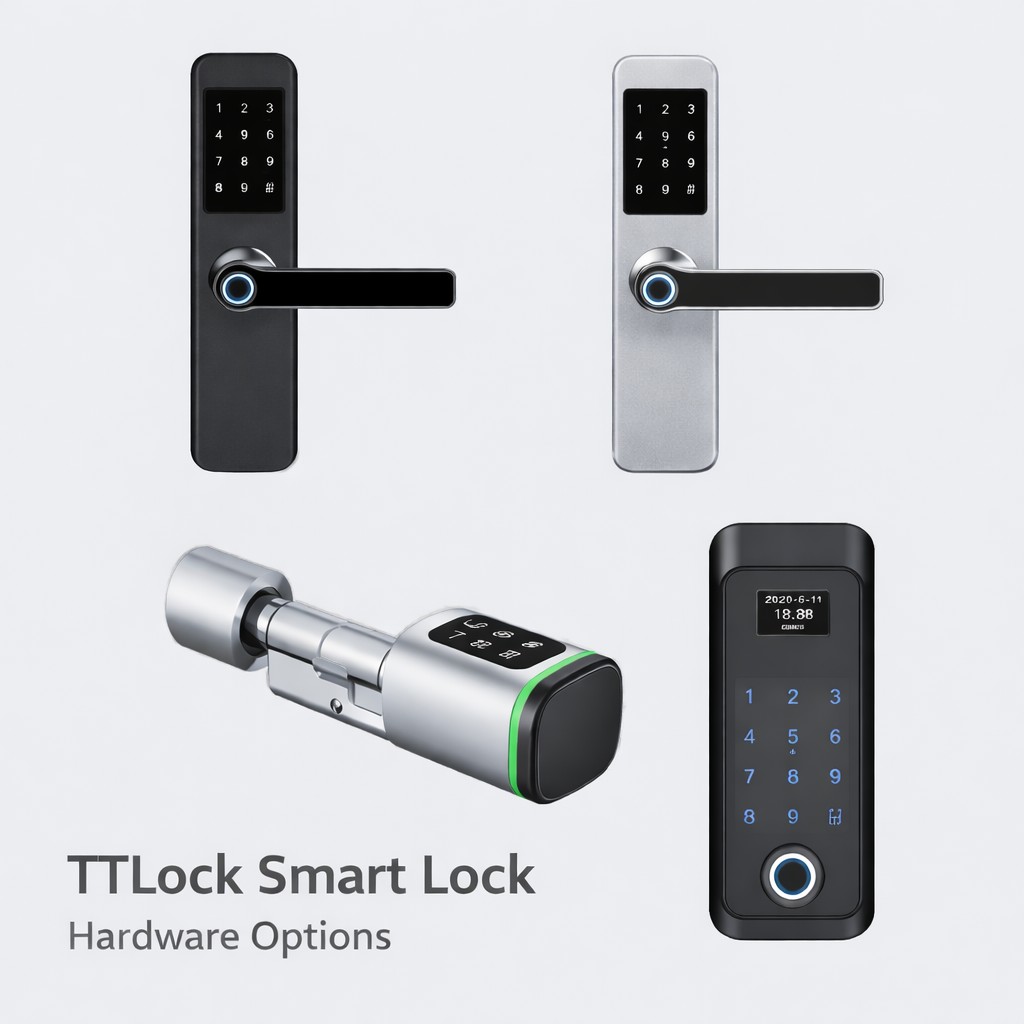
TTLock Smart Lock Hardware Options
YonAnn offers multiple TTLock-compatible smart lock types to meet different door structures and application scenarios:
Mortise smart door locks
Euro profile cylinder smart locks
RFID card smart locks
Fingerprint + Bluetooth smart locks
Wooden door/metal door/security door solutions
All models are developed for commercial-grade durability and long-term stability.
OEM & ODM Customization Services
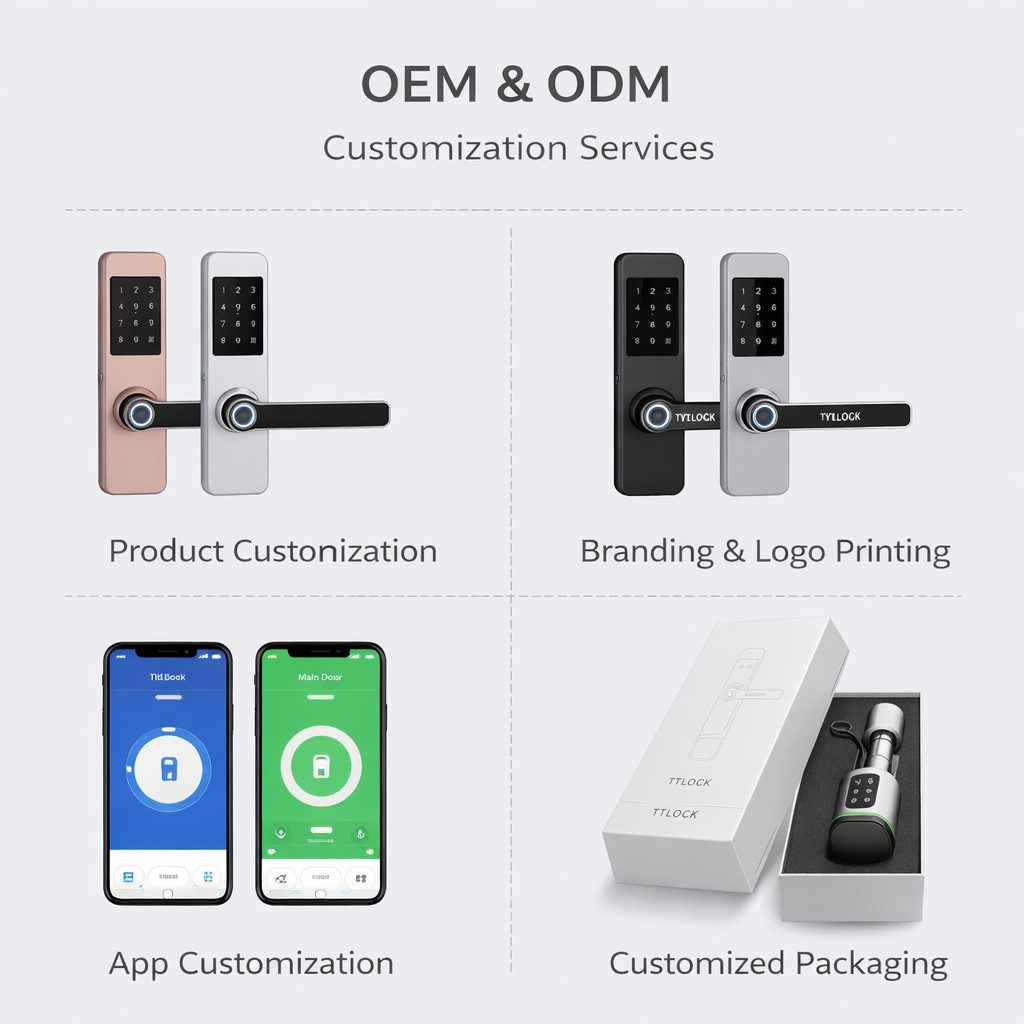
As a professional TTLock smart lock manufacturer, YonAnn provides flexible OEM / ODM services for global partners.
Customization options include:
Brand logo on lock body and app interface
Lock appearance and surface finish customization
Firmware parameter configuration
TTLock account binding and project setup support
Packaging, manuals, and language customization
These services help distributors and brand owners build differentiated products without system development risk.
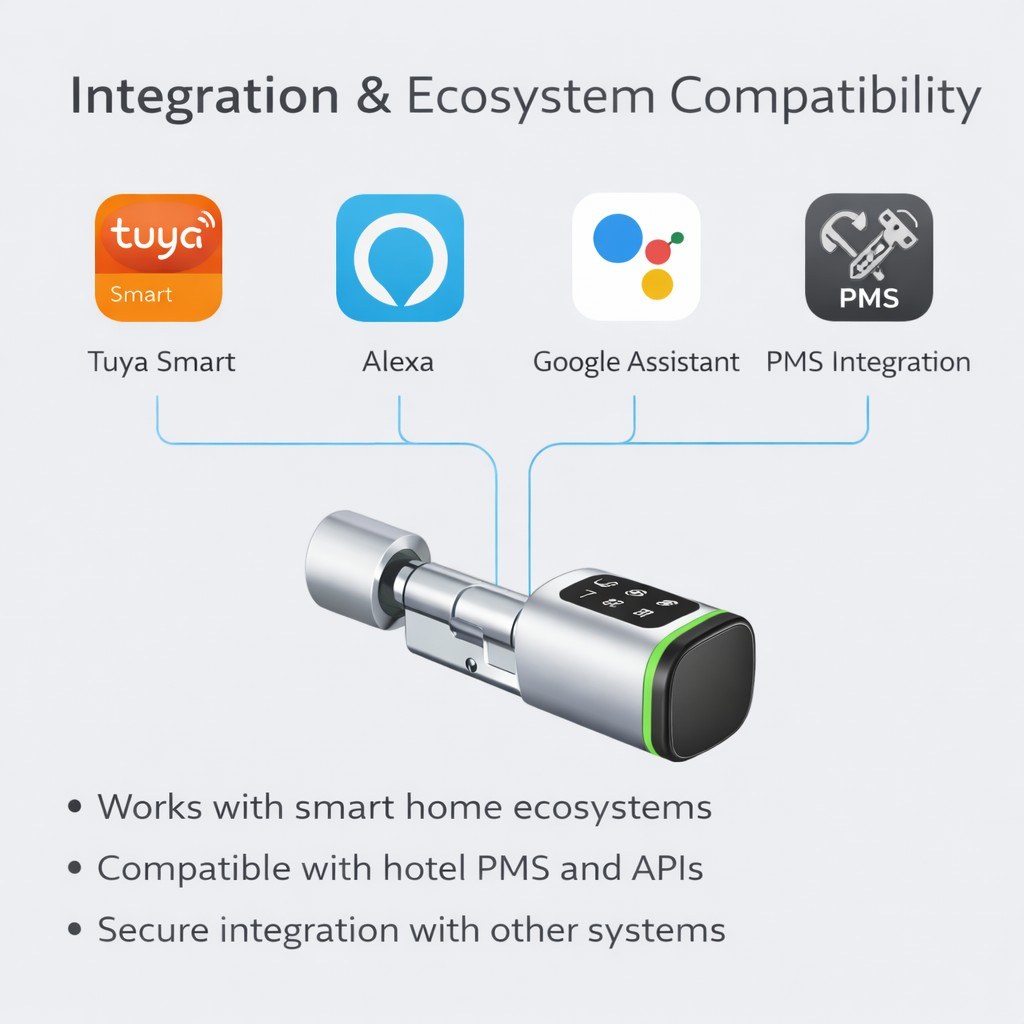
Integration & Ecosystem Compatibility
TTLock smart locks can be integrated into broader property management workflows:
PMS integration support for hotel projects
Gateway-based remote control
Open platform with API availability
Suitable for smart home and access control ecosystems
This flexibility makes TTLock locks suitable for system integrators and solution providers.
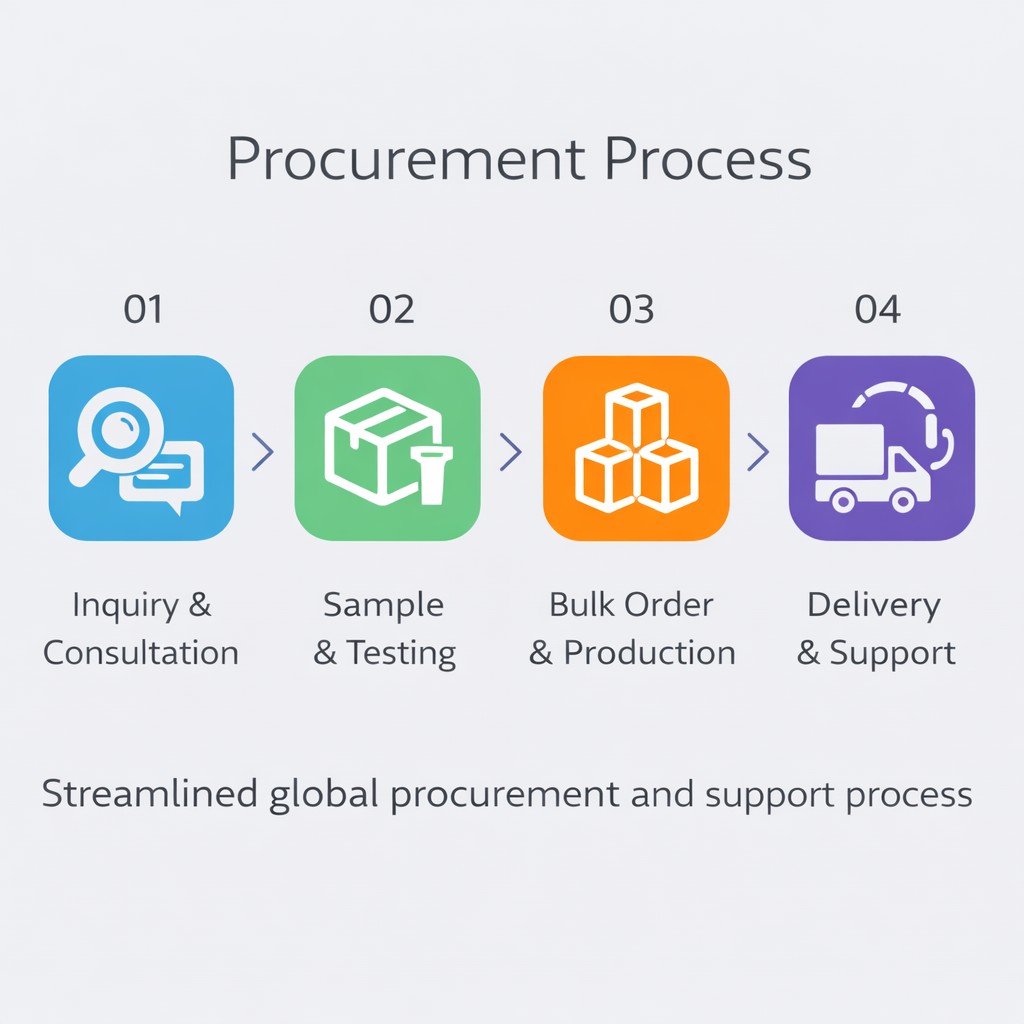
Procurement Process
YonAnn follows a clear and efficient procurement workflow to reduce purchasing risk:
Requirement analysis & application confirmation
Model recommendation and solution matching
Sample testing and evaluation
OEM customization confirmation
Mass production and quality inspection
Global shipment and after-sales support
This process ensures stable delivery and long-term cooperation.
YonAnn TTlock Smart Lock Features
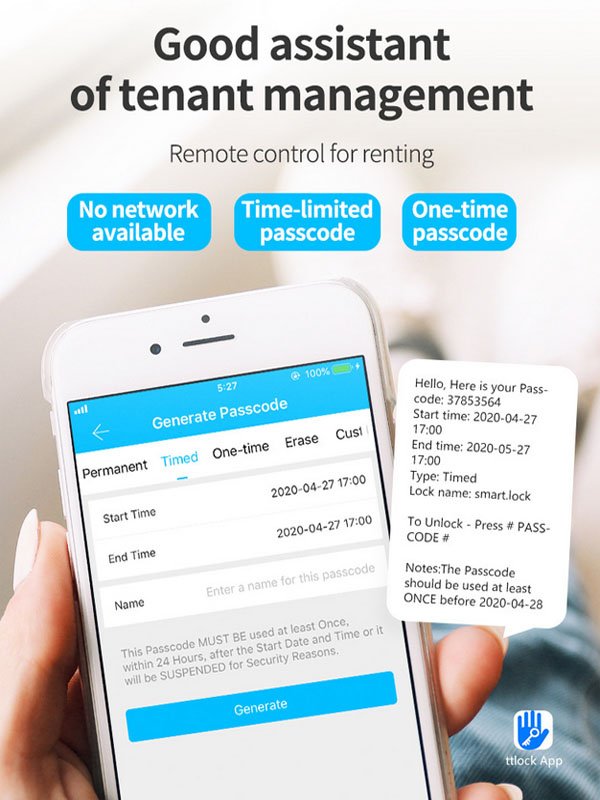
- From App can generate one time password
- Time limited password (which have time limited valid for 1 hour ,2 hours etc)
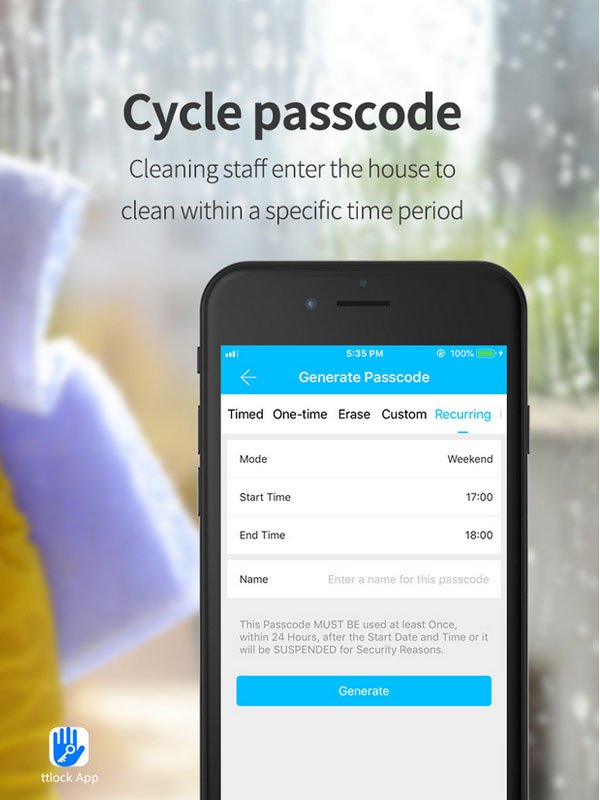
- Recurring Password especially for cleaner
- Keeping Unlock Status (Press 5# to start unlock status )
- APP have more than 21 languages.
- Offer APP SDK, Cloud API to integrate to your own system
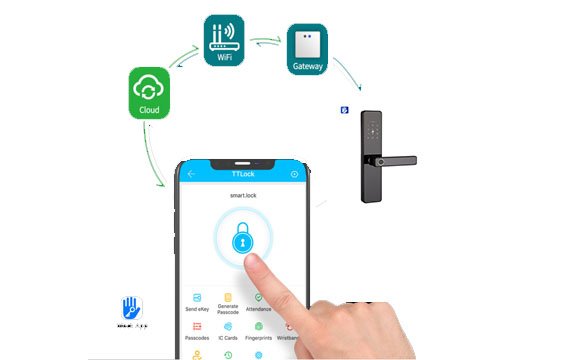

TTlock Smart Lock Functions
- APP management
- Password unlock
- Card unlock
- Fingerprint Unlock
- Manuel key
- Record query
- USB emergency power supply
- Remote control via APP from any where
- Low battery reminder Fingerprint Manual key Work with Time
TTlock Smart Lock App Introduction
- APP Support iOS And Android System
- Multi language more than 26
- Easy to understand and operation
- Can remote control
- Effient management
- API and SDK can be provided
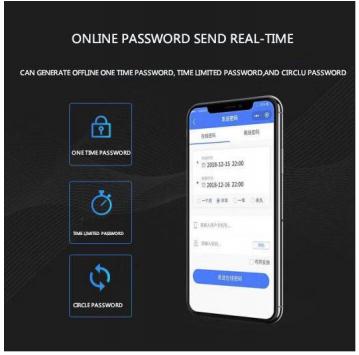

TTlock Smart Lock Different Function Password
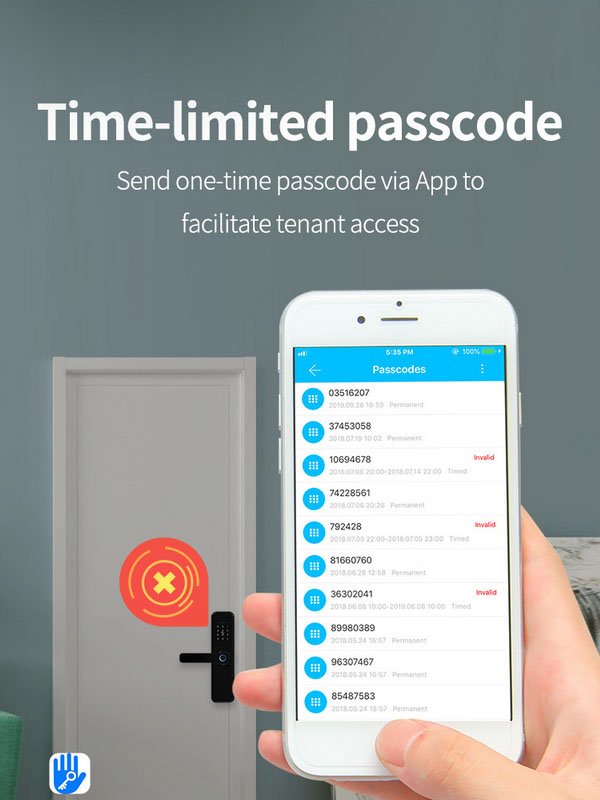
- Permanent passcode: this passcode can be valid all the time till be deleted.
- Timed passcode: this passcode can work during its valid time .
- One-time passcode: this passcode only works for one time .
- Erase passcode: the passcode can work at the defined time everyday/week/month etc.
- Custom passcode: this passcode valid time can be generated at any valid time .
Why Choose YonAnn
Experienced TTLock smart lock manufacturer
Strong OEM / ODM capability
Export-oriented production standards
Stable quality control system
Long-term supply consistency for projects
Experience serving global distributors and integrators
YonAnn is committed to providing reliable smart lock solutions for commercial and residential projects worldwide.
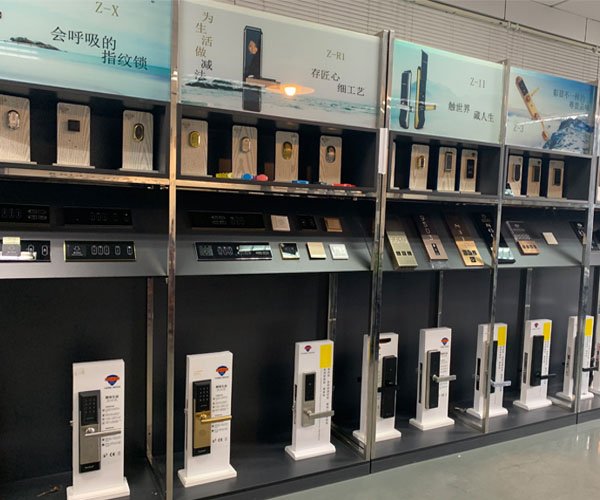
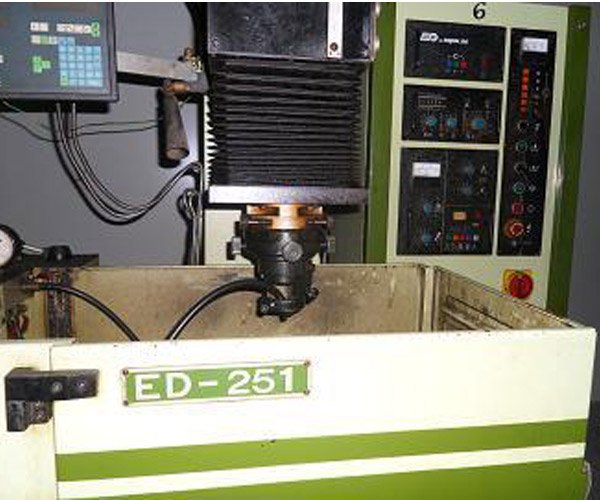
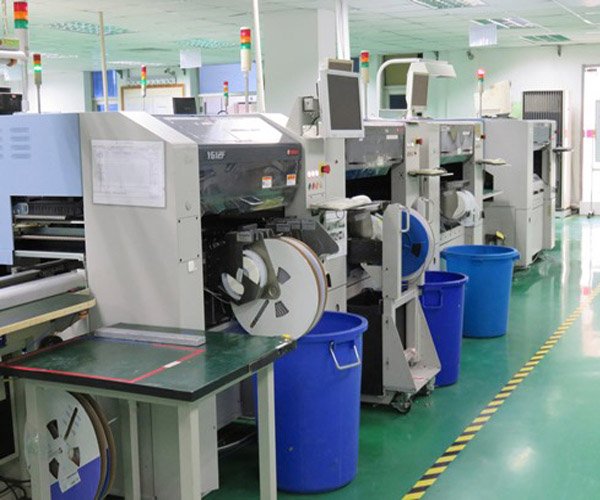
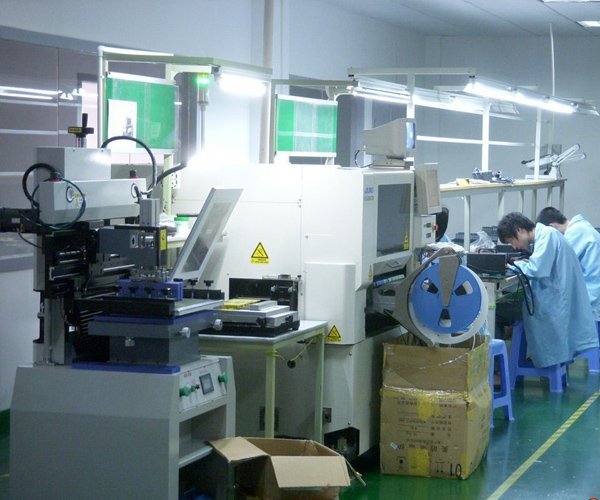
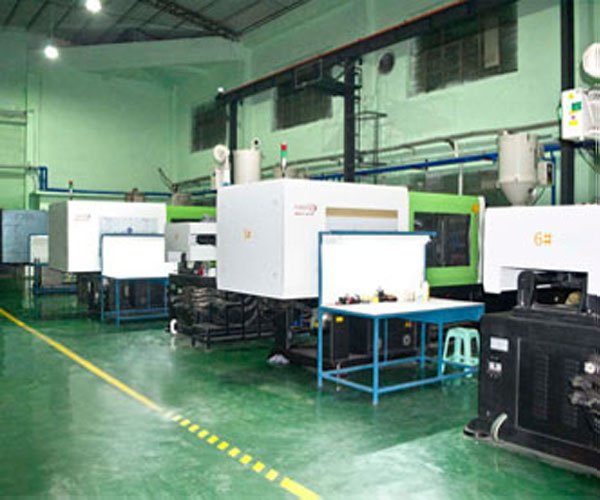
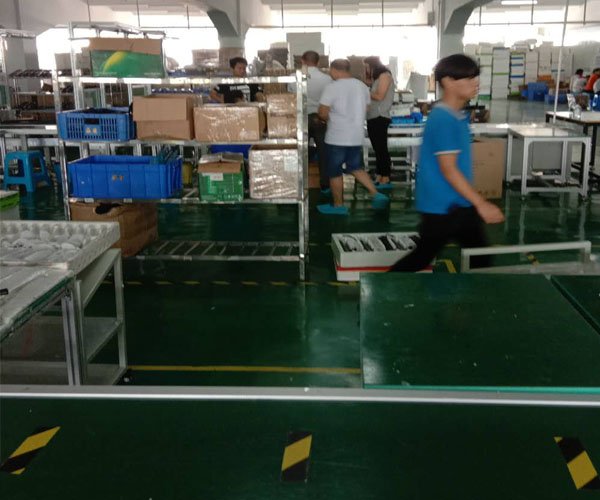
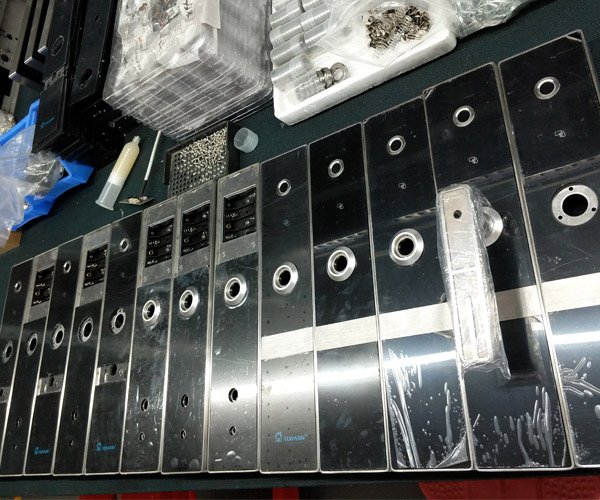
TTlock Smart Lock Manufacturer
- Manufacturering
- Functions
- Install Cases





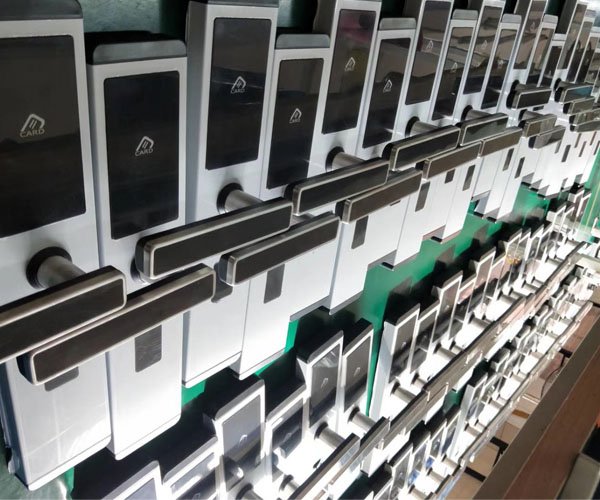
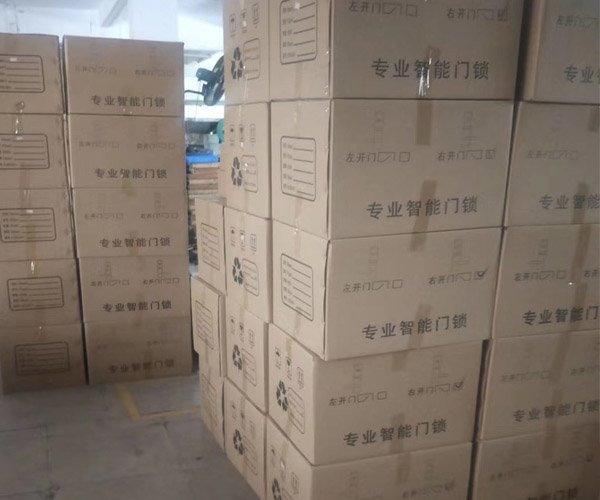
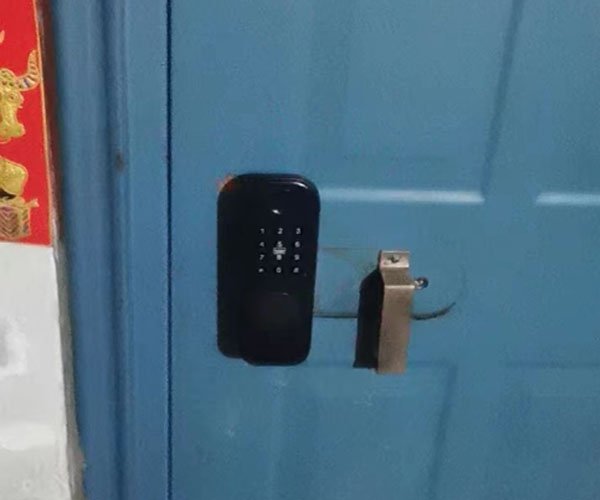
Some Functions of TTlock Smart Locks
Related Product

How does TTLock Smart Lock work?
TTLock is a smart lock that allows you to control access to your office using your smartphone. It uses Bluetooth Low Energy (BLE) technology to connect to your phone, and you can use the Ttlock app to manage who has access to your property and when. You can also set up notifications to alert you when someone enters or leaves your property.
For example, you could give your employees access to your property while you’re away on vacation or grant one-time access to a delivery person when you’re not going to be home. And if an intruder tries to enter your property when you’re away, you’ll be alerted immediately.
Which Smart Lock Platform Is Right for Your Project?
Different smart lock platforms are designed for different business models.
Choosing the right ecosystem depends on project type, scale, integration needs, and long-term maintenance strategy.
Platform Overview (Quick Comparison)
| Platform | Best For | Typical Use Cases |
|---|---|---|
| TTLock | Lock-focused commercial projects | Hotels, apartments, rentals, coworking spaces |
| Tuya | Full smart home ecosystem | Residential smart homes, IoT product portfolios |
| Matter | Future-proof interoperability | High-end smart homes, ecosystem unification |
Detailed Comparison for B2B Buyers
| Criteria | TTLock | Tuya | Matter |
|---|---|---|---|
| Primary Positioning | Smart lock management platform | General IoT & smart home platform | Connectivity standard |
| App Maturity (Locks) | ⭐⭐⭐⭐⭐ | ⭐⭐⭐⭐ | ⭐⭐ (ecosystem dependent) |
| Deployment Speed | Fast | Medium | Slower (ecosystem dependent) |
| Hotel / Rental Suitability | Excellent | Moderate | Limited (current stage) |
| Offline Access Support | Yes | Yes (model dependent) | Depends on ecosystem |
| Multi-Property Management | Yes | Yes | Depends on controller |
| PMS / System Integration | Available | Available | Under development |
| OEM Flexibility | High | High | Medium |
| Best Buyer Type | Distributors, integrators, property operators | Smart home brands, IoT companies | Ecosystem-focused brands |
When TTLock Is the Better Choice
TTLock is often preferred when the project focuses on access control rather than full smart home automation.
Recommended scenarios:
Hotel and apartment projects
Rental and short-term accommodation
Coworking spaces and shared offices
Projects requiring fast deployment
Buyers without in-house software teams
TTLock provides a lock-centric, mature, and scalable platform that minimizes technical complexity while maintaining reliability.
When Tuya Makes Sense
Tuya is suitable when smart locks are part of a larger smart home or IoT ecosystem.
Recommended scenarios:
Residential smart home solutions
Multi-category IoT product portfolios
Projects requiring deep cloud automation
Brands building unified IoT apps
However, deployment complexity and ecosystem breadth may increase project setup time compared to TTLock.
When Matter Is the Right Direction
Matter is designed to improve interoperability across major smart home ecosystems.
Recommended scenarios:
High-end residential smart homes
Projects prioritizing future interoperability
Ecosystem-led product strategies
For commercial lock projects, Matter is still evolving and is often combined with other platforms at the current stage.
Platform Selection Summary (For Decision Makers)
Choose TTLock for commercial access control projects requiring speed, stability, and lock-focused management
Choose Tuya for smart home–centric IoT portfolios
Choose Matter for future-oriented ecosystem strategies
How YonAnn Supports Multiple Platforms
YonAnn helps B2B buyers select and deploy the right platform based on project needs, not marketing trends.
TTLock smart lock solutions for commercial projects
Tuya smart lock options for IoT ecosystems
Matter-ready hardware for future deployments
OEM / ODM customization across platforms
This platform-neutral approach ensures long-term scalability and reduced project risk.
TTLock, Tuya, and Matter serve different smart lock application scenarios, with TTLock being widely adopted in commercial access control projects such as hotels, apartments, and coworking spaces.
For most hotel projects, TTLock is often the preferred choice because it is more focused on smart lock management rather than full smart home automation. TTLock offers mature lock-related functions such as access authorization, card management, and multi-property control, which are commonly required in hotel operations.
Yes. TTLock is widely used in apartments, serviced residences, and rental properties due to its centralized management, time-based access permissions, and support for frequent tenant turnover. It is especially suitable for long-term and short-term rental scenarios.
Tuya is often a better fit when smart locks are part of a broader smart home ecosystem, such as lighting, sensors, cameras, and automation scenes. It is commonly chosen by brands and projects that prioritize whole-home IoT integration.
Matter is still primarily designed for residential smart home interoperability. While it is evolving rapidly, most commercial hotel and large-scale access control projects currently rely on more mature platforms such as TTLock or Tuya, depending on project needs.
Yes. Many TTLock smart locks support offline unlocking and can store access records locally. Once the lock or mobile app reconnects, records can be synchronized according to the system configuration.
TTLock is often selected for coworking spaces and shared offices because it allows flexible, time-based access permissions, centralized control, and easy onboarding and offboarding of members.
Installing and setting up TTLock is easy. Here’s a step-by-step guide:
- Download the TTLock app from Google Play or the App Store. Once you’ve done that, open the app and create an account.
- After creating an account, add locks to your system. To do this, tap on the “Add Lock” button in the app and follow the instructions. You need to have your lock with you so that you can connect it to your phone via Bluetooth. If you’re having trouble connecting your lock to your phone, make sure that Bluetooth is enabled on both devices and that they are within range of each other. You should also check to see if any firmware updates are available for your lock.
- Once you’ve added your lock to the app, you can start managing access to your property. To do this, tap on the “Manage Access” button in the app and select the lock you want to manage. From there, you can add or remove users, set up schedules, and more. For instance, you can add a family member to your system and give them access to your home while you’re on holiday. Furthermore, you can also set up a schedule so your lock is only open during certain hours.
- One of the best features of TTLock is that you can use the app to monitor activity at your property. To do this, tap on the “Activity” button in the app and select the lock you want to view the activity for. From there, you will see a log history of all the times someone has entered or left your property.
- If you encounter any problems with your lock, you can contact customer support by tapping on the “Help” button in the app and then selecting “Contact Us.” We’re always happy to help!
The TTLock app is compatible with most Bluetooth Low Energy (BLE) locks on the market, like YonAnn TTLock. If you’re not sure if your lock is compatible, you can always contact customer support by tapping on the “Help” button in the app and then selecting “Contact Us.”
There are many benefits of using TTLock, including:
1. Access to your property when you’re away.
If you’re not at home or on your business premises, you can still control access to your property using the TTLock app. You can add or remove users, set up schedules, and monitor activity from anywhere. Whether on a secluded island in Asia or the Caribbean, no matter where you are, you can see what’s happening back home in real-time.
2. Increased security for your property.
TTLock uses the latest security technology to protect your property. With features like intruder alerts, you can be sure that your home or office is always safe. If ever you lose your phone, you can remotely disable access to your locks so that no one can enter your home or business without your permission.
Moreover, if a burglar attempts to break into your property, the lock will automatically enter into alarm mode and send a notification to your phone. So, even if you’re not at home, you can call your local police station and have them investigate the situation.
3. Affordable price.
TTLock is one of the most affordable smart lock systems on the market. With prices starting at just $70, it’s an affordable way to increase the security of your home or office.
4. Lower costs for business owners.
TTLock can help you save money on key replacement and rekeying costs if you own a rental property or a small business. With TTLock, there’s no need to change your locks every time a tenant moves out, or an employee is terminated. You can simply remove their access from the app and add new users as needed.
5. Easy to install and use.
TTLock is easy to install and use. The app is also available for both Android and iOS devices so that you can manage your locks from anywhere. And if you ever have any trouble, our customer support team is always happy to help.
6. Convenient management of multiple properties.
If you have more than one property, TTLock makes it easy to manage them all from a single app. You can add multiple locks to the app and easily switch between them to control access and monitor activity. This is perfect for people who have vacation rentals or investment properties.
If you forget your TTLock password, you can reset it from the app. Go to the Settings menu and select “Forgot Password.” You will then be prompted to enter your email address, and a link to reset your password will be emailed to you.
Also, if you want to change your password, you can do so from the Settings menu. Select “Change Password” and type the new password of your choice.
The TTLock app will notify you whenever someone enters or leaves your property. You can also check the app to see a history of who has accessed your property and when.
Yes, TTLock is compatible with many popular smart home platforms, including Amazon Alexa, Google Home, and Apple HomeKit. For example, you can use your voice to unlock your door or check the status of your lock.
To use TTLock with other smart home devices, you need to connect it to a compatible gateway. A compatible gateway is currently available for Amazon Echo Plus, 2nd Gen and above (UK/US/DE/JP only) and Google Nest Hub Max (US/CA/AU/NZ/JP only).
TTLock smart locks are battery-operated so that you don’t have to worry about wires or drilling holes in your door. The locks come with a set of batteries, and you can check the battery level from the app. When the batteries start running low, you will receive a notification on your phone.
Yes, TTLock is safe. Our products are thoroughly tested to guarantee that they meet the highest security standards. We use encryption to protect your data, and we have a strict privacy policy that prohibits us from sharing your information with any third parties.
No, you don’t need a special door for TTLock. Our locks are designed to fit standard doors with a thickness of 1-3/8 inches to 2-1/4 inches.
No, you don’t need a subscription to use TTLock. However, we offer a monthly or yearly subscription service that gives you access to additional features, such as cloud storage and customer support.
You can add as many users as you want since there is no limit to how many people can use TTLock. However, we recommend only adding people you trust to your account. This will help to make sure the security of your property.
If you no longer want to use TTLock, you can delete your account from the app. Go to the Settings menu and select “Delete Account.” Please note that this action cannot be undone, so we recommend that you export your data before deleting your account.
Yes, you can lock your TTLock remotely. Go to the app and select the “Lock” button to do this. You can also set up an automatic schedule so that your lock will lock itself at a certain time each day.
Yes, you can share your TTLock with other people. To do this, add them as a user in the app. Then set permissions for each user, so you can control who has access to your property and when.
You can add as many users as you want since there is no limit to how many people can use TTLock. However, we recommend only adding people you trust to your account. This will help to make sure the security of your property.
No, you don’t need Wi-Fi to use TTLock. However, you will need an internet connection to control your lock remotely or receive real-time alerts.
 English
  Russian
  Spanish
  Arabic
  Vietnamese