

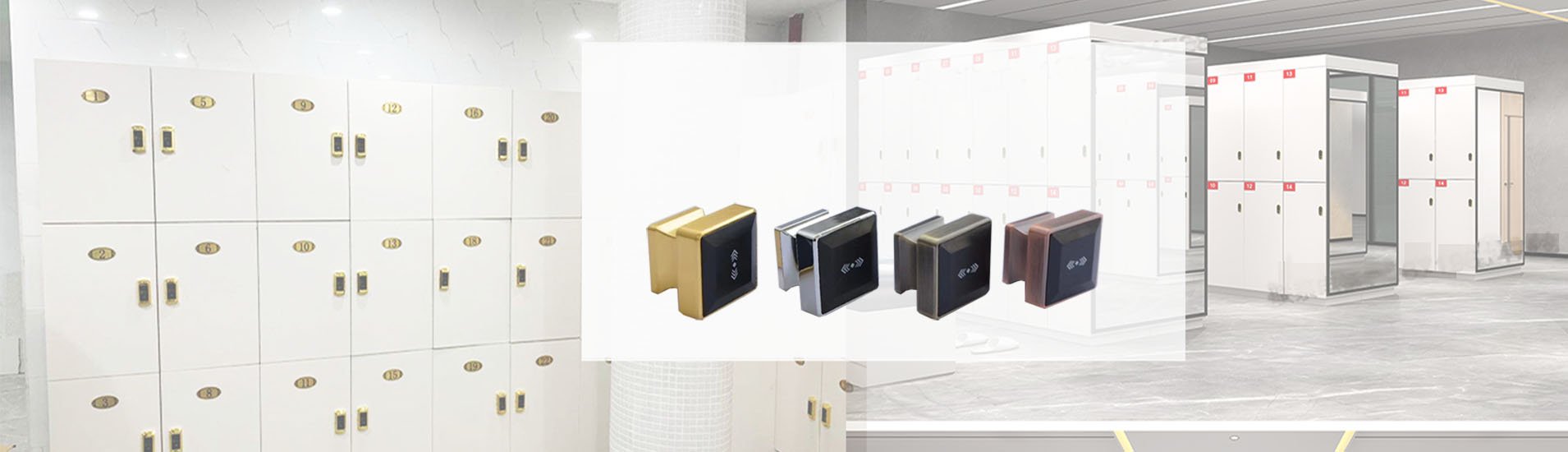
Software-Managed RFID Locker System for Gyms, Spas & Commercial Projects
What Is an RFID Locker Management System?
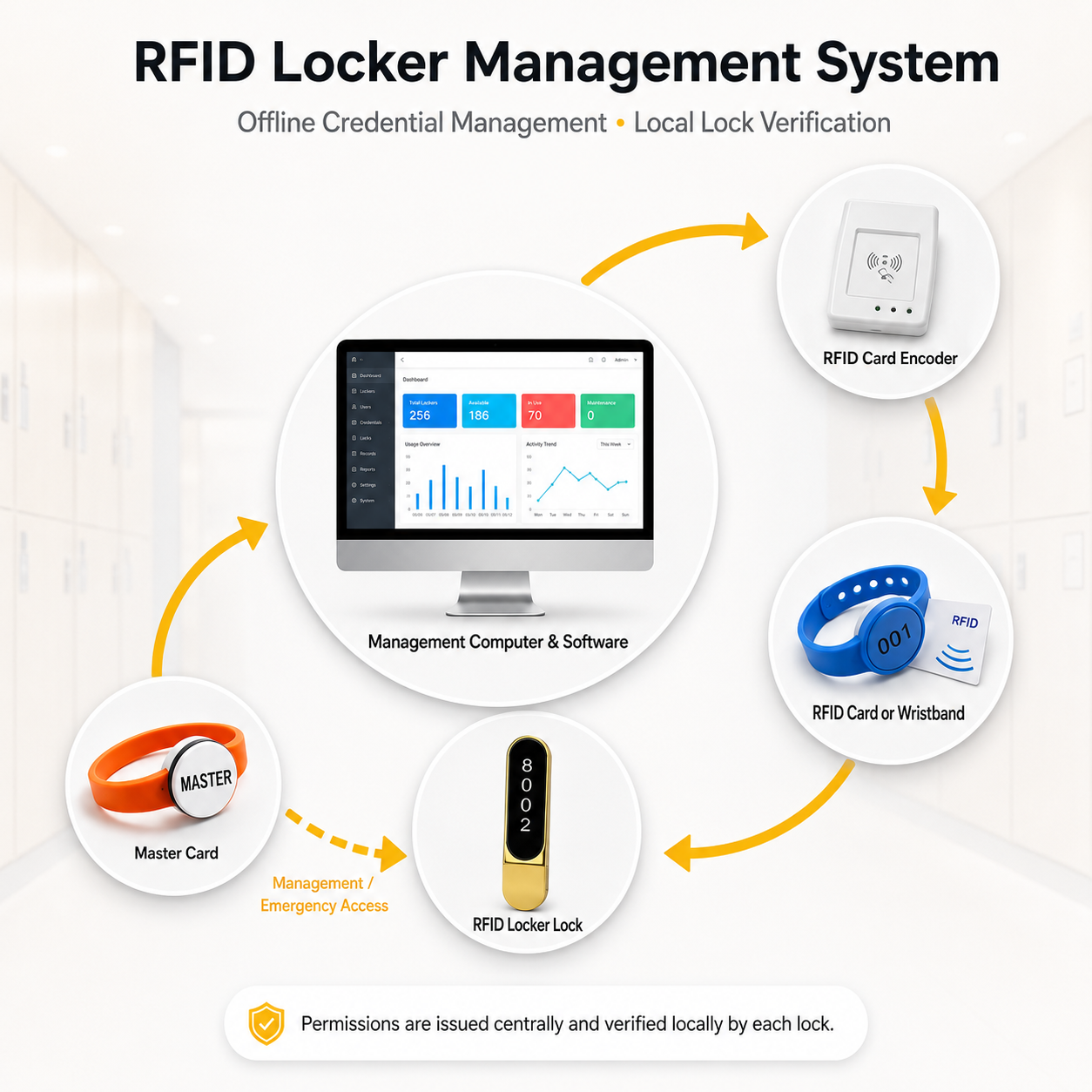
An RFID locker management system combines compatible electronic locker locks, management software, a card encoder and RFID cards or wristbands. It enables administrators to issue credentials, assign locker access, manage user permissions and replace lost cards from a central computer.
After permissions are written to the RFID credential, each locker lock verifies the card or wristband locally. Therefore, YonAnn’s offline RFID locker system does not require continuous Wi-Fi or a permanent connection between the locks and the management computer.
The system is suitable for gyms, fitness centers, spas, saunas, swimming pools, hot spring hotels, schools and factories that need efficient management of many lockers and users.
System Components
Management Computer
↓
RFID Management Software
↓
مُشفّر البطاقة
↓
RFID Card / Wristband
↓
Compatible RFID Locker Lock
The software centrally issues and manages RFID credentials.
The cabinet locks verify authorized cards locally and do not require continuous Wi-Fi.
System workflow:
Management Computer → RFID Management Software → Card Encoder → RFID Card or Wristband → RFID Locker Lock
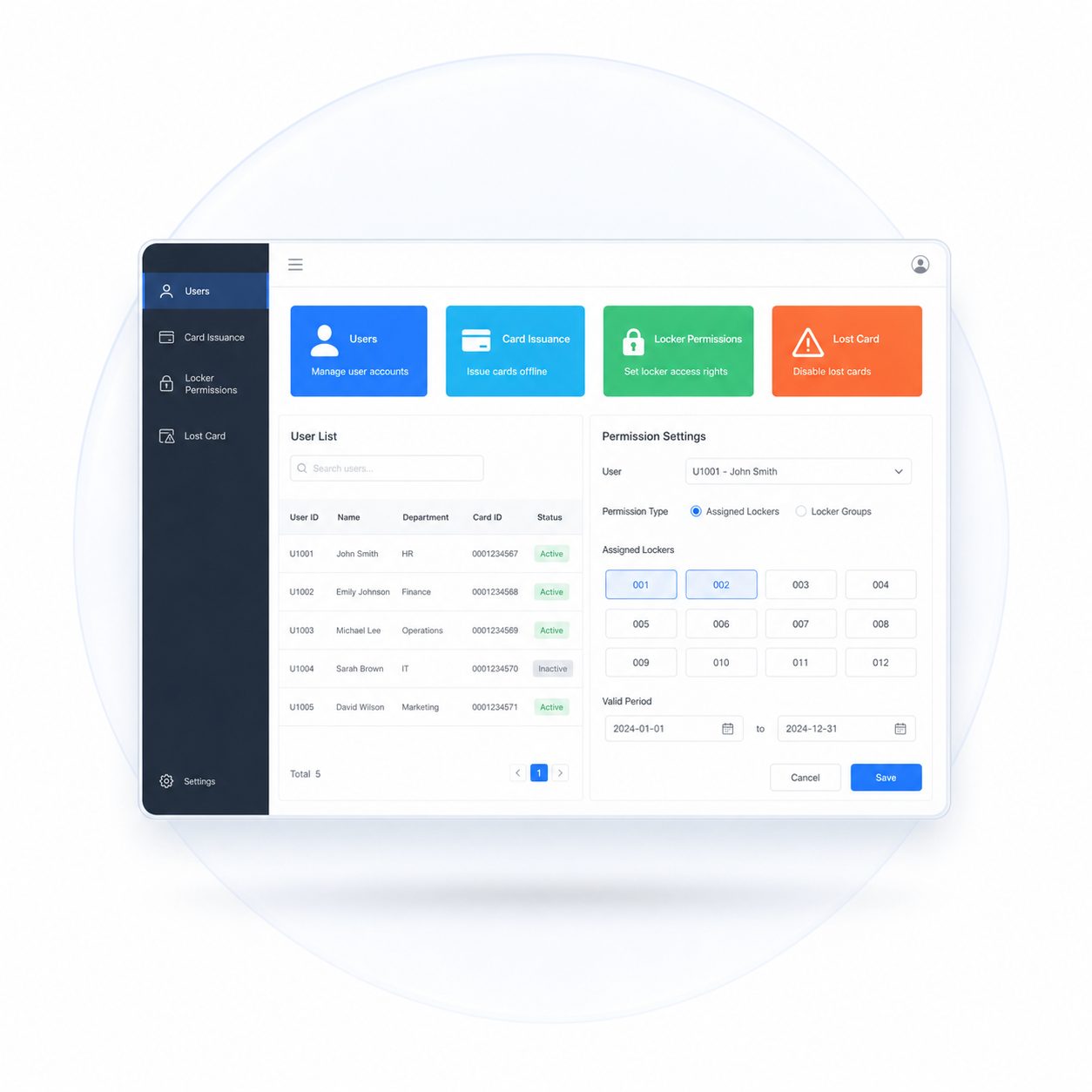
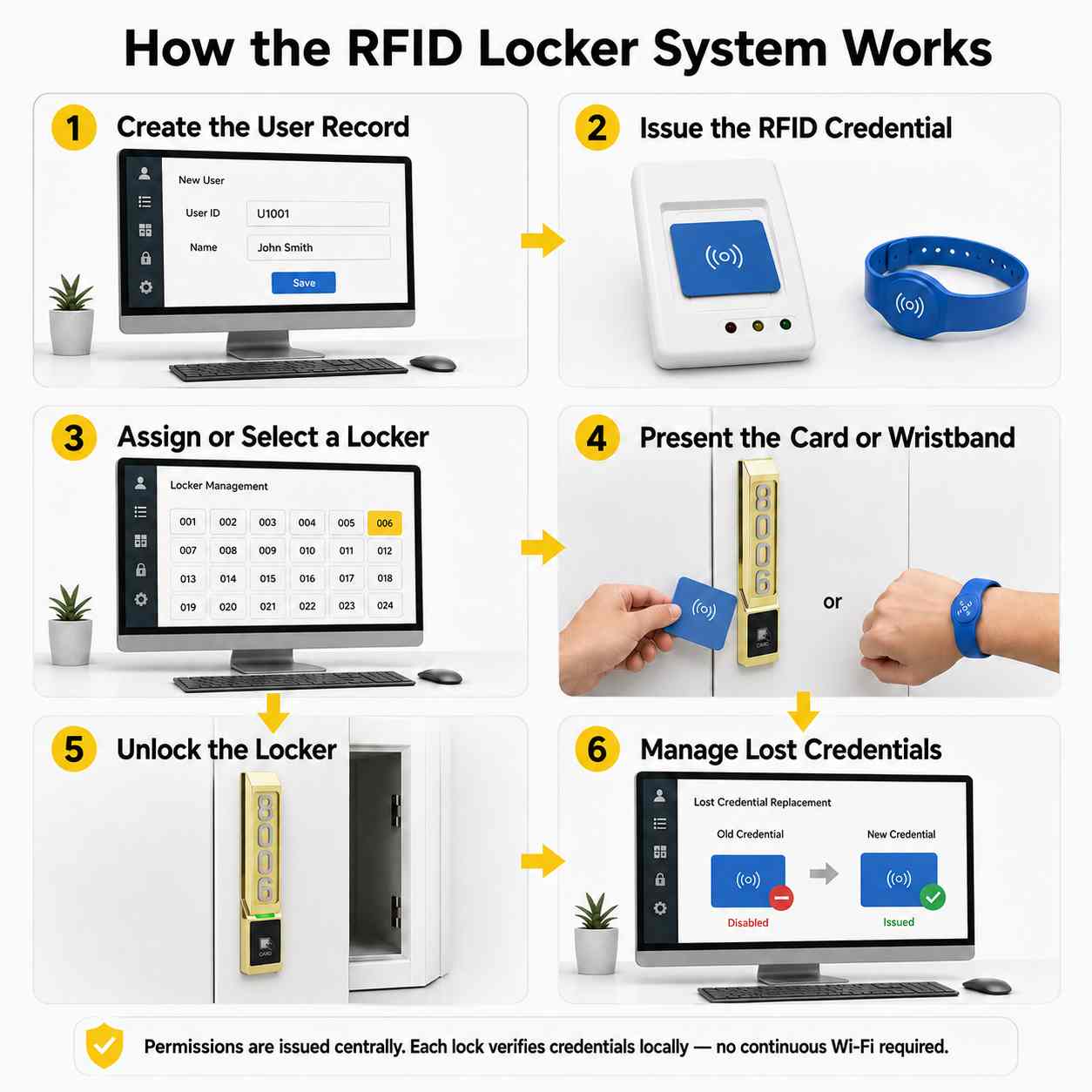
The software allows authorized staff to create user records, issue RFID credentials, assign locker permissions and manage lost-card replacement. Available functions depend on the selected software version and project configuration.
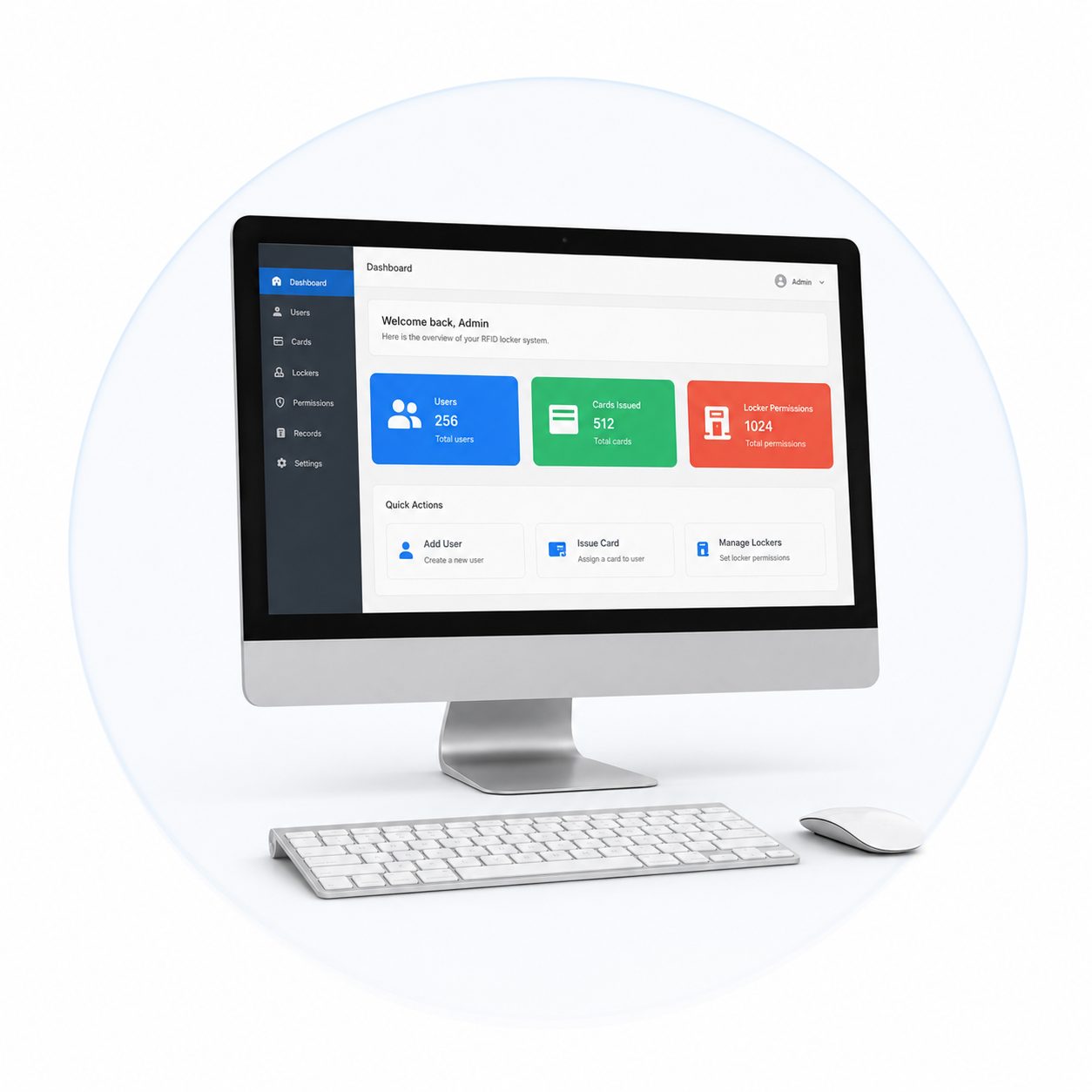
A Windows computer runs the RFID locker management software and stores the relevant user, credential and locker information. One management computer can be configured for a reception desk, membership center or security office.
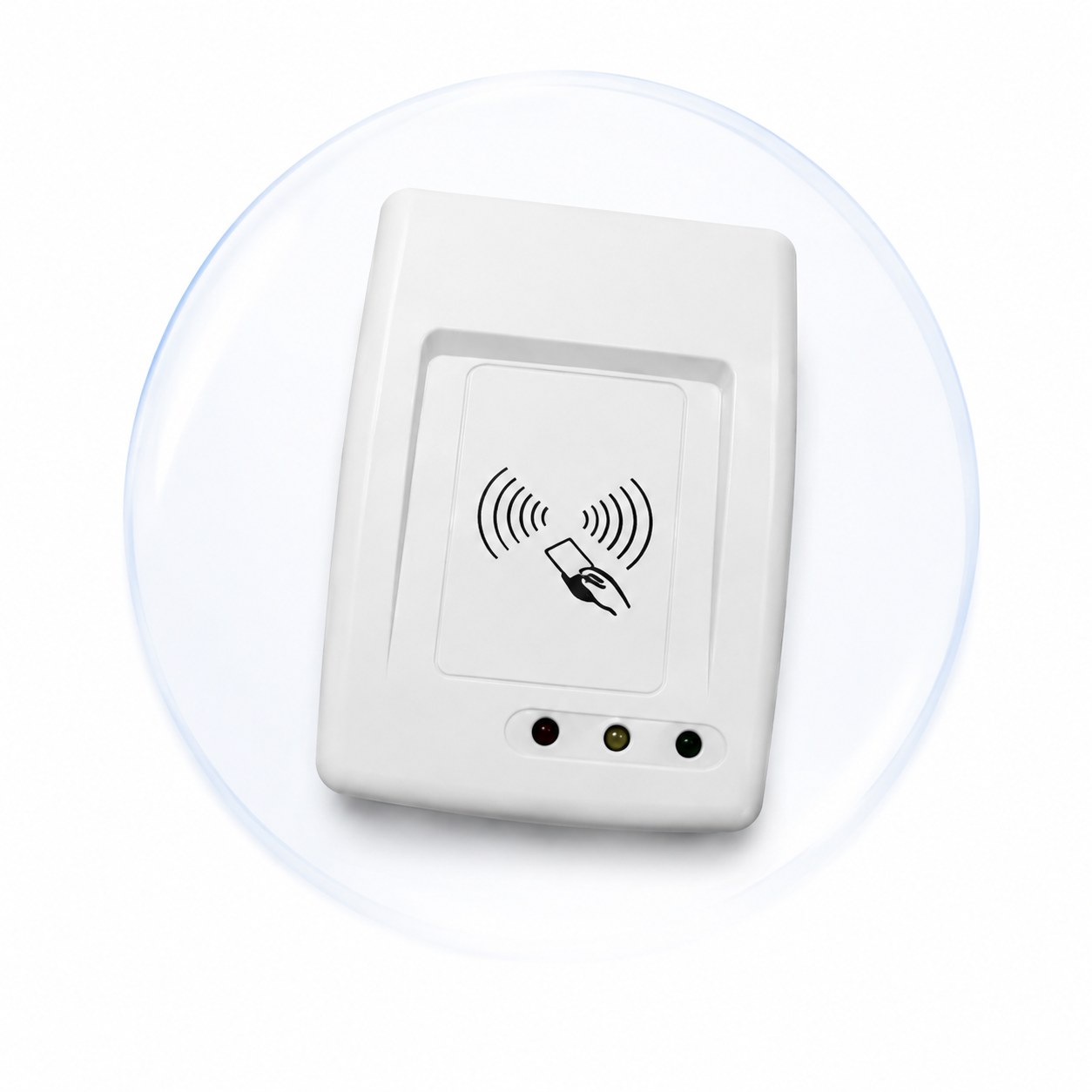
The card encoder connects to the management computer and reads or writes RFID cards and wristbands. It is used to issue new credentials, configure access permissions and replace lost credentials.
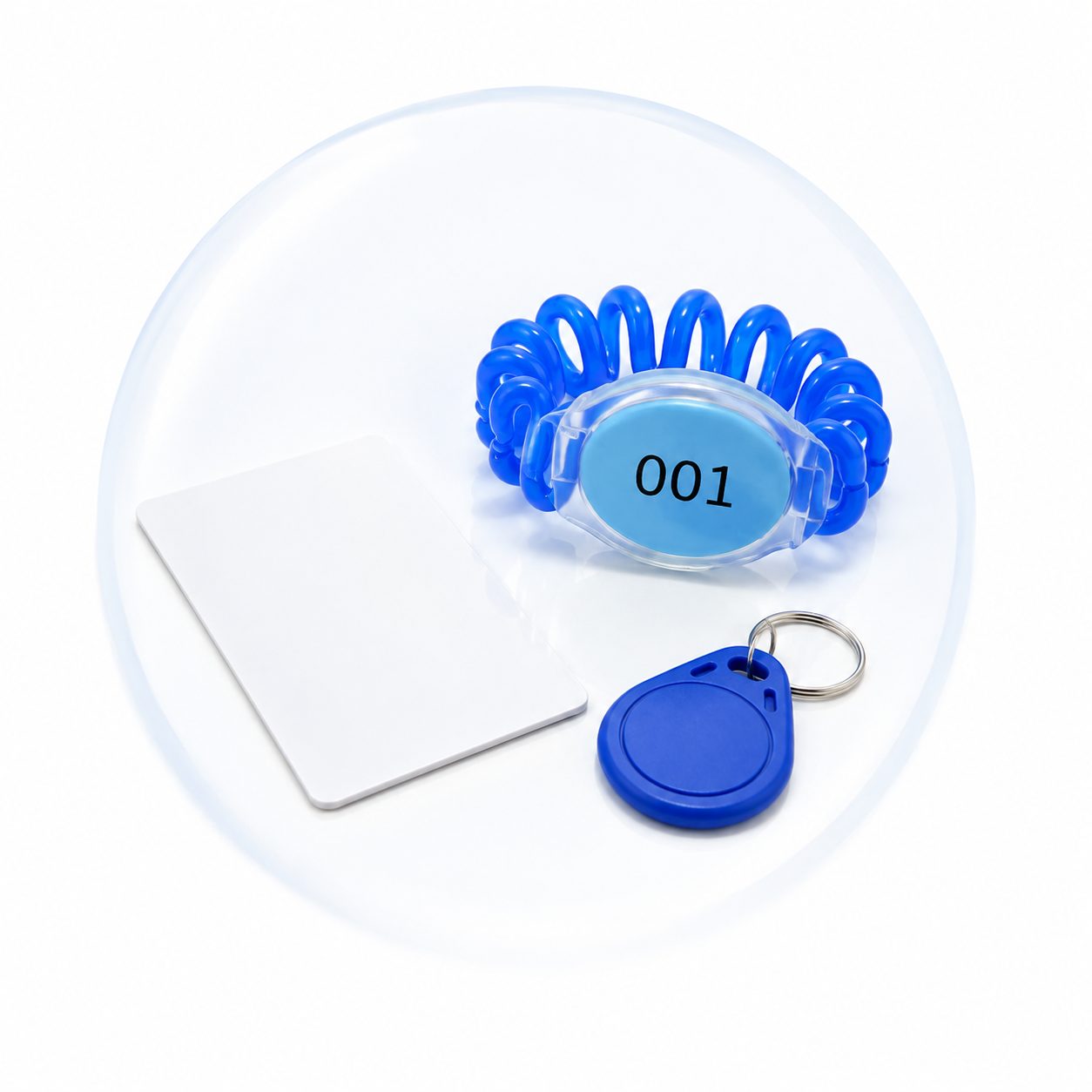
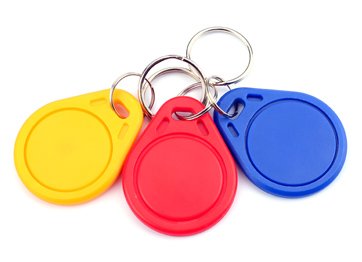
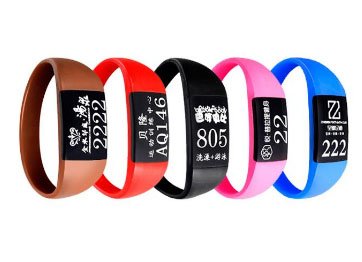
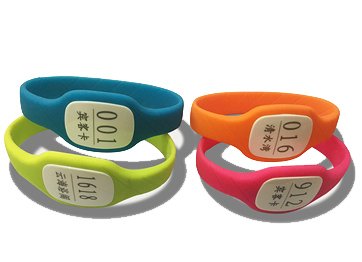
Users open their lockers with compatible RFID cards, key fobs or waterproof wristbands. Depending on the selected system, existing membership credentials may also be used after chip and data-format compatibility testing.
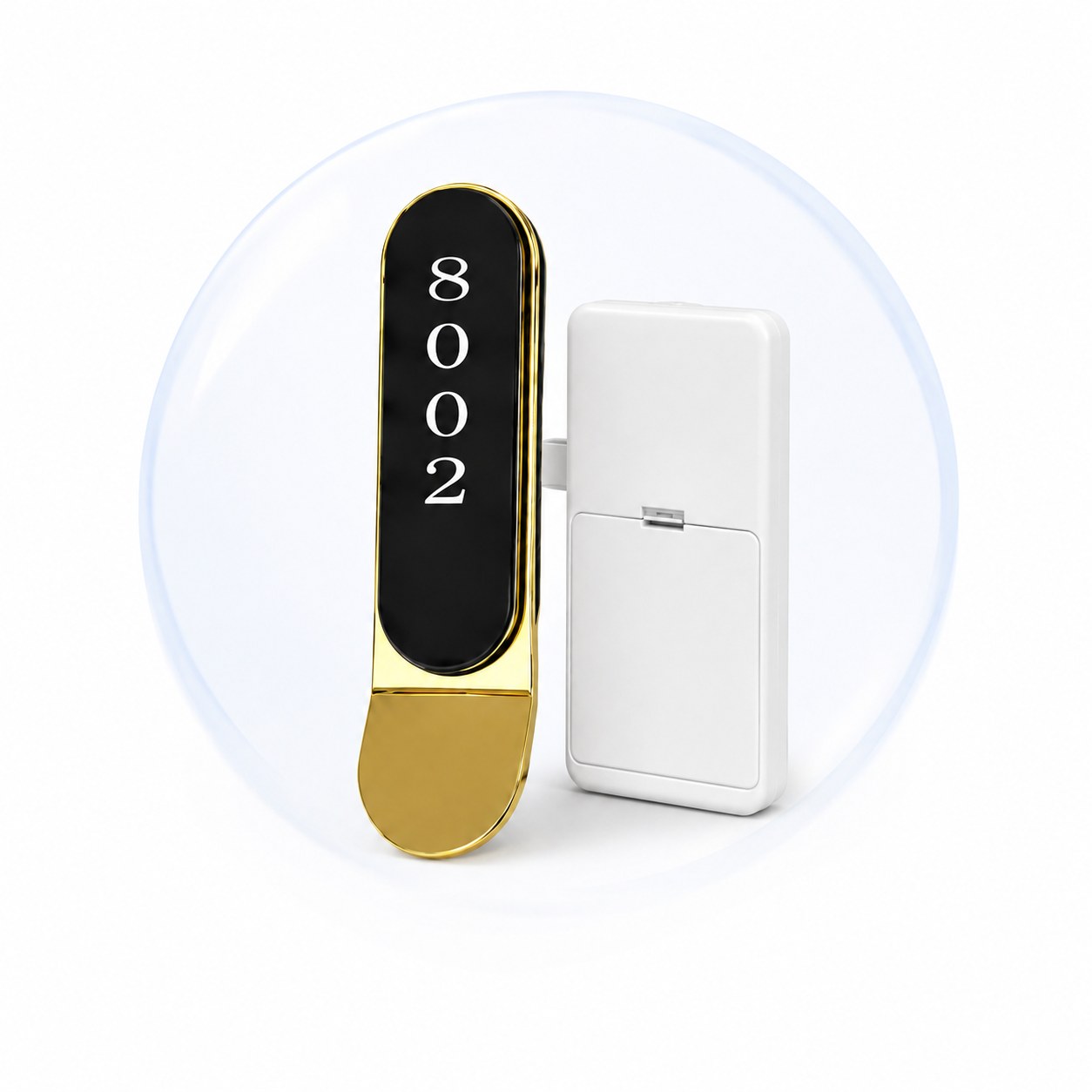
Each battery-powered locker lock reads the credential and verifies its authorization locally. Compatible models can be selected for wooden, metal, HPL or plastic lockers and configured for Public Mode or Private Mode.
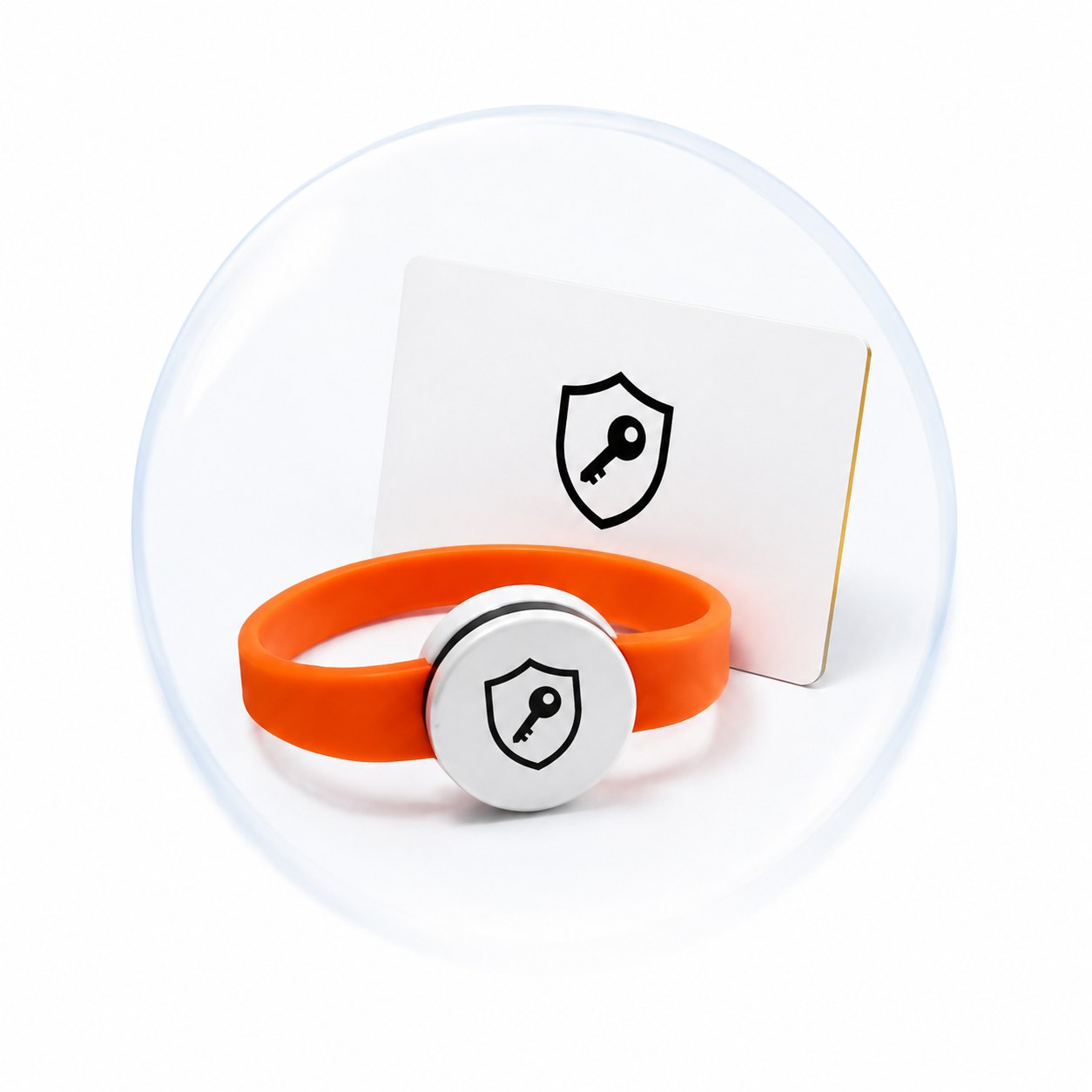
Authorized staff can use management or master cards for locker setup, emergency opening, lost-card handling and routine maintenance. Management credentials should be securely stored and issued only to approved personnel.
How the RFID Locker System Works
The YonAnn RFID locker lock system uses management software and a card encoder to issue access permissions to RFID cards or wristbands. Each locker lock verifies the credential locally, so continuous Wi-Fi or a permanent connection to the management computer is not required.
1. Create the User Record
2. Issue the RFID Credential
3. Assign or Select a Locker
4. Present the Card or Wristband
5. Unlock the Locker
6. Manage Lost Credentials
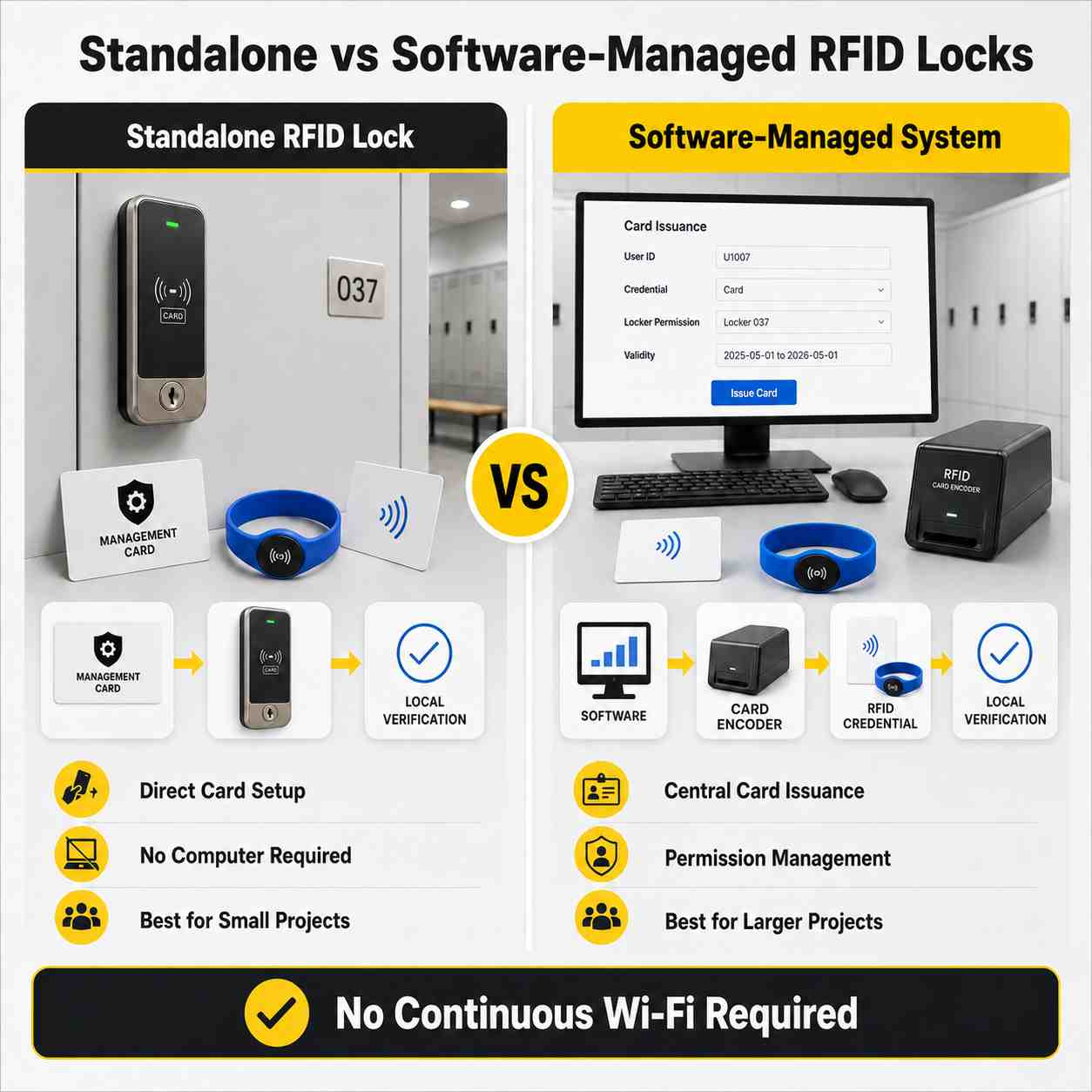
Standalone vs Software-Managed RFID Locks Supported
| Requirement | Standalone RFID Lock | Software-Managed System |
| Card programming | Directly on the lock | Central card encoder |
| User records | محدود | Managed through software |
| Bulk card issuance | Less convenient | مناسب |
| Lost-card replacement | Manual lock operation | Centralized credential replacement |
| Best application | Small, simple projects | Gyms, spas and larger projects |
| Required hardware | Lock and card | Lock, encoder, software and card |
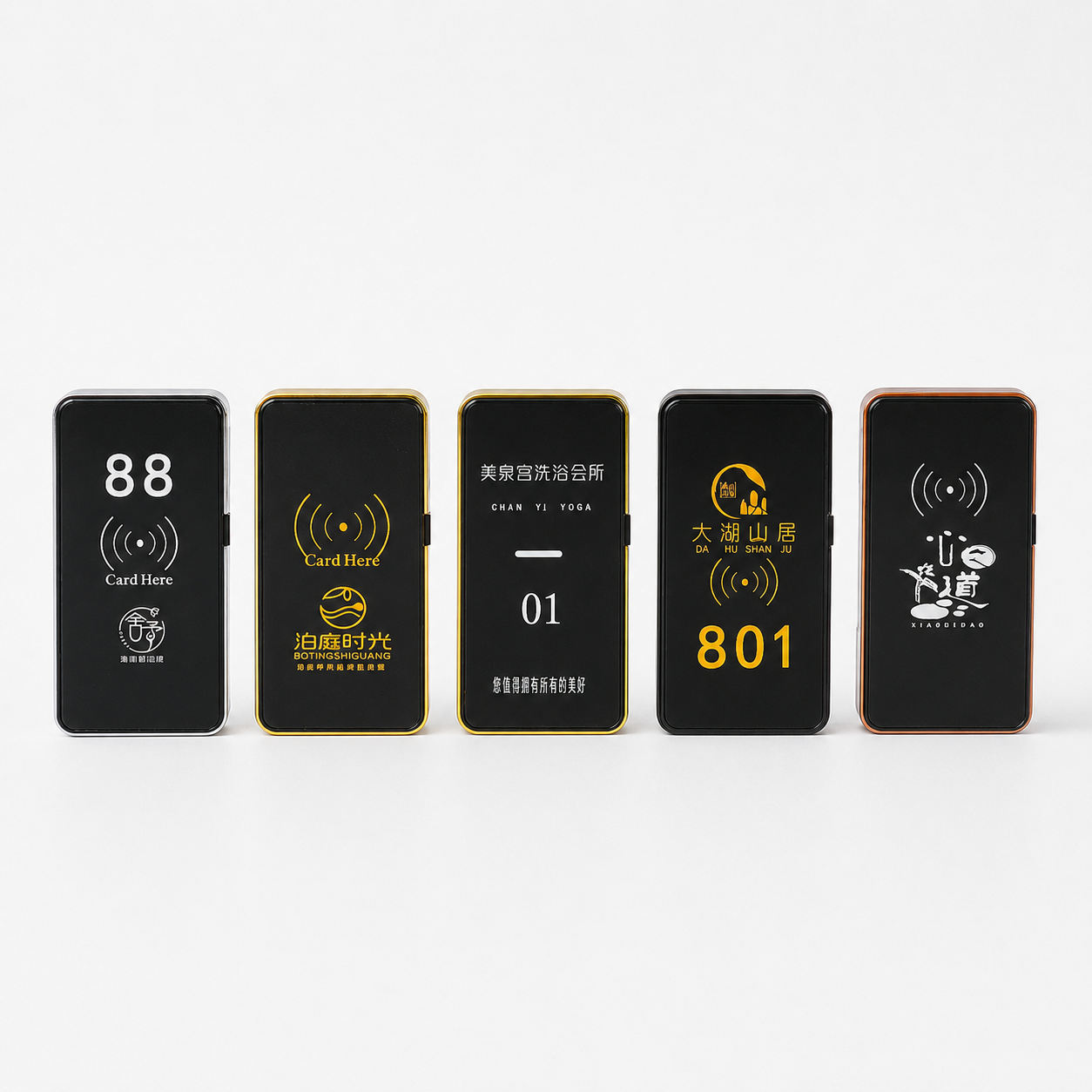
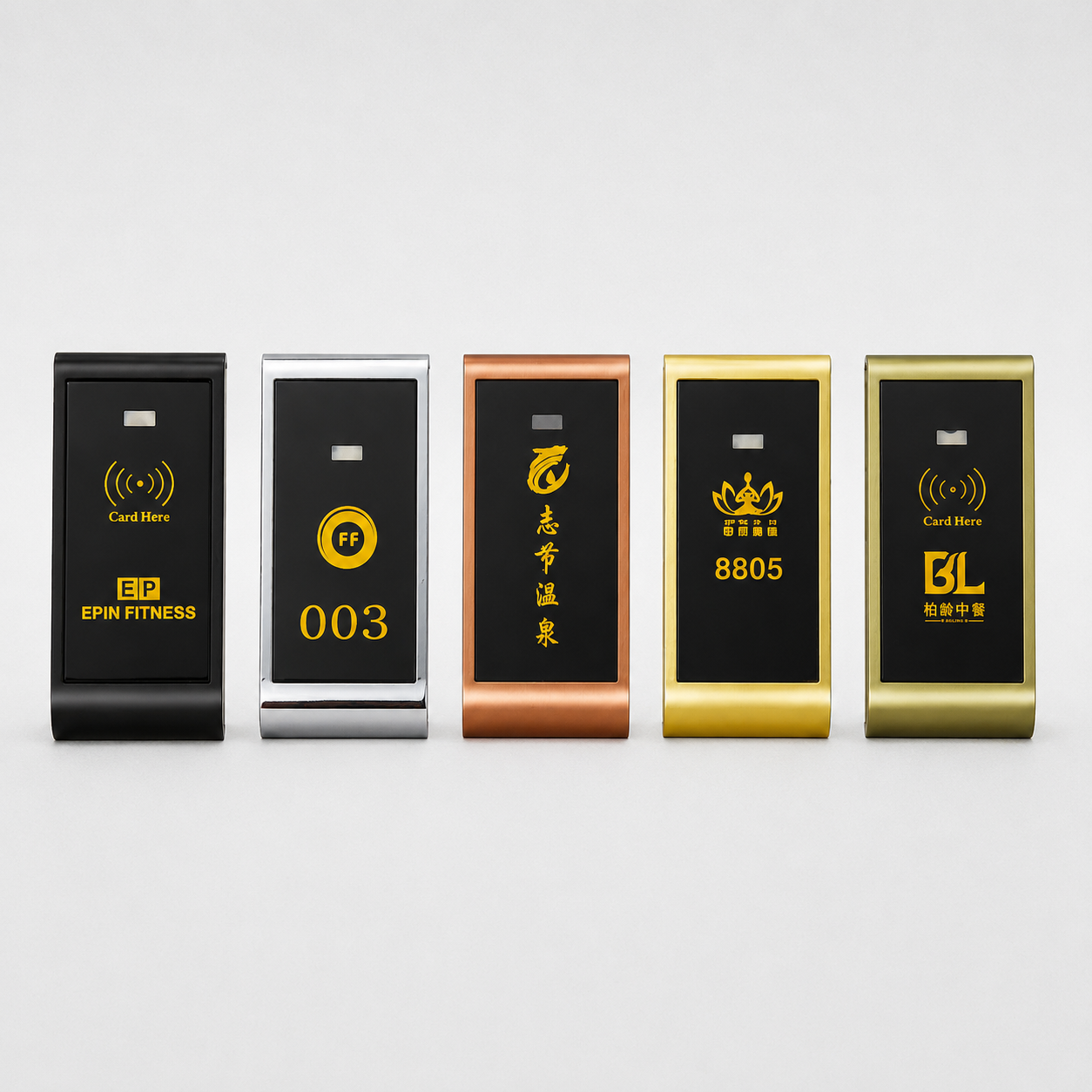
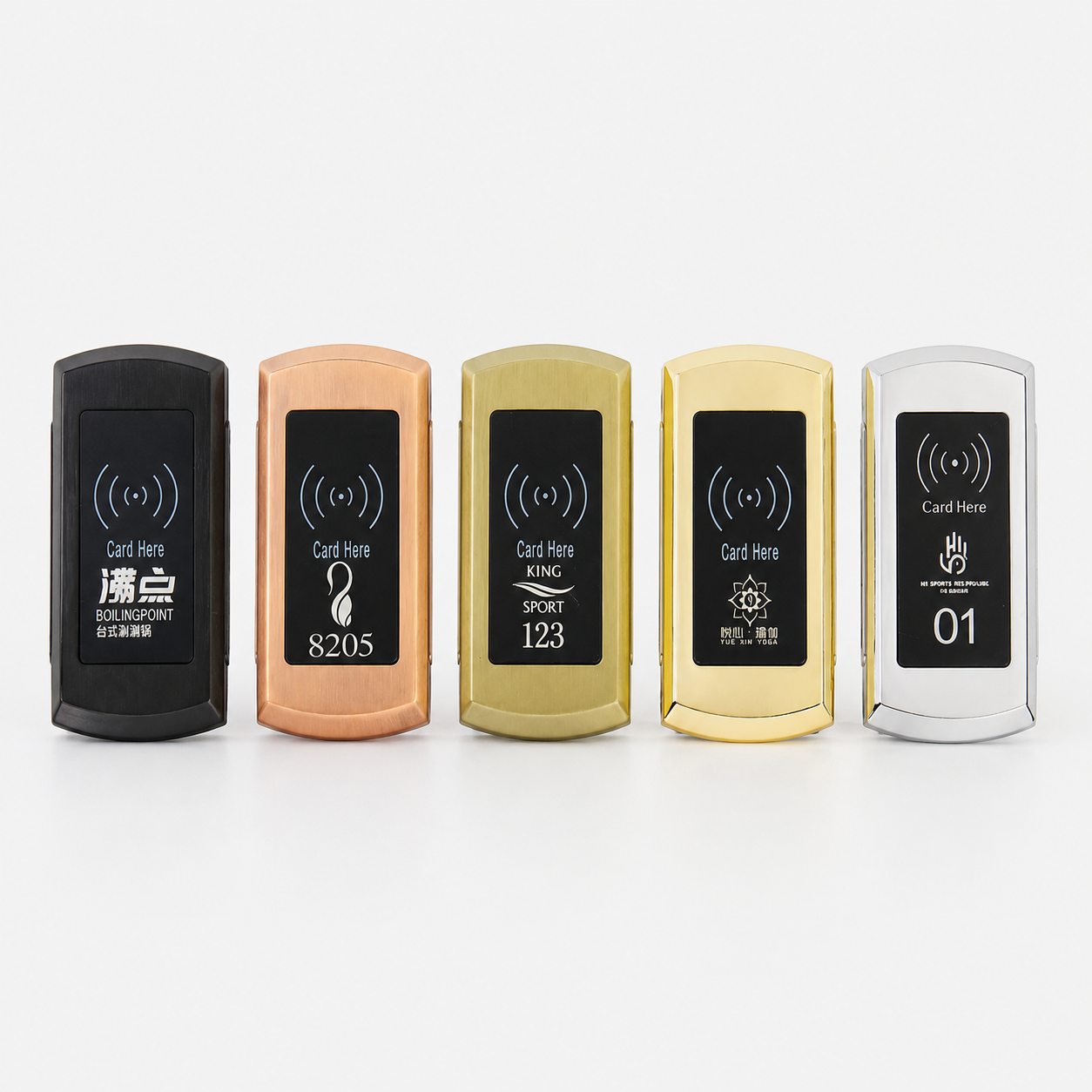
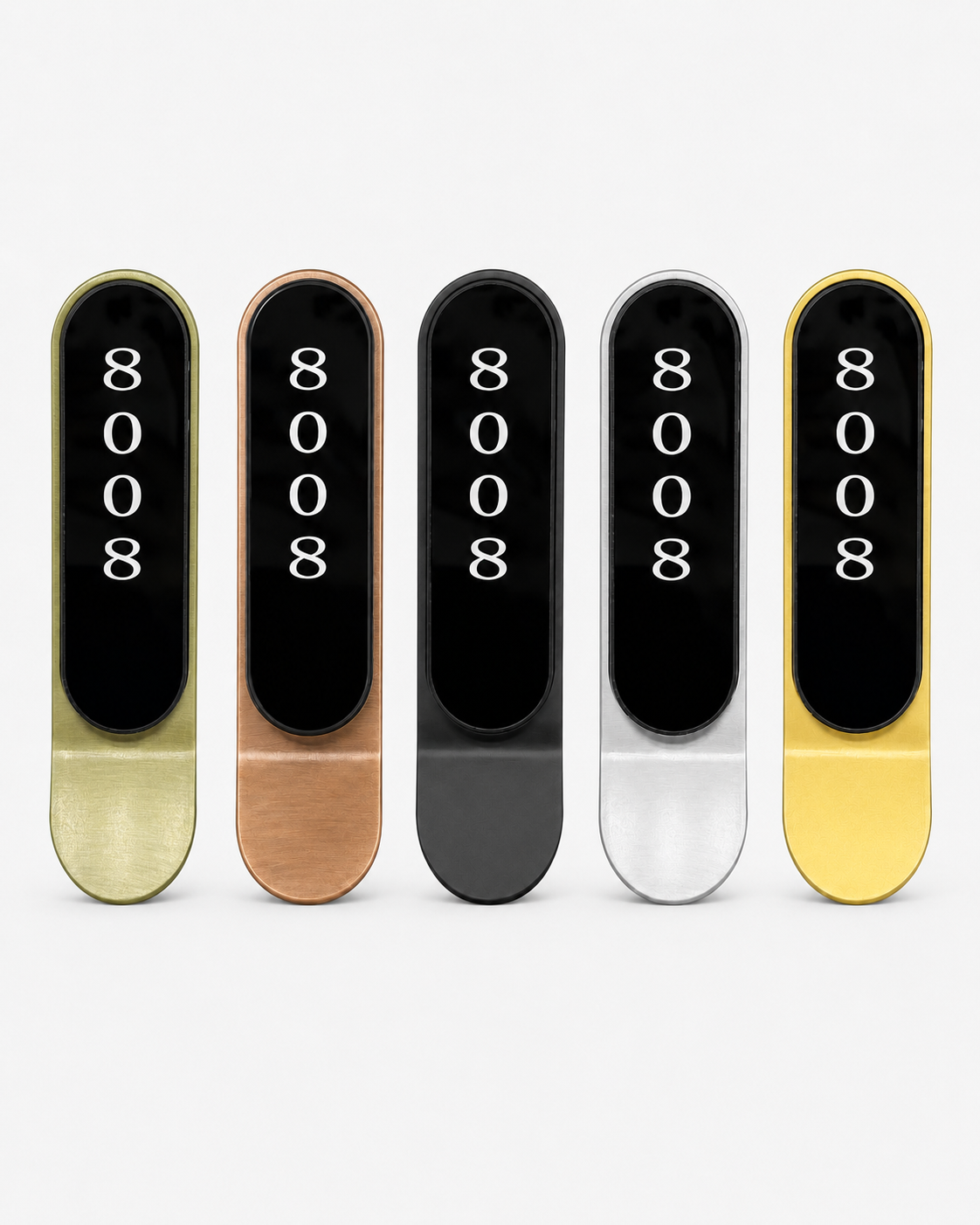
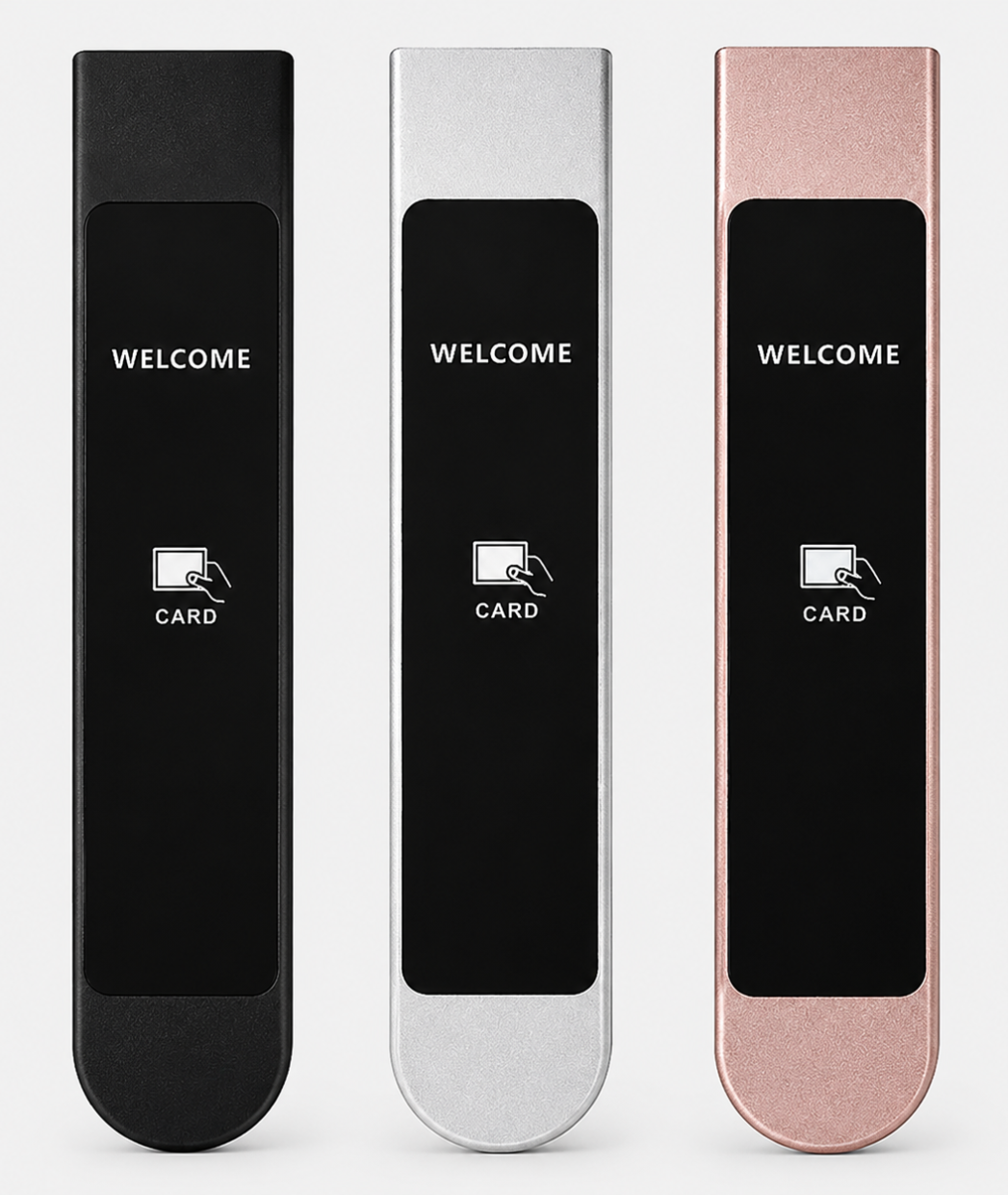
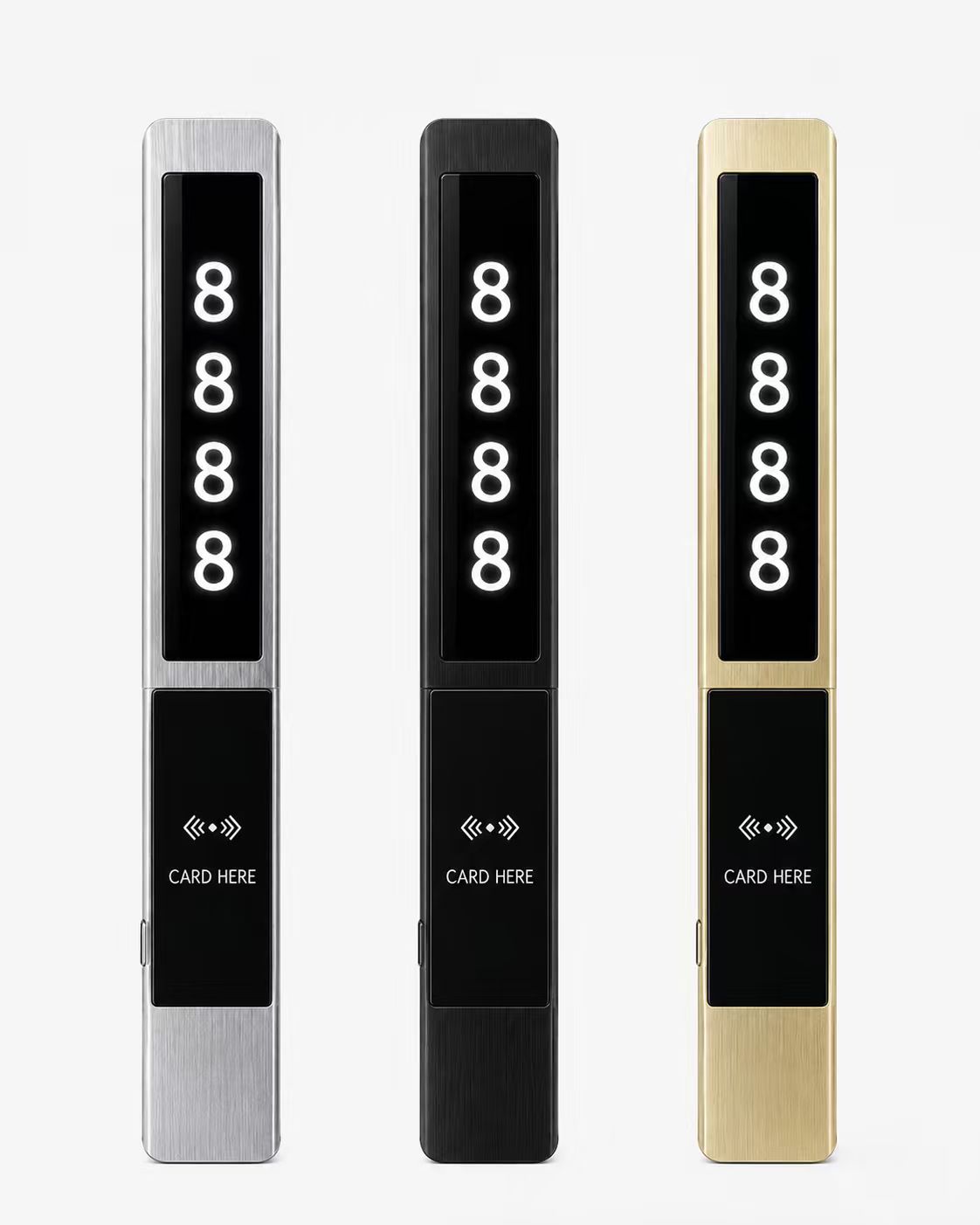
Compatible System Locker Lock Models
- حالة التطبيق والتثبيت
- خط الإنتاج
- حالة تركيب المشروع
طلب
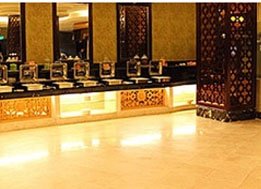
يمكن استخدام قفل الخزانة الذكي RFID على نطاق واسع في هذا المكان








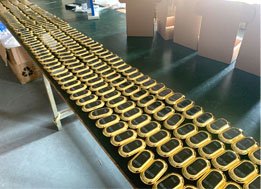
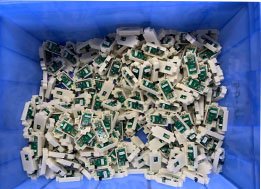
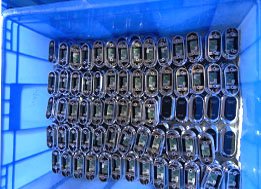
خط إنتاج قفل الخزانة بتقنية RFID





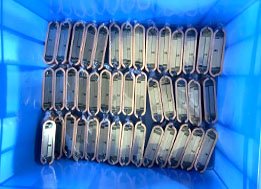
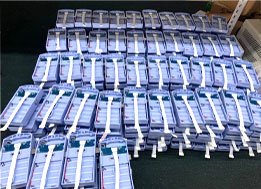
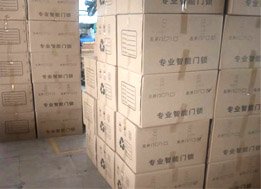
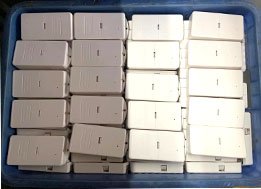

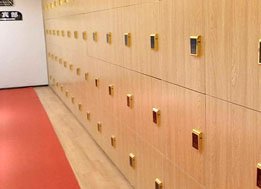
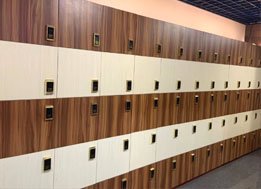

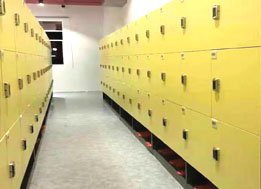
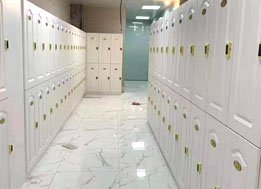
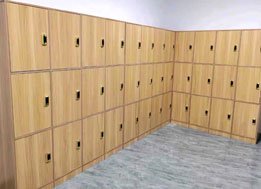
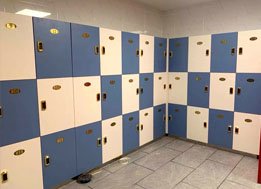
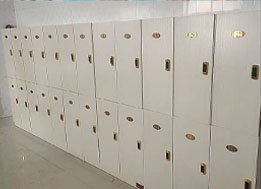

YonAnn Software Managed RFID Cabinet Lock
We have different card chips RFID cabinet lock system which for different usage . For simple use EM4100 card chip standalone or Mifare 1 card chip standalone type use .
إذا كنت بحاجة إلى العمل مع برنامج، يمكنك اختيار قفل خزانة شريحة بطاقة T5577 أو شريحة بطاقة Mifare 1. الوضع العام هو الوضع الحر، ويمكن للعميل استخدام أي مفتاح سوار لفتح القفل.
الخزانة، ثم افتحها باستخدام نفس المفتاح.

حول مفاتيح سوار المعصم



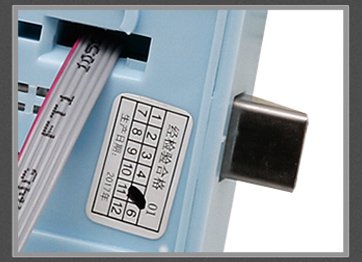
حول قفل الجسم
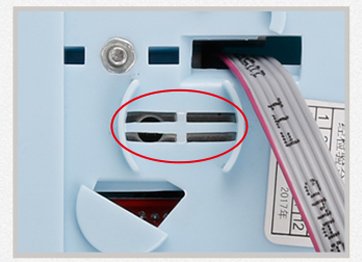
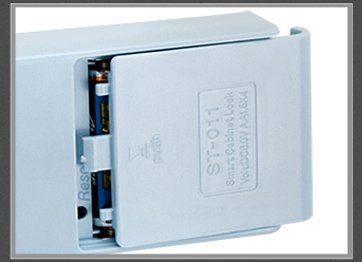
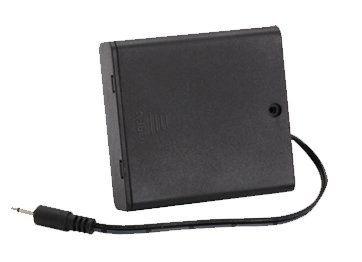
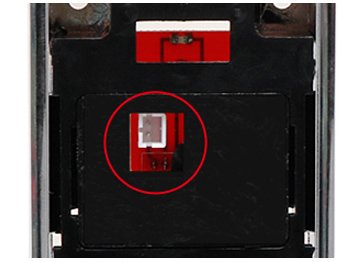
مصدر طاقة الطوارئ
اختر نوعين من قفل الجسم
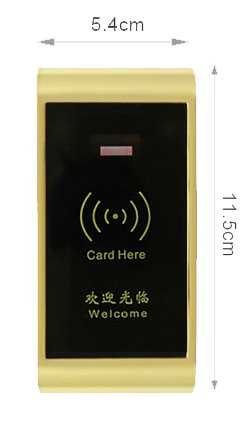


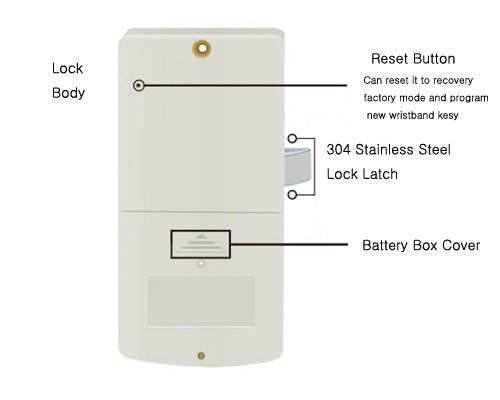
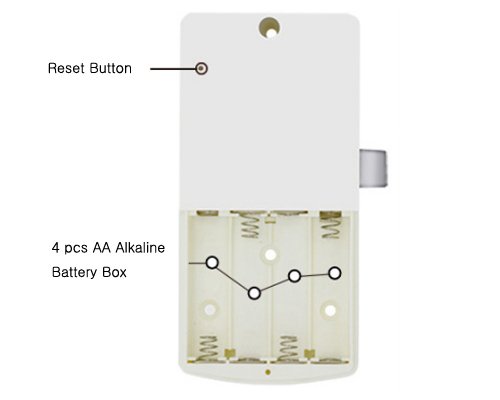
دليل التثبيت
ثقب الحفر

تركيب اللوحة الأمامية وجسم القفل

برمجة مفتاح سوار المعصم واختباره

1. اقرأ المفتاح الموجود على قارئ القفل 2. افتح الباب 3. أخرج الأغراض 4. أغلق الدرج لوحة باب مصنوعة حسب الطلب

نصائح التثبيت
- عند التركيب، من الضروري حفر ثقب وفقًا لمخطط فتح باب الخزانة المقدم من قبلنا (بحيث يمكن فتح باب الخزانة في حالة فشل القفل دون إتلاف باب الخزانة باستخدام برنامج فتح الباب في حالات الطوارئ)
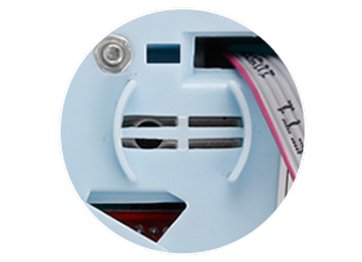
- عند تركيب جسم القفل، انتبه إلى تطابق فتحة فتح باب الطوارئ مع الفتحة المثقوبة في جسم القفل (أي أنه يمكن رؤية فتحة الطوارئ في جسم القفل من الفتحة المثقوبة في الدرج).
- بعد التركيب، لا تقفل باب الخزانة أولًا. عليك تركيب البطارية على القفل. استخدم بطاقة ماستركارد لبرمجة مفاتيح فتح الباب، وتحقق من إمكانية فتح الدرج وقفله بشكل طبيعي.
- يمكن لبطاقة ماستركارد إعادة ضبط القفل، لذا لا تستخدمها في حالات الطوارئ. يمكن حذف بطاقة المفتاح المبرمجة في حال قراءة المفتاح الرئيسي بطريقة خاطئة، مما قد يؤدي إلى توقف البطاقة عن العمل. تُستخدم بطاقة ماستركارد عند الحاجة لإعادة ضبط القفل أو في حالات الطوارئ.
Does the RFID locker system require Wi-Fi?
No. In YonAnn’s offline software-managed system, the computer and card encoder are used to issue RFID credentials, while each locker lock verifies the card or wristband locally. Continuous Wi-Fi is not required. Real-time monitoring or remote management requires a compatible online system.
What does the card encoder do?
The card encoder connects to the management computer and reads or writes RFID credentials. Administrators use it to issue cards or wristbands, assign locker permissions, set validity periods and replace lost credentials. Its exact functions depend on the selected software and RFID chip.
Can existing membership cards be used?
Yes, provided that the membership cards are compatible with the lock reader and management software. The frequency, chip type, UID or sector format and encryption method must be checked. YonAnn recommends sending card samples for testing before bulk production.
How is a lost wristband replaced?
The administrator first invalidates or replaces the lost wristband according to the system procedure, then uses the card encoder to issue a new wristband with the required locker permission. Staff can use an authorized management card for emergency opening or locker resetting when necessary.
Can one card work for both entrance access and lockers?
Yes, one RFID card or wristband may be used for entrance access, membership identification and locker access if all systems support the same chip and data format. Compatibility testing with the existing access-control provider is required before project confirmation.
What is the difference between standalone and software-managed locks?
Standalone RFID locks are configured directly using management cards. They are simple to install and suitable for smaller projects without centralized user records.
Software-managed locks use management software and a card encoder to issue credentials and manage permissions more efficiently. They are better suited to gyms, spas, hotels, schools, factories and other projects with many users or lockers.
How many locks can the system manage?
The system can be configured for projects ranging from small locker rooms to installations with hundreds or thousands of lockers. The actual capacity depends on the software version, database configuration, lock model and project structure. YonAnn will confirm the supported capacity after reviewing the required number of lockers, users and management zones.
Does the software support multiple administrators?
Multiple staff members can be assigned management responsibilities, subject to the selected software version. If separate administrator accounts, permission levels or operation records are required, these requirements should be confirmed before ordering so YonAnn can recommend the correct configuration.
Which RFID chips are compatible?
Compatibility depends on the selected lock reader and management system. Common options include 13.56 MHz MIFARE credentials, while selected models also support 125 kHz cards and wristbands. MIFARE Classic 1K is commonly used; other chips or encrypted card formats must be tested and confirmed before production.
Can YonAnn provide software installation and commissioning support?
Yes. YonAnn can provide software installation guidance, system configuration support, card-encoder setup, credential testing, operating instructions and remote technical training. For larger projects, we can also help confirm the system configuration, locker numbering, card-management process and commissioning requirements before delivery.
Request an RFID Locker System Proposal
Every locker project has different requirements. YonAnn can recommend a complete RFID locker system based on your locker quantity, cabinet material, operating mode, RFID credentials and management requirements.
Please provide:
- Project type and country
- Number of lockers
- Cabinet material and door thickness
- Public Mode or Private Mode
- Existing card or wristband specifications
- Required software-management functions
- Installation photos or drawings
- OEM requirements for logo, color, numbering or packaging
Our team will prepare a suitable configuration covering RFID locker locks, management software, card encoder, cards or wristbands, installation guidance and technical support.
أرسل استفسارك اليوم
 Arabic
  English
  Russian
  Spanish
  Vietnamese